
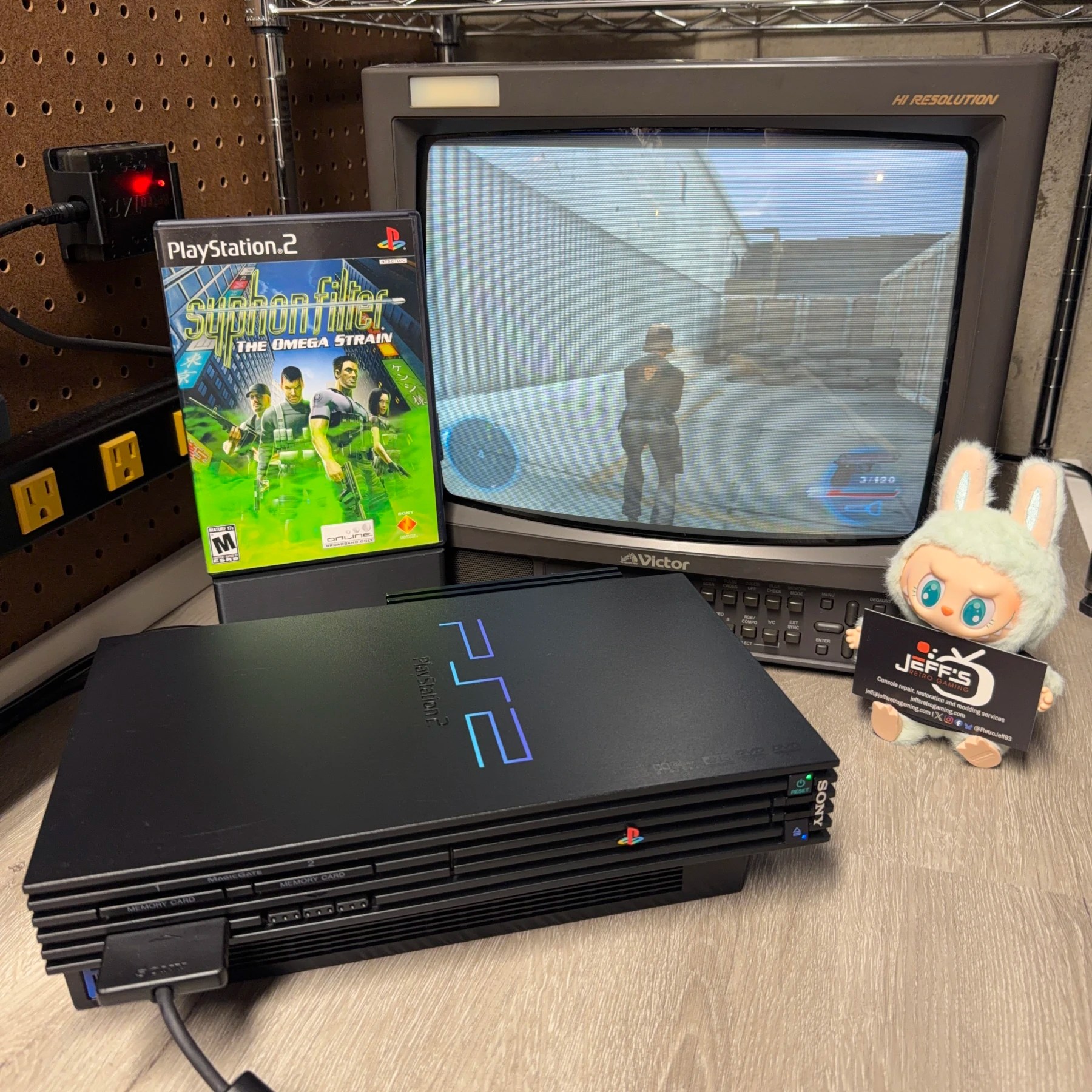
The first console in this dual console order was a fat PS2! Both systems were in for a straightforward refurbishment (no mods) and both were confirmed working by the customer and tested fine by me. Nothing out of the ordinary here although an OEM network adapter was attached and since I keep spare adapter cap kits around I included that in the recap process (and cleaned the shell of it was well).
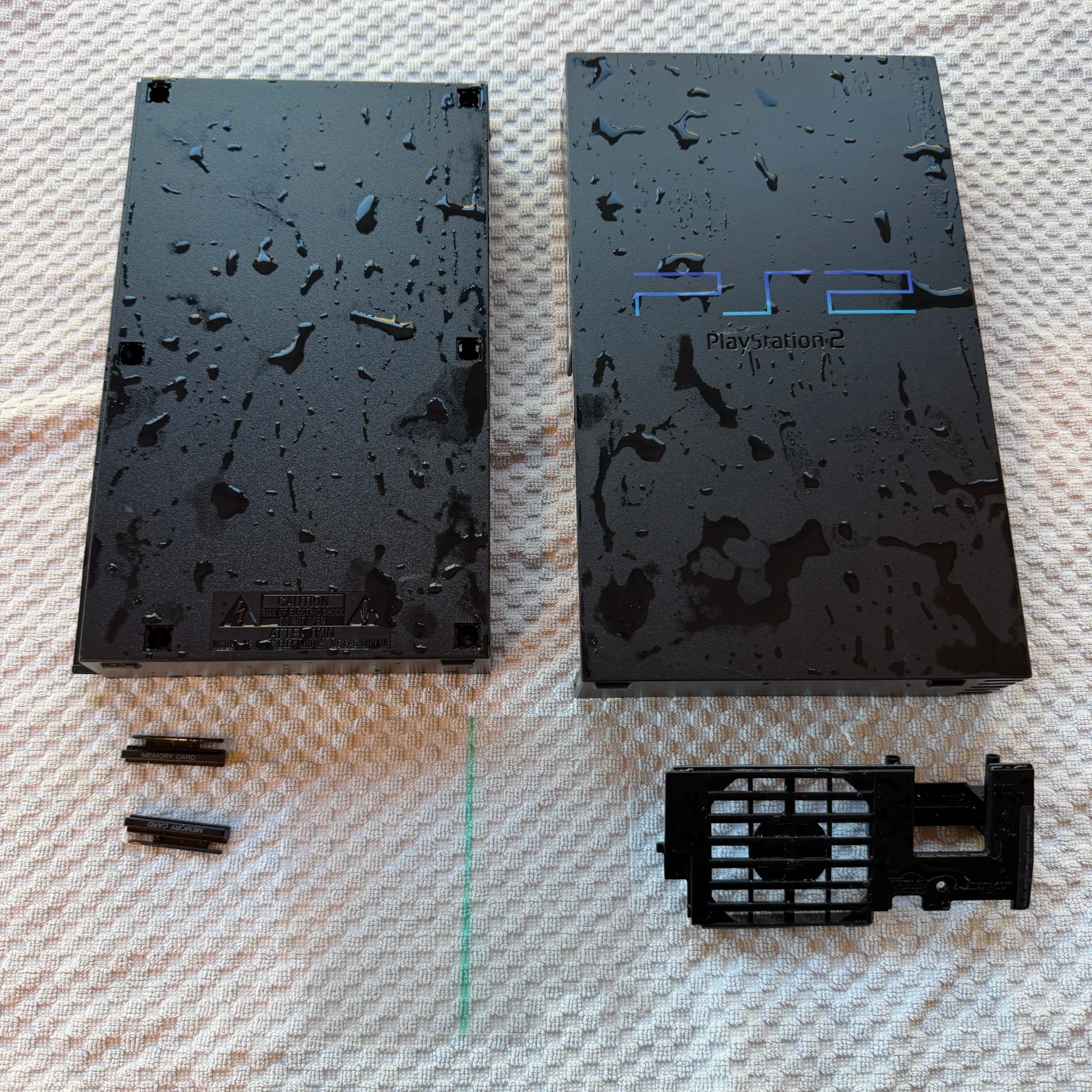
Once the shell and plastic parts (memory card flaps, fan vent, etc.) were disassembled and set aside I soaked them, scrubbed and set to dry overnight while proceeding with the recap process.
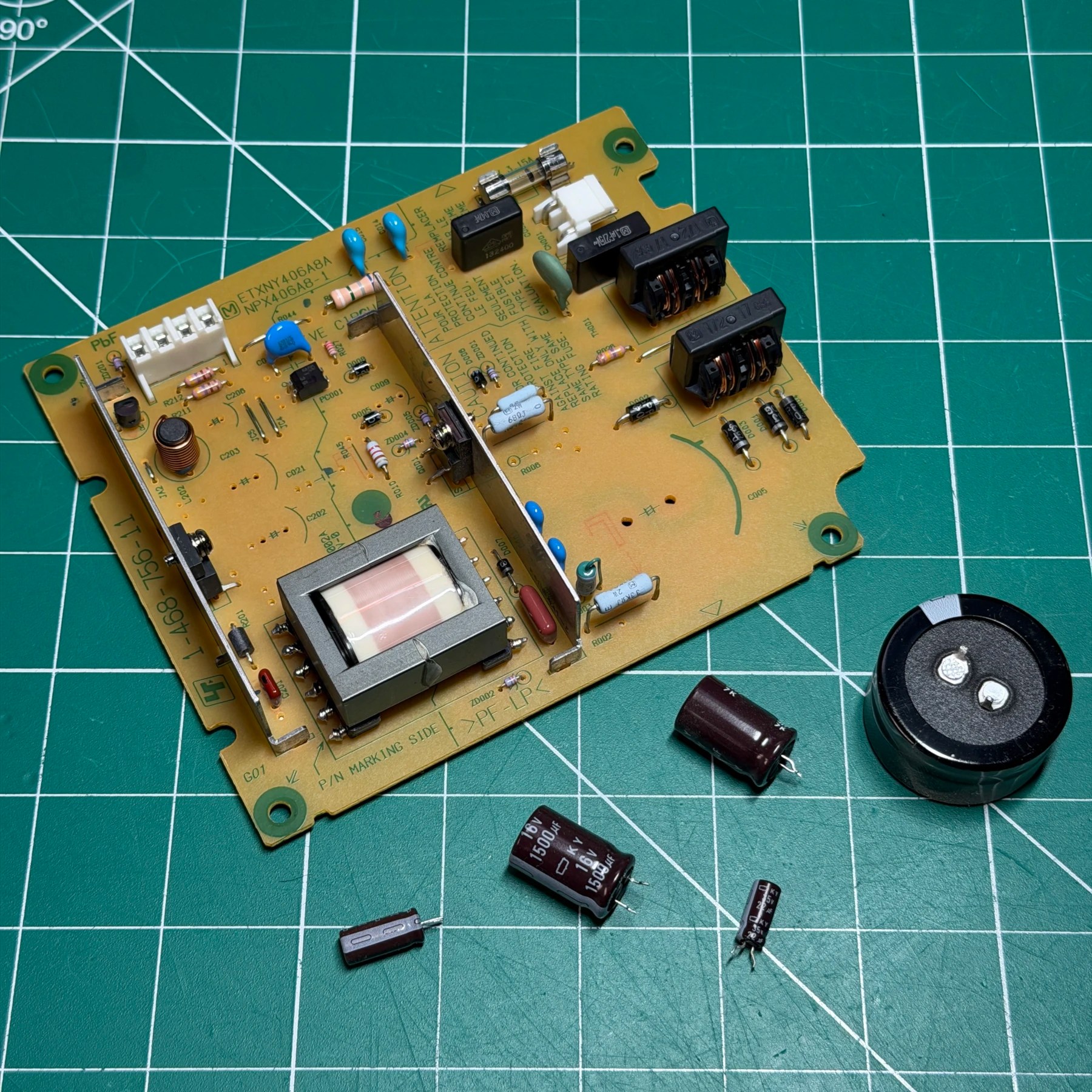
First up was the PSU as this is a very quick recap. I removed the 5 caps with my Hakko gun, wiped the board down with ISO and then soldered on the new caps from a Console5 kit (including the large filter cap addon). With the PSU done I set that to the side and then decided to do the network adapter next.
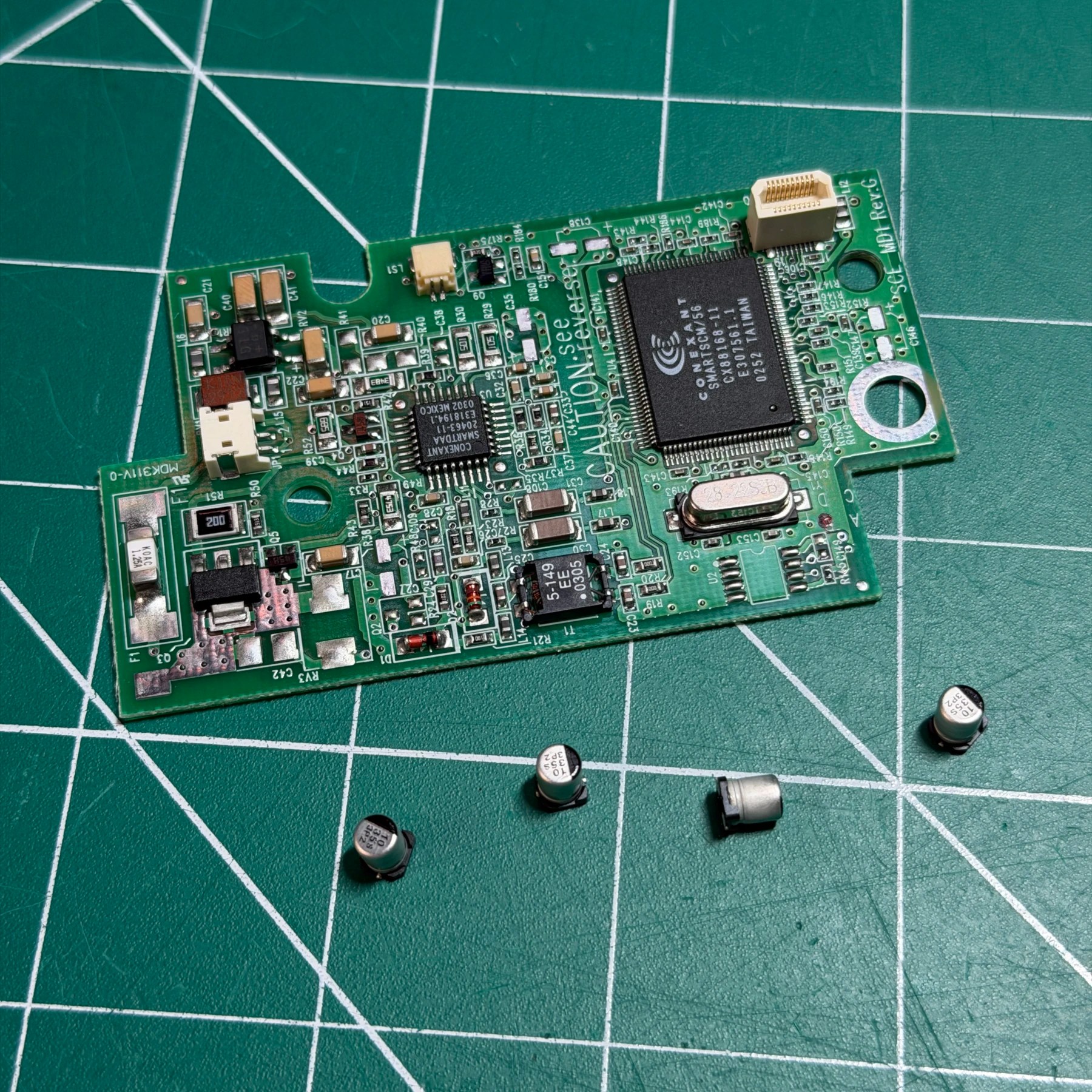
Not many SMD caps on the adapter but taking it apart and putting it back together can be a bit of a pain. All caps are same value and there are only 4 so I make quick work of them with my hot tweezers, then clean the board and put the adapter brick back together.
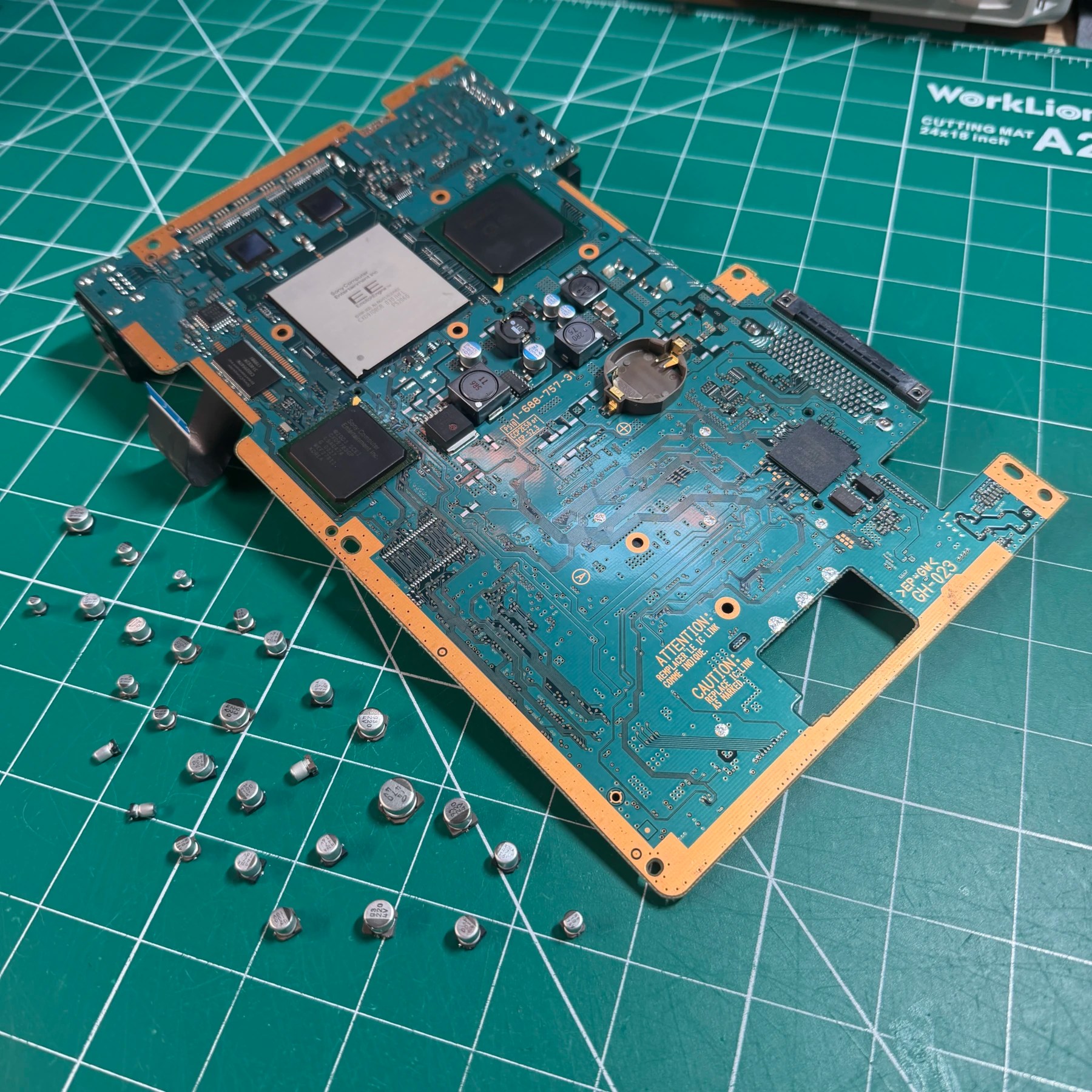
For the mainboard recap it’s a pretty time-consuming process as for most variants there is no detailed cap map, there are no markings on the motherboard, etc. This specific revision actually did have a cap map but I still took a photo before removing any for reference and then proceeded to remove all the electrolytics with my hot tweezers, wicked away any leftover solder from the pads and went through and scrubbed the board down well on both sides.
I then used a combination of my reference pic and cap map to solder on the Console5 replacements by dividing into 3 main groups and working clockwise. Once all the new caps were on I cleaned up my unspent flux and the recap process was done!
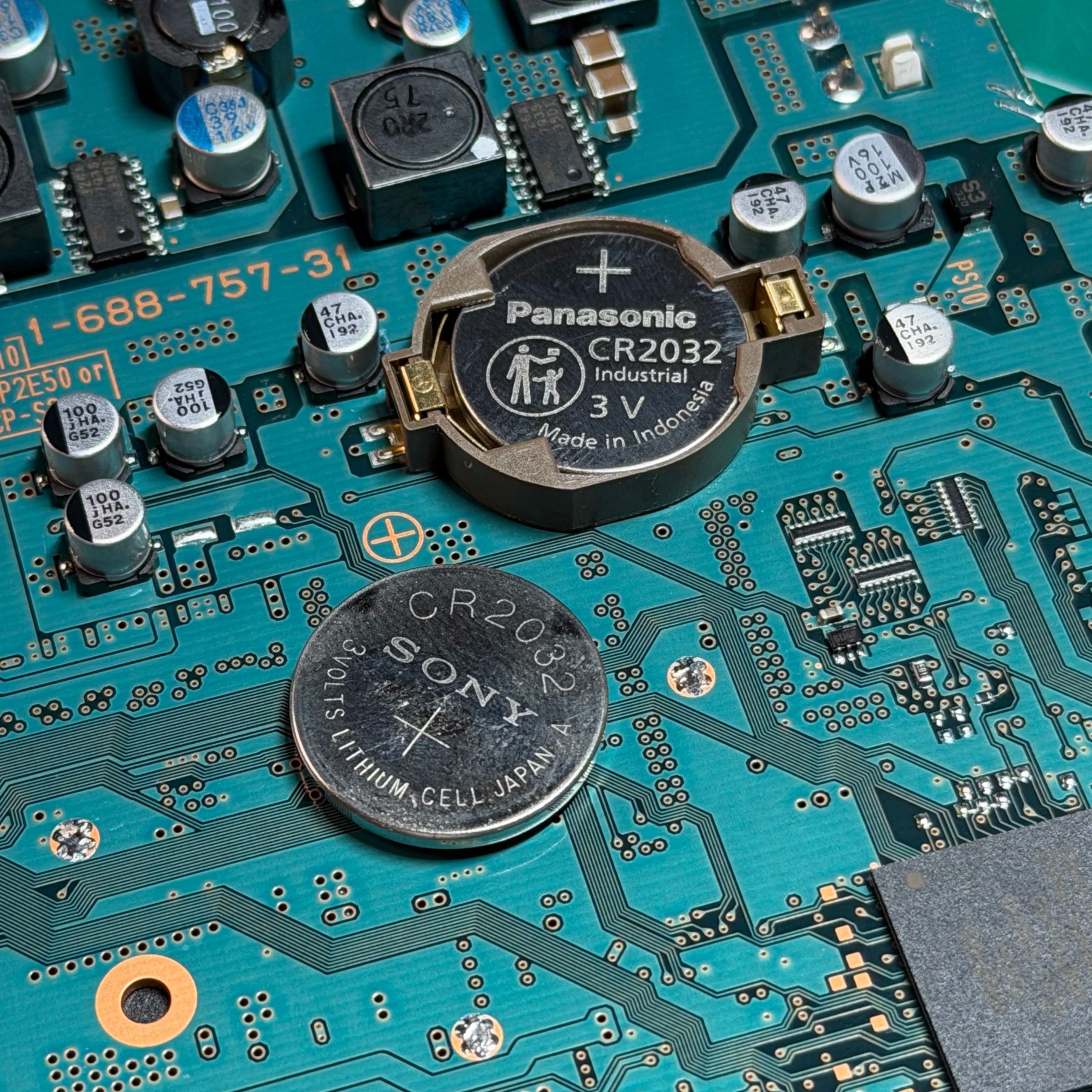
There was still some maintenance items to deal with on the mainboard so first I socketed a brand new CR2032 (for date/time) since it was open anyways. It was tested and a good CR2032 in this application should last for a very long time.
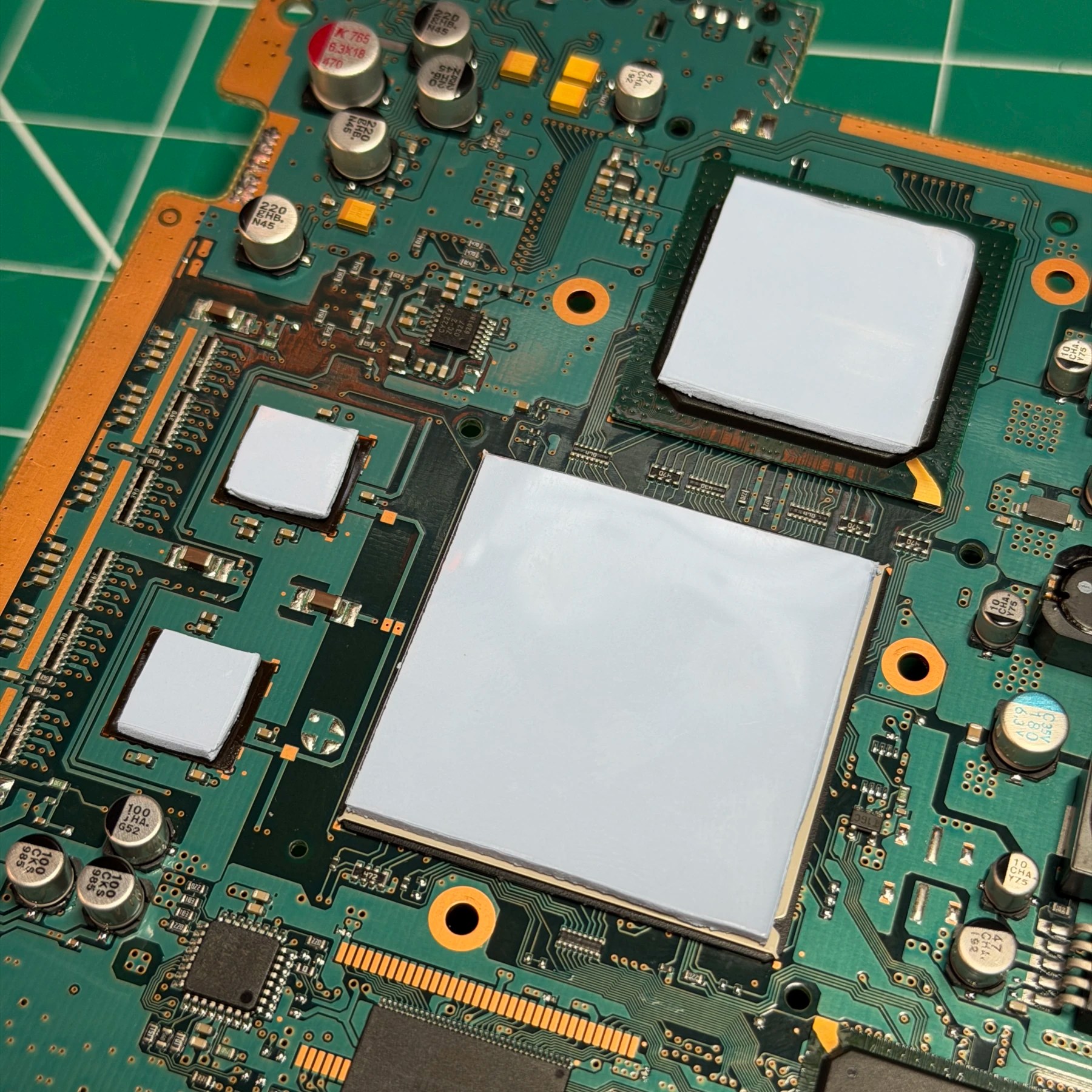
Next up was the thermal pads, I cut 4 pieces from a sheet of Arctic MX material and placed on the chips and ensured they were nice and flat and aligned. With both of those items done I then worked to sandwich the top and bottom shields back over the mainboard and set to the side.
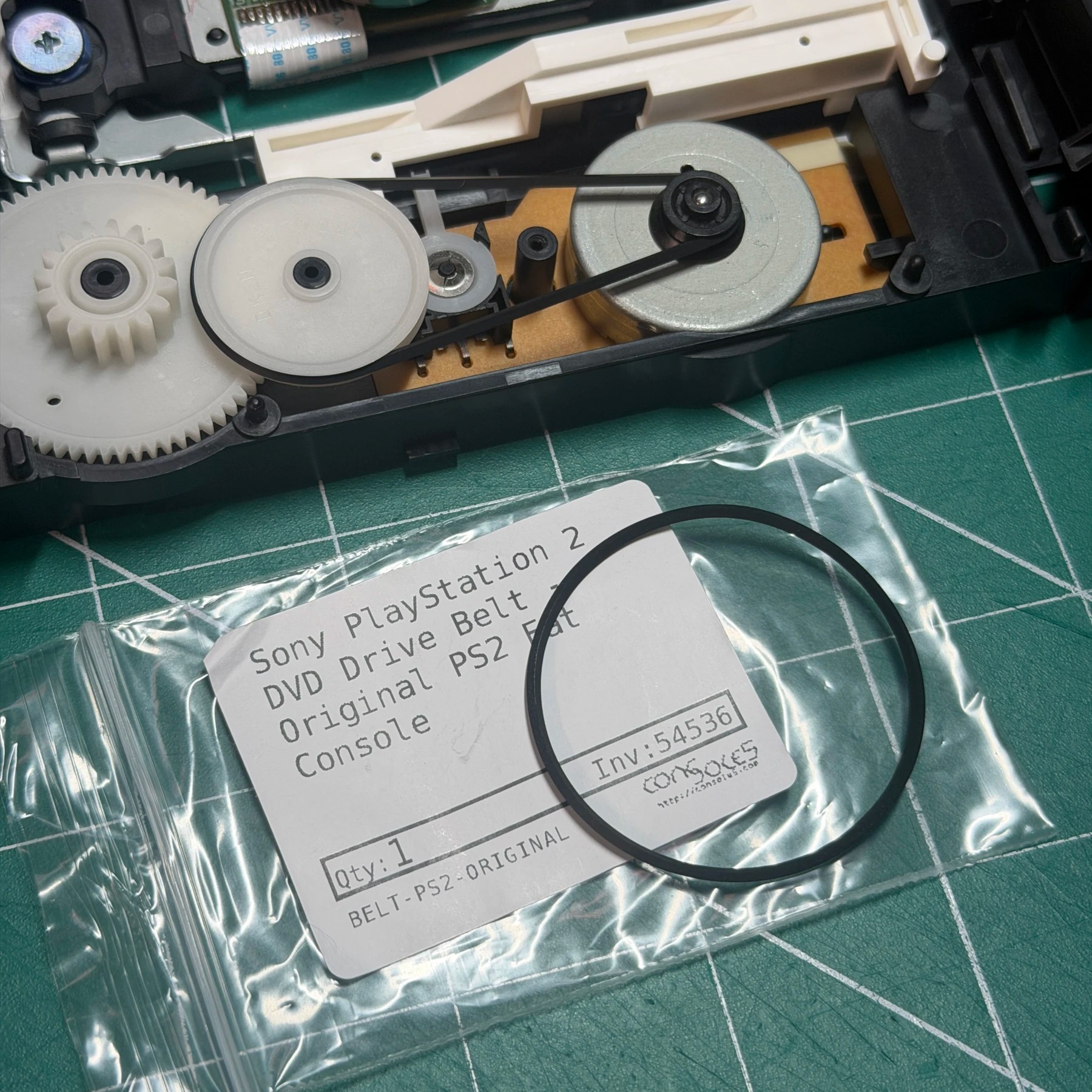
For the DVD drive I disassembled it to access the drive belt and tray and cleaned up all the plastic with ISO and a brush and then applied some fresh grease and installed a brand new rubber drive belt from Console5. This will help ensure a smooth tray operation and no mechanical issues. I didnt observe any issues reading discs (all 3 types) so no need to mess with calibration of the drive at this point.
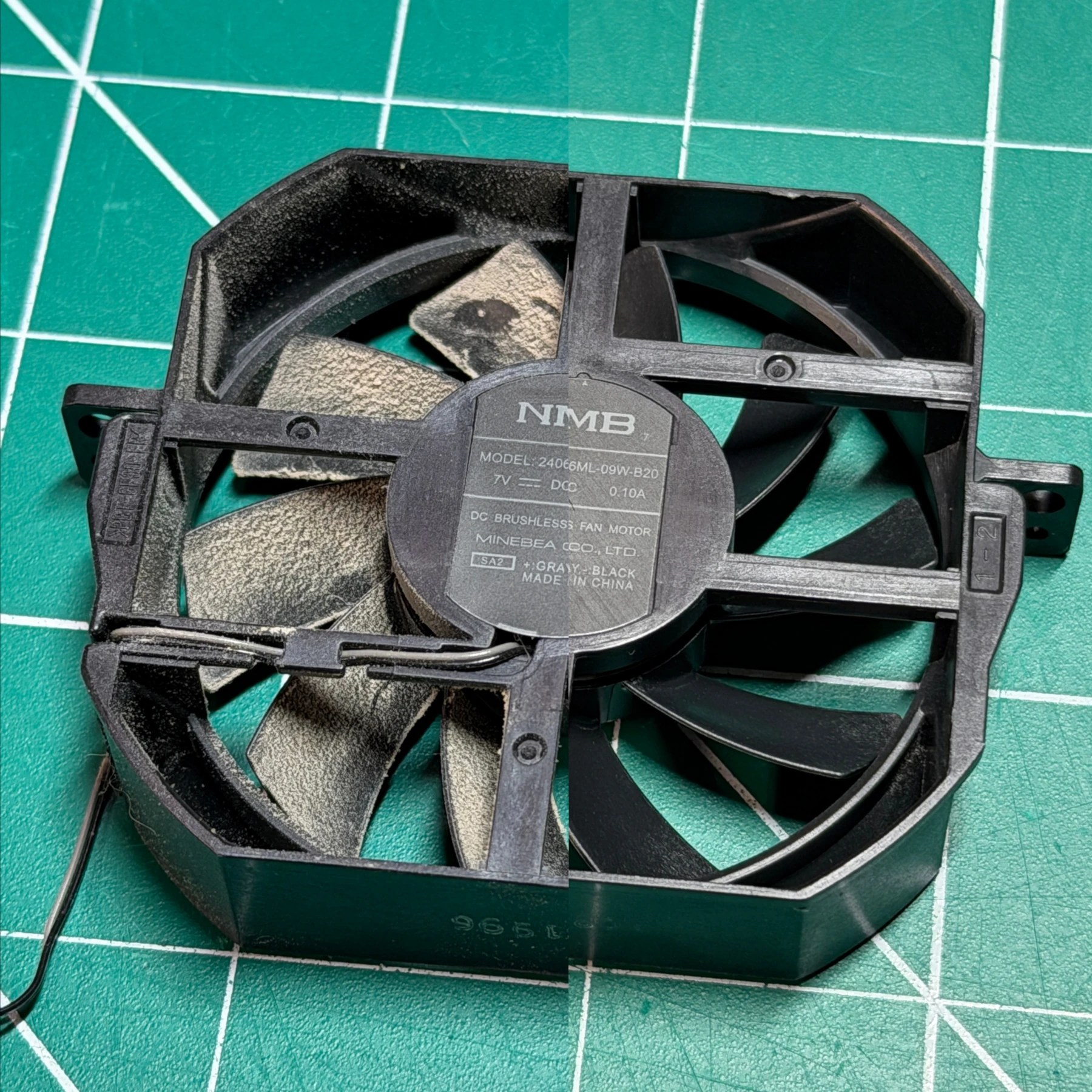
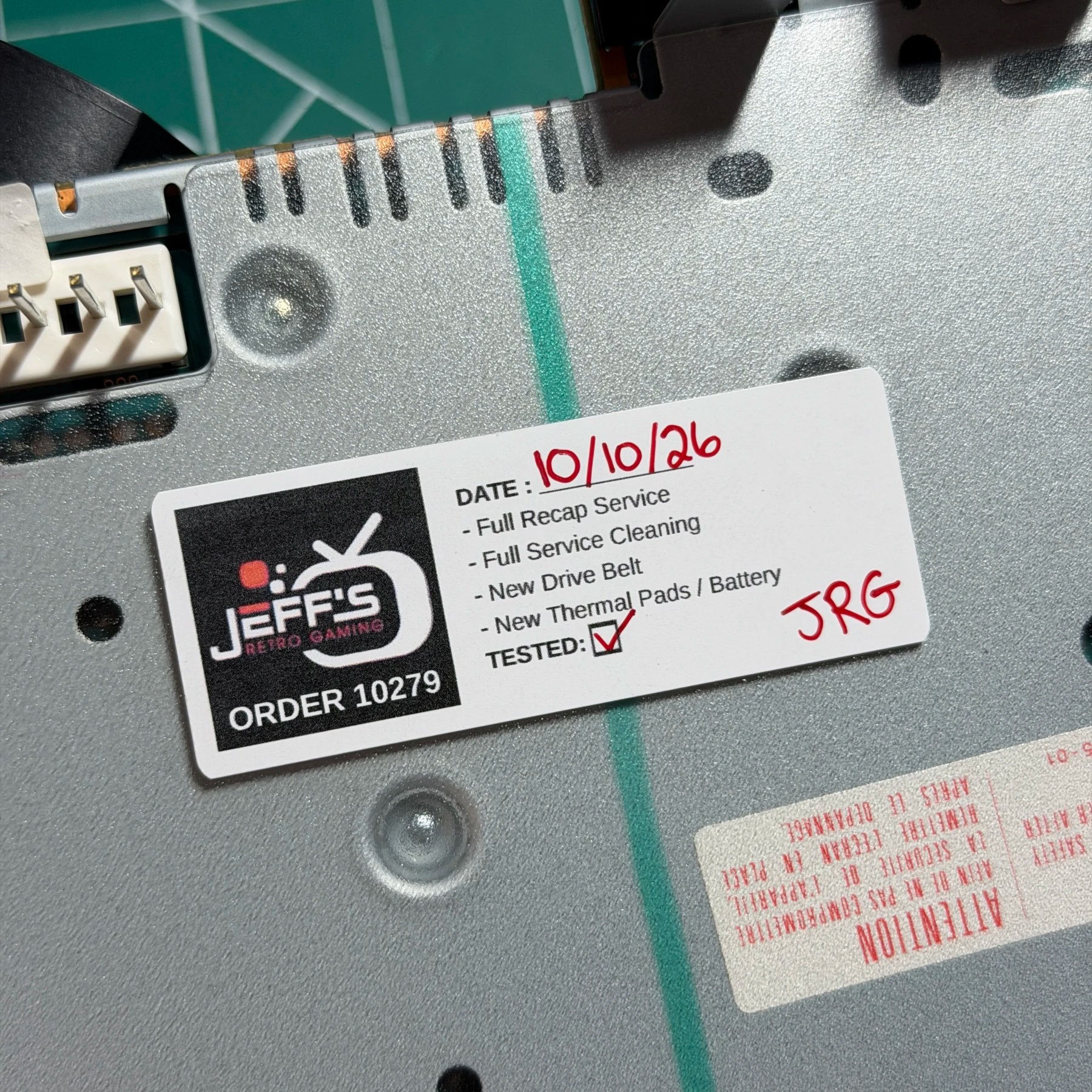
It was now time to reassemble the PS2 but I had one last part to clean… the fan! It was pretty dirty so I worked through all the fins and frame on both sides with a brush and compressor then wiped it all down thoroughly with ISO until it was spotless. I then reinstalled the fan into the mainboard socket, attached the DVD Drive and PSU back to the mainboard / shield assembly and fitted it all back into the lower shell piece. At this stage it can be tested so I fired it up and confirmed I was getting video and audio and controller feedback, set date/time and fired up a few discs. Once I knew all was good I then signed off with a sticker, closed up the top shell and then let it run on my bench for several hours to make sure the thermal pads and fan were doing their job.
All good to go on this PS2, on to the Wii next…