
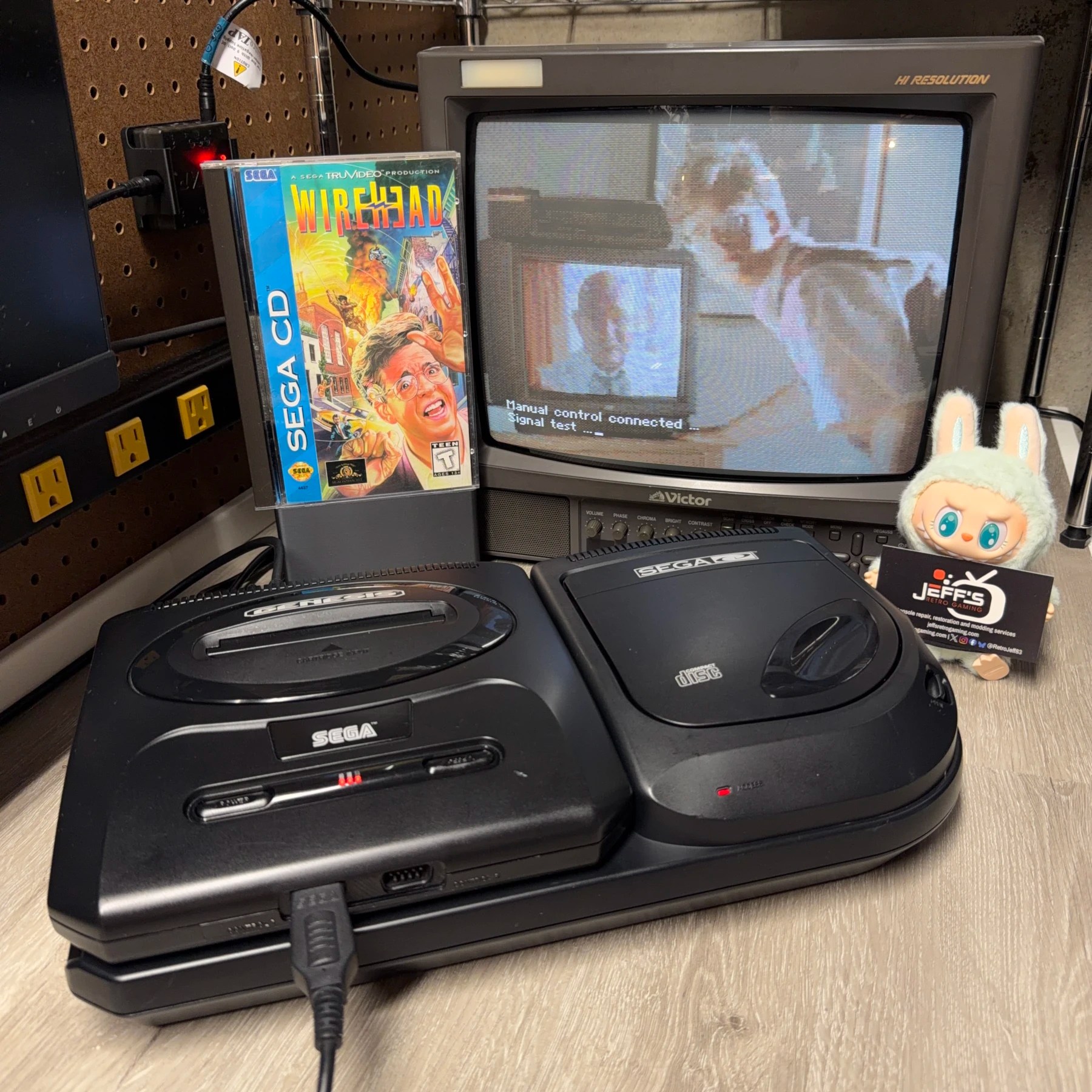
While it’s the least common variant of the Sega CD I see here in the shop (compared to the Model 1 and CDX) I like working on the Model 2 the most. Overall, it’s very stripped down compared to the other two and while there are a LOT of through hole caps on the mainboard they are not as prone to failing/leaking as the model 1 making refurbishment a bit easier.
The only surprises in store for me on this one was some rusting/water damage inside and a flakey power jack (likely the result of the aforementioned water exposure) but both things I could fix up!
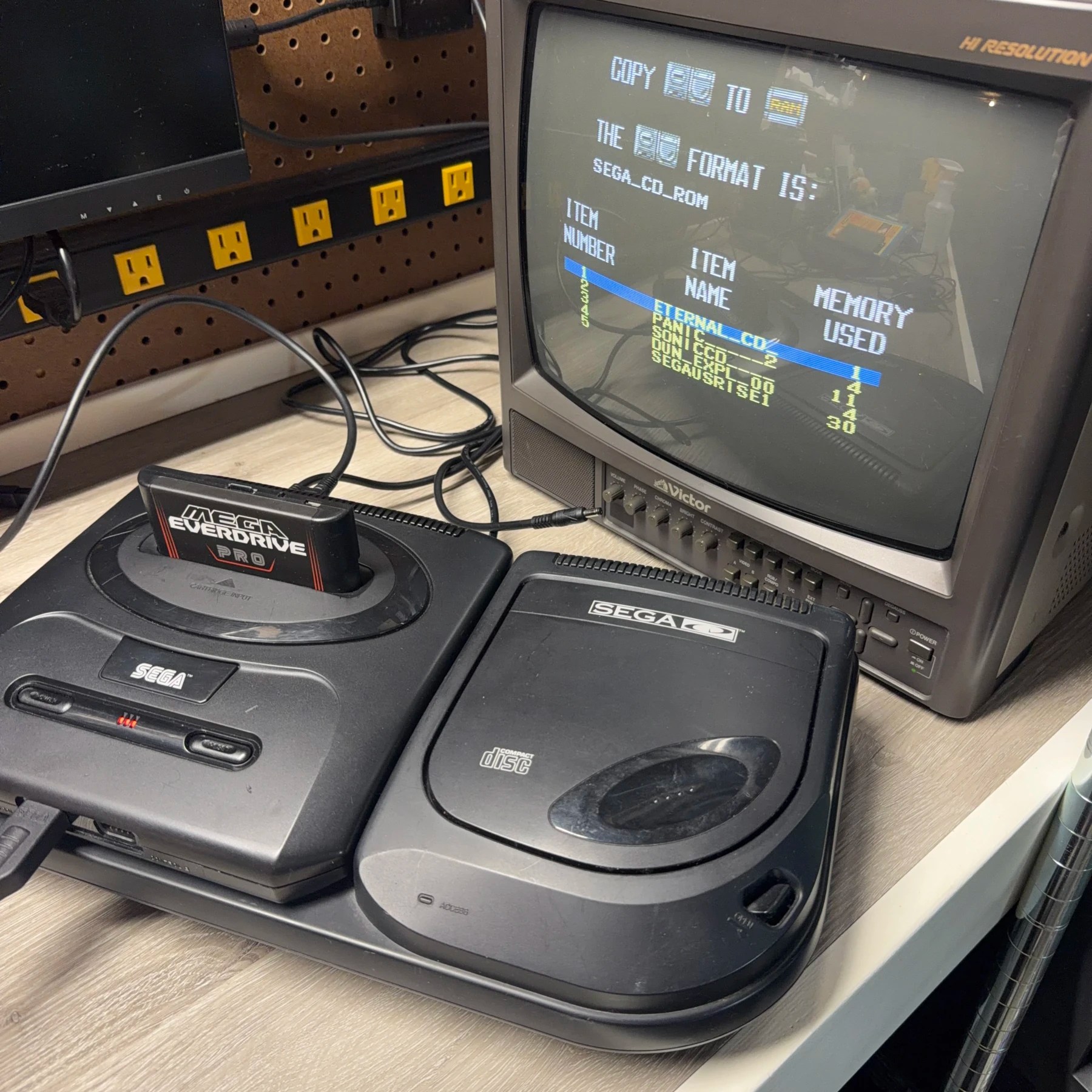
Before taking it apart I gave it a quick test and the customer asked me to backup their save data if possibly which of course I did, thanks to the EverDrives ability to act like the Sega CD backup RAM cart.
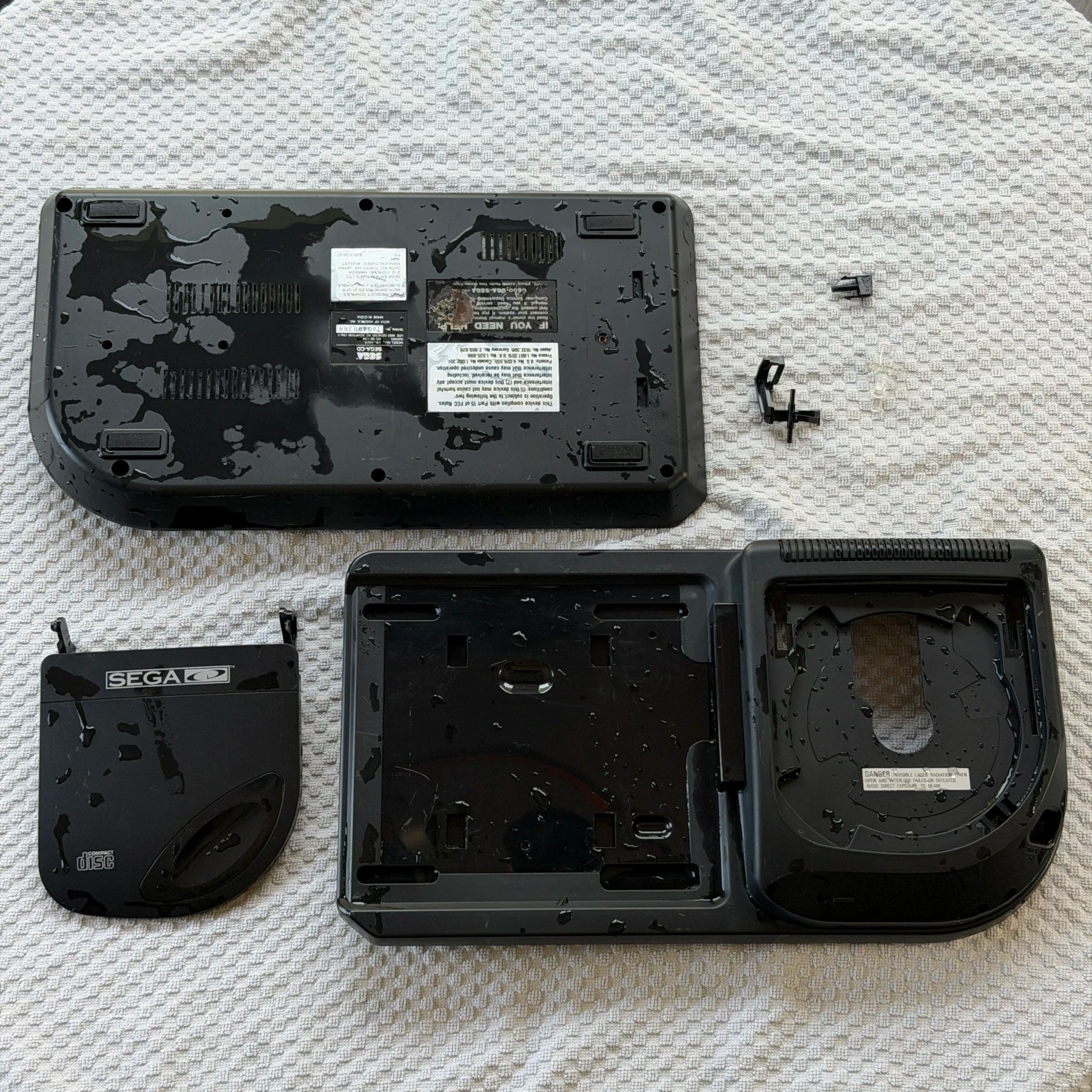
Immediately upon opening the shell to take it apart for cleaning, I saw some rust spots on the shielding and stains on the plastic inside. After completely removing all the components it was worse on the bottom shielding and nearby plastic, clearly signs that water had been in here before. There were also signs of an attempted cleanup as I saw scuff marks from sandpaper on parts of the metal.
Since the plastic was getting washed I removed the top shell lid/tray parts and soaked all of them in the tub, then scrubbed and set to dry overnight. While the rust stains didn’t remove from the plastic during the wash, I was able to get most of it out later with some light abrasive rubbing (this is all inside the shell) and cleaning with ISO. For the metal shields I hooked up my Dremel tool and wire wheel and removed all active rust I could find and wiped the metal shielding down thoroughly.
With the shell parts cleaned it was time to tackle the two main goals – recap and FRAM!
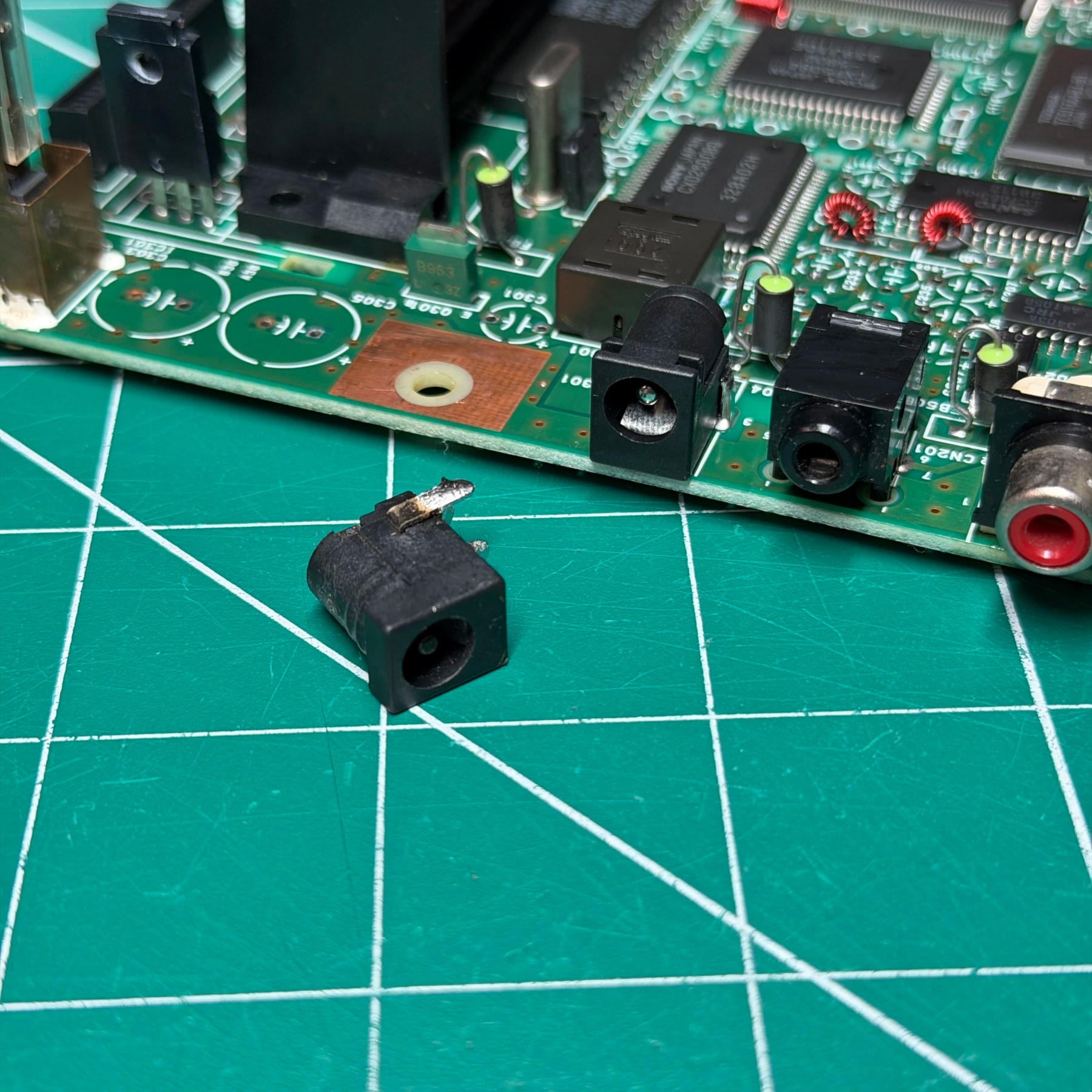
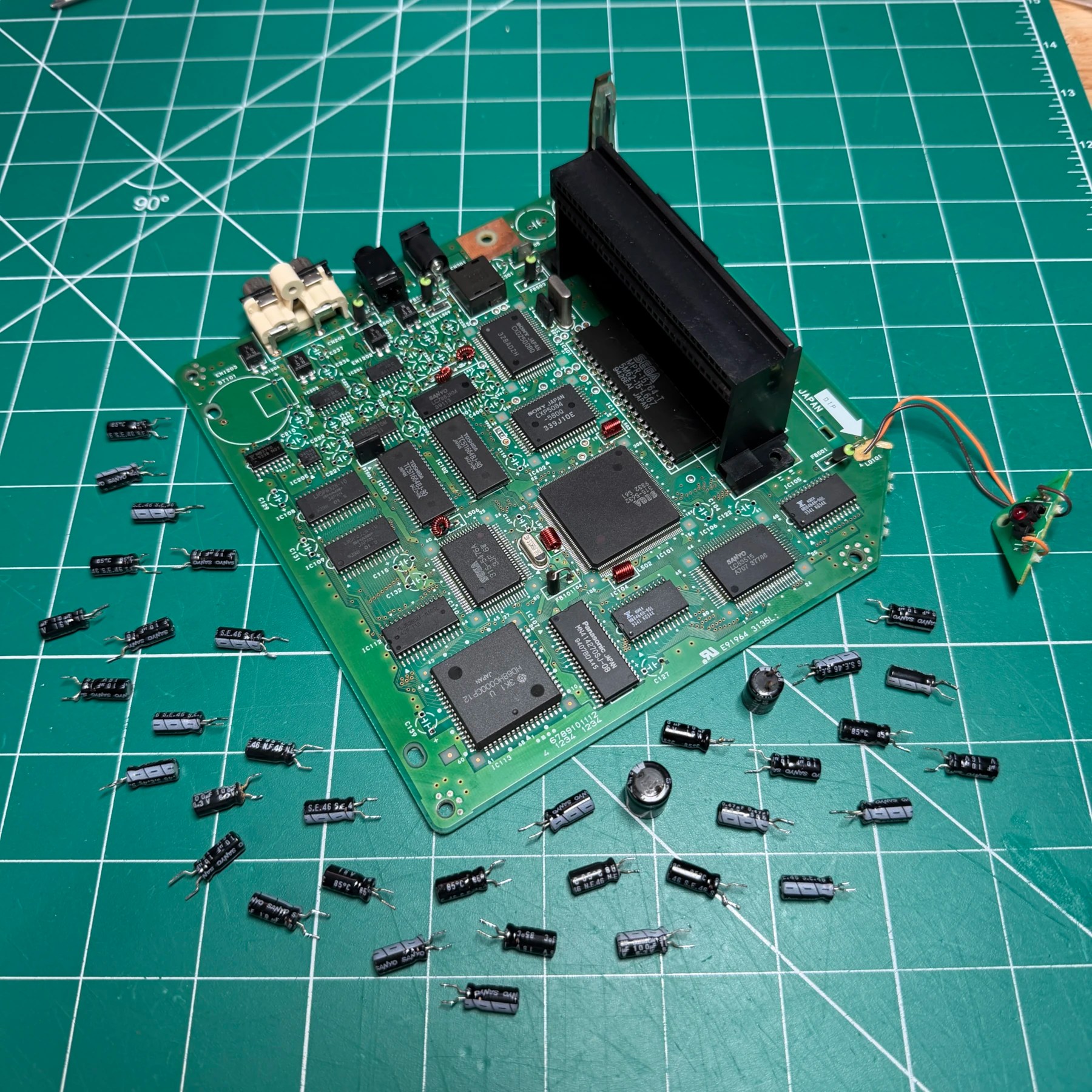
With the mainboard pulled out I observed some signs of rust stains on the motherboard especially near the back, then noticed the power jack had some corrosion inside so I made the decision then to pull and replace the jack with a brand new one and also remove the regulator heatsink to clean and apply fresh thermal paste to the back. This is always a good idea but especially if it had been exposed to water.
I removed all the mainboard caps with my Hakko desoldering gun, then deep cleaned the board while they were off (as was the power jack and heatsink) and then went through the process of seating all the new through-hole caps, soldering in place and then snipping the leads. I then deep scrubbed the board underside with some ISO and toothbrush.
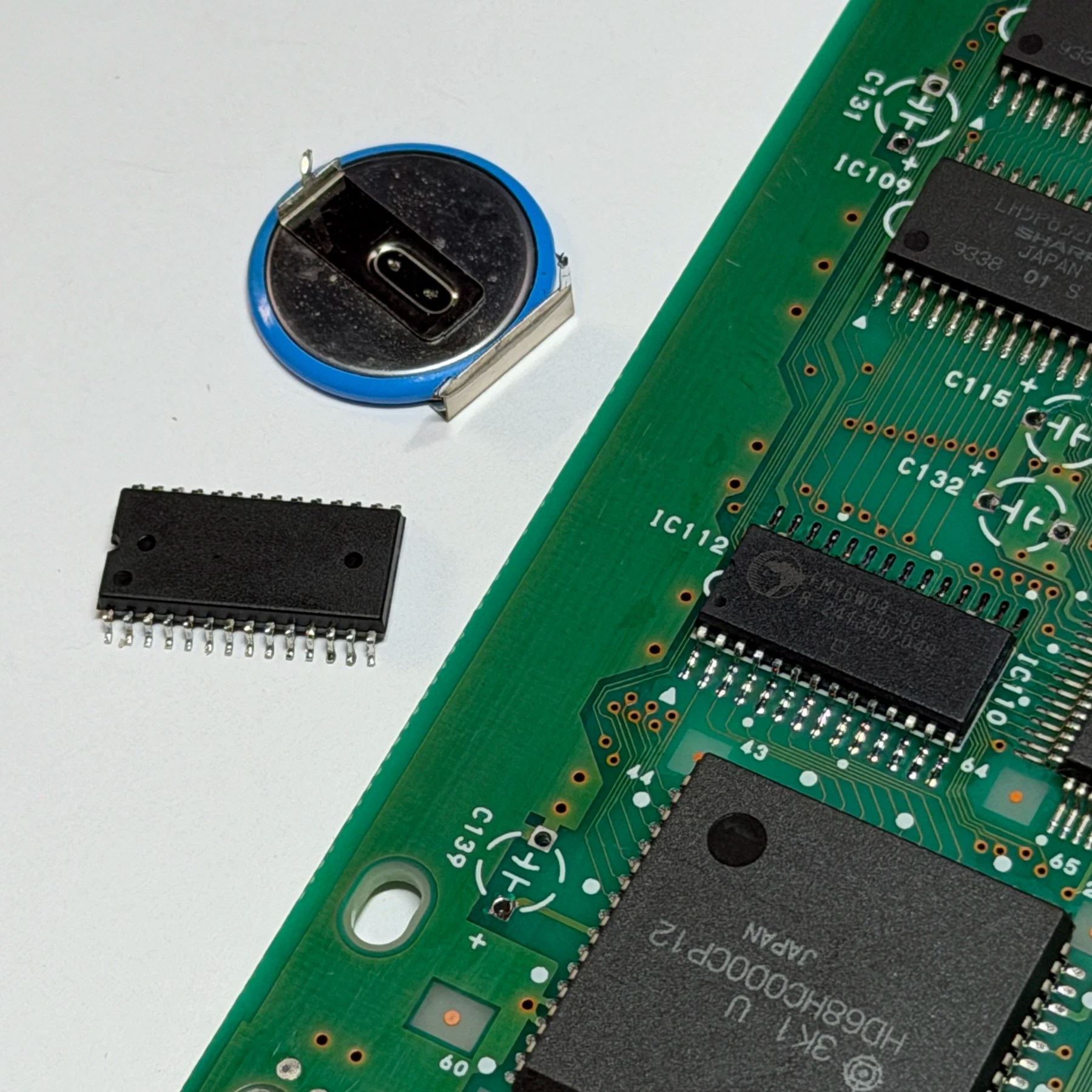
With the above completed the only mainboard item left to tackle was the FRAM upgrade.
On the Model 2 its IC112 located on the left side. For this, I first remove the battery with my Hakko gun, then add flux to all the pins and heat up the SRAM chip with my hot air nozzle until all the legs are molten and carefully lift it off. A quick pass on both sides with my iron tip and some wick to clean it before wiping the area down with some ISO and adding a dab of flux on each of the 4 corner legs. This is because I like to tack the 4 corners on first but also helps hold the chip as I try and get it aligned as perfectly as possible.
Once it’s tacked into place I then run my iron down both sides and drag solder each one and make a few passes up and down with some extra flux, then clean my work and FRAM upgrade complete!
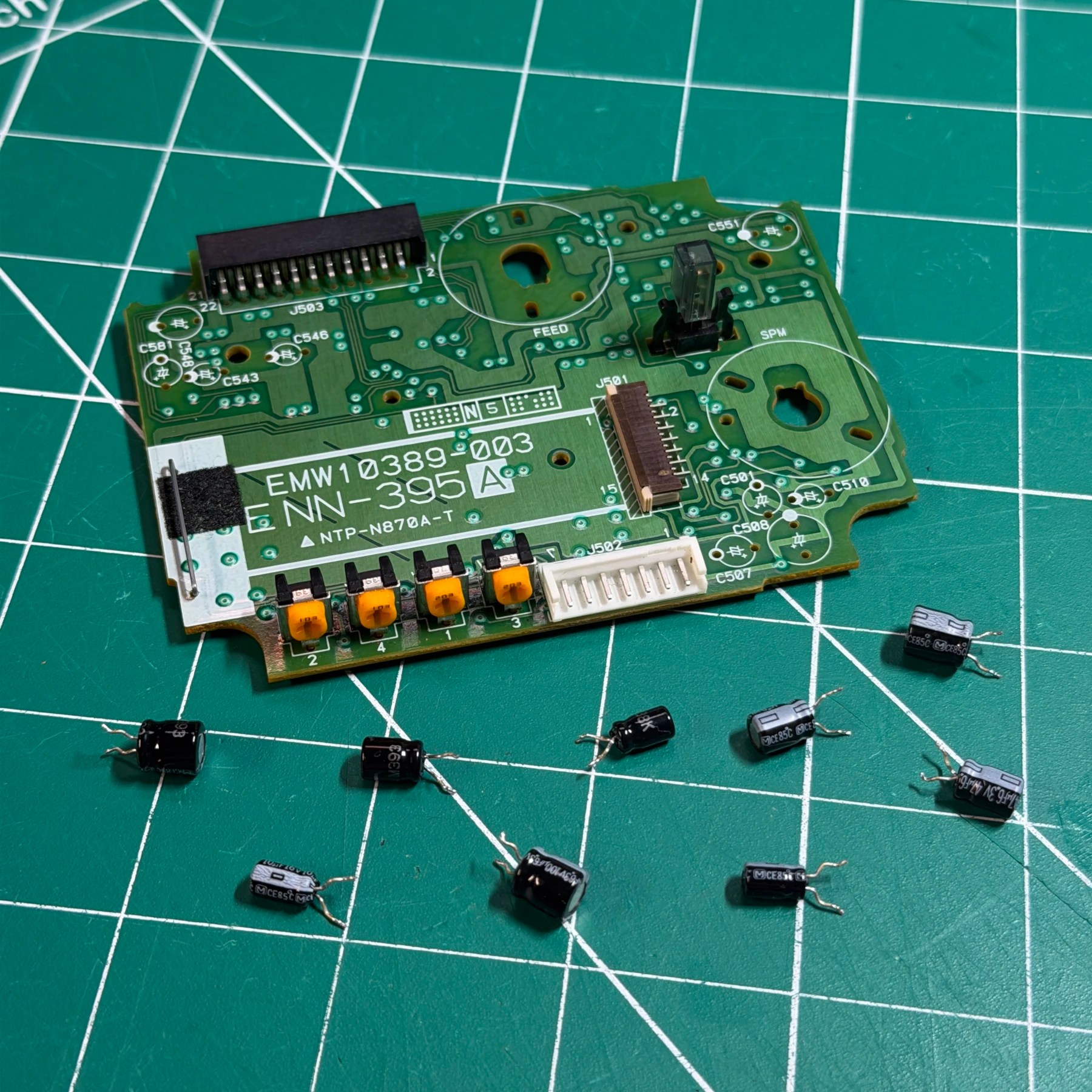
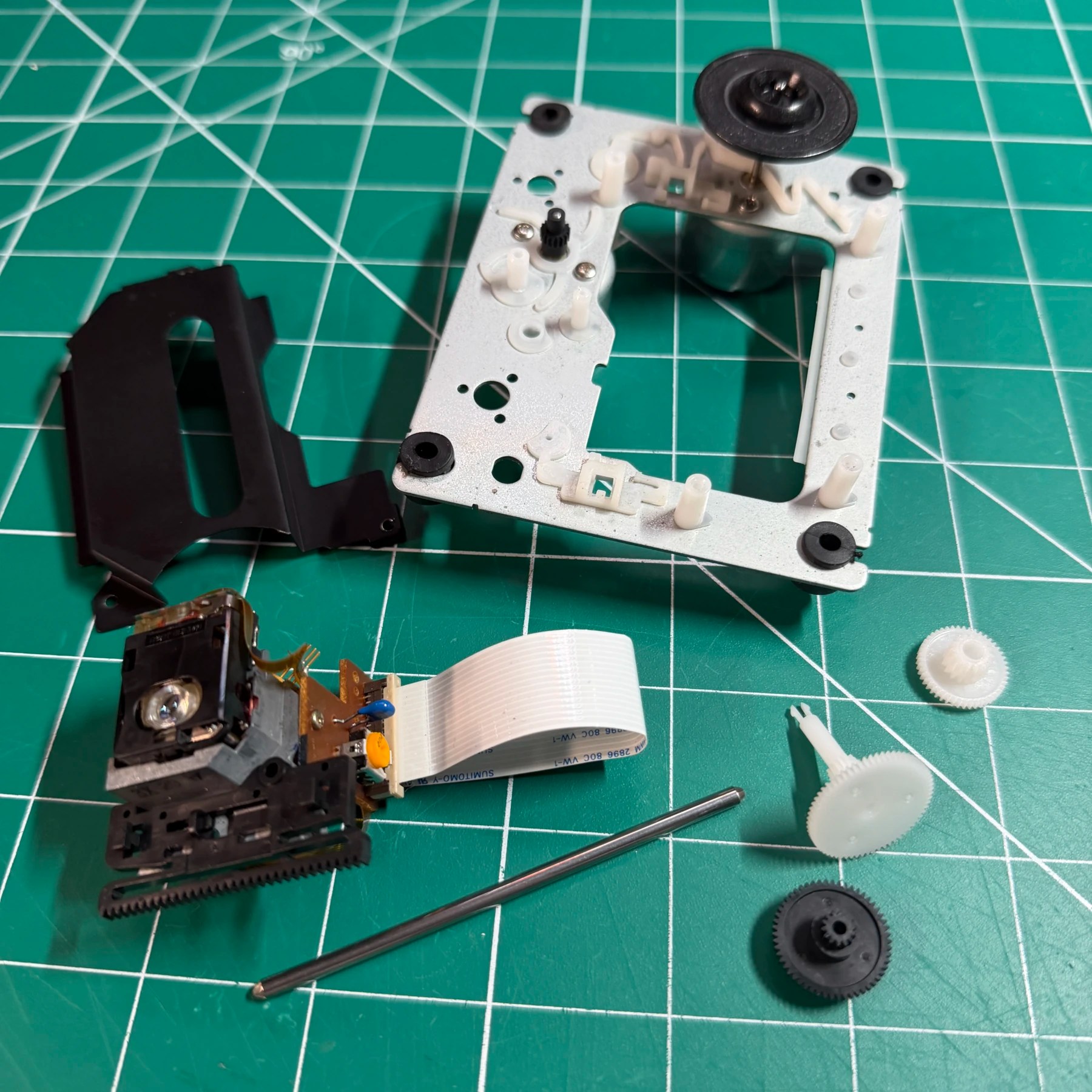
For the CDROM work, it’s a relatively simple assembly so I take the mechanical parts off from the PCB and deep clean everything then assemble with some fresh lubrication. For the PCB that has been disconnected (desolder the motor legs) I remove the caps, clean the board then install the new ones from the kit (this is the Sony variant). At this point both primary internal components are done so it’s time to put together and test!
With the lower shielding, mainboard and CDROM all installed and connected (and power LED secured) I’m able to toss the top shell cover on just enough so I can snap a Model 2 Genesis on and test. It powers up right away and reads all 3 of my test discs no problem.
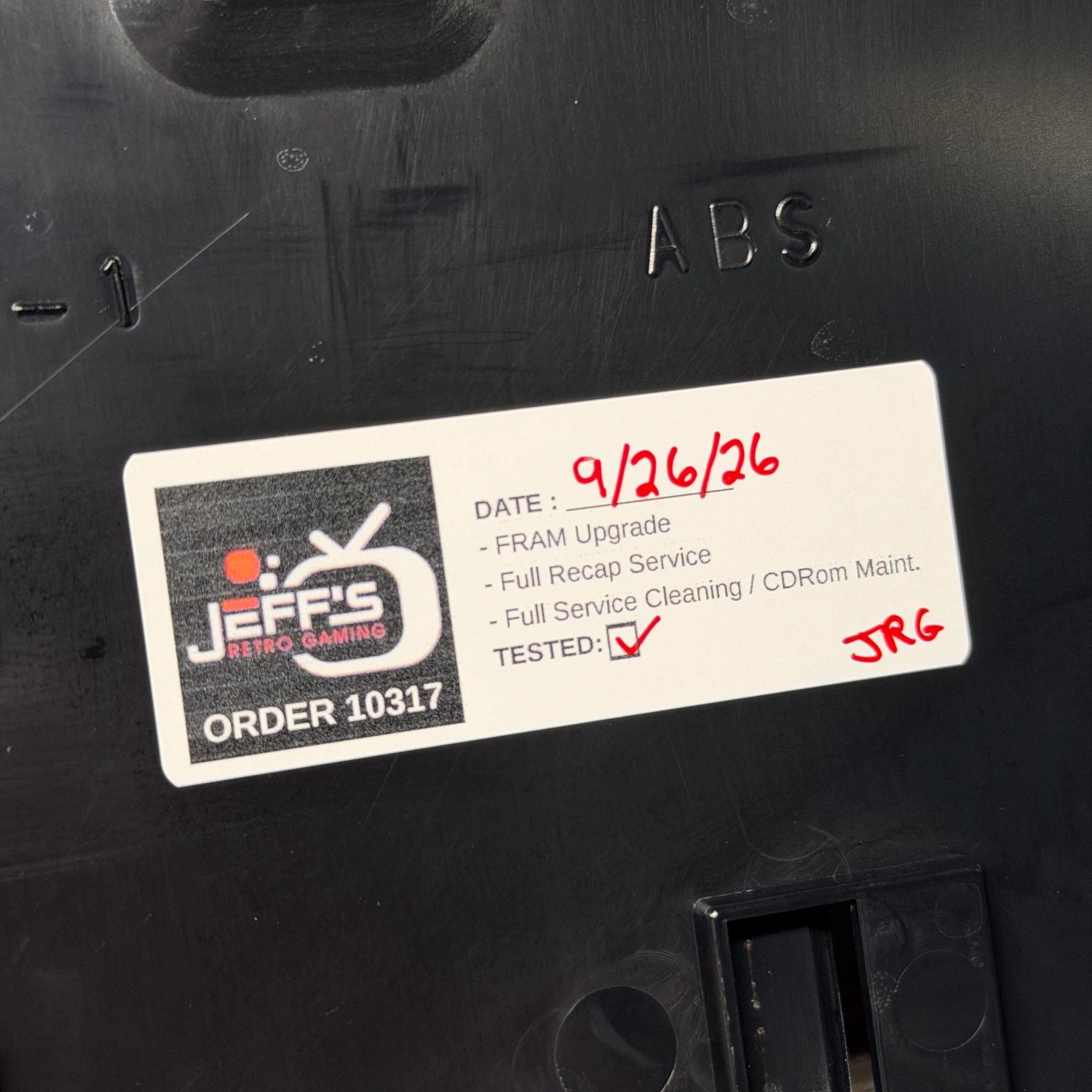
Now that I know system is good after the recap, cleaning, FRAM, new jack and re-paste I can install the top shielding and apply my sticker to the top shell. I then put the drive lid parts all back together like the eject button, screw in the top and bottom shell using the 6 screws and the assembly is complete!
I gave it one more wipe down with some ISO and applied a nice even coat of UV protectant spray to restore the plastic shine and got it staged with a random game from the collection… ‘Wirehead’. Another FMV game…
Time to get this packed up along with that GameCube combo unit and another order complete 🫡