
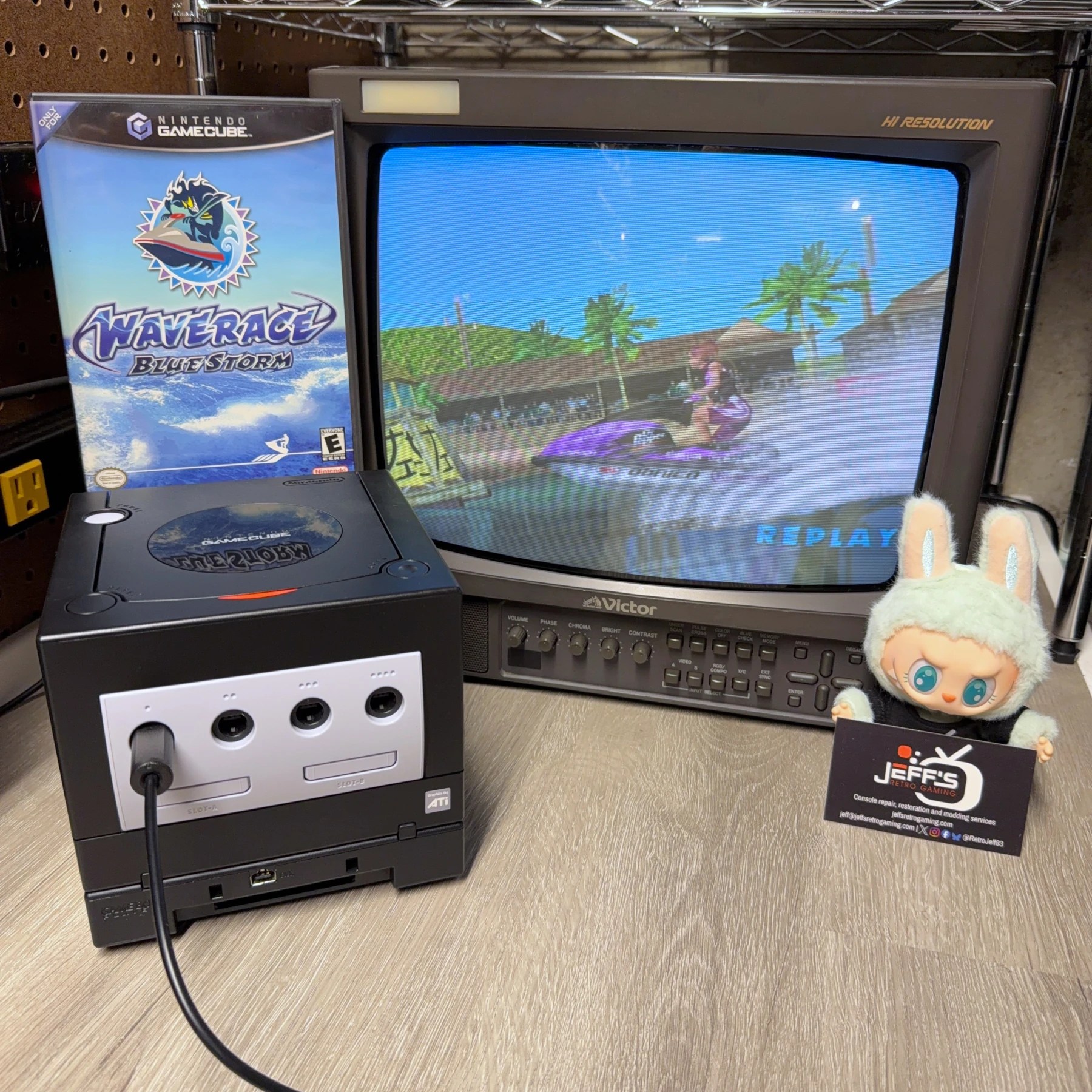
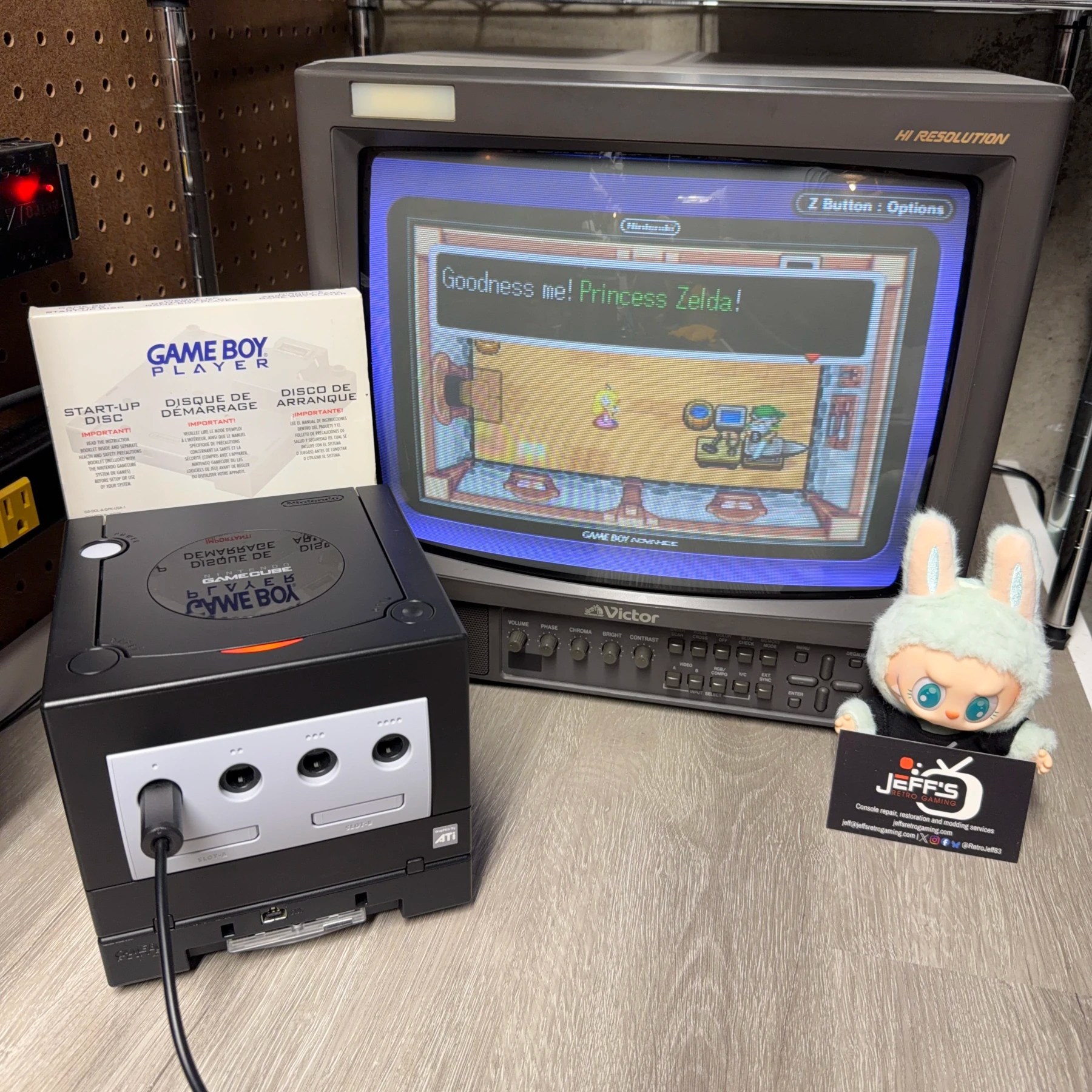
Had this Jet Black GameCube and GameBoy Player combo unit come in for a refurbishment as part of a dual order (along with a Sega CD model 2 – to be posted soon 👀)
Everything was pretty straightforward and easy, considering how much GameCube I’ve been seeing recently. Like many others this one was sent in mostly because it was not reliably reading discs. The obvious symptom I observed when testing in this case was it struggled at first power on but got a little more reliable at detecting and reading the disc after it had warmed up, though still not ideal. Knowing the recap would fix that, time to get started…
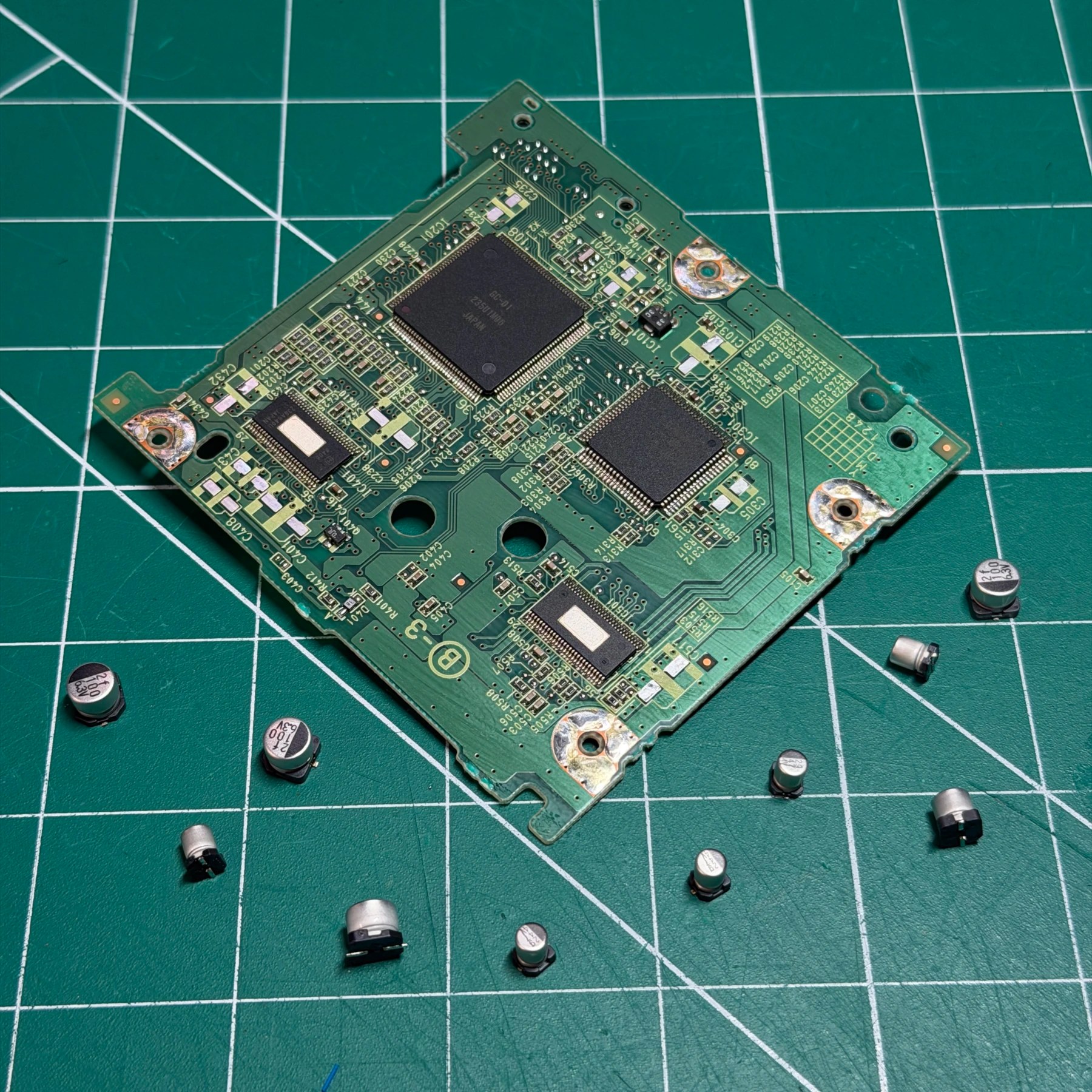
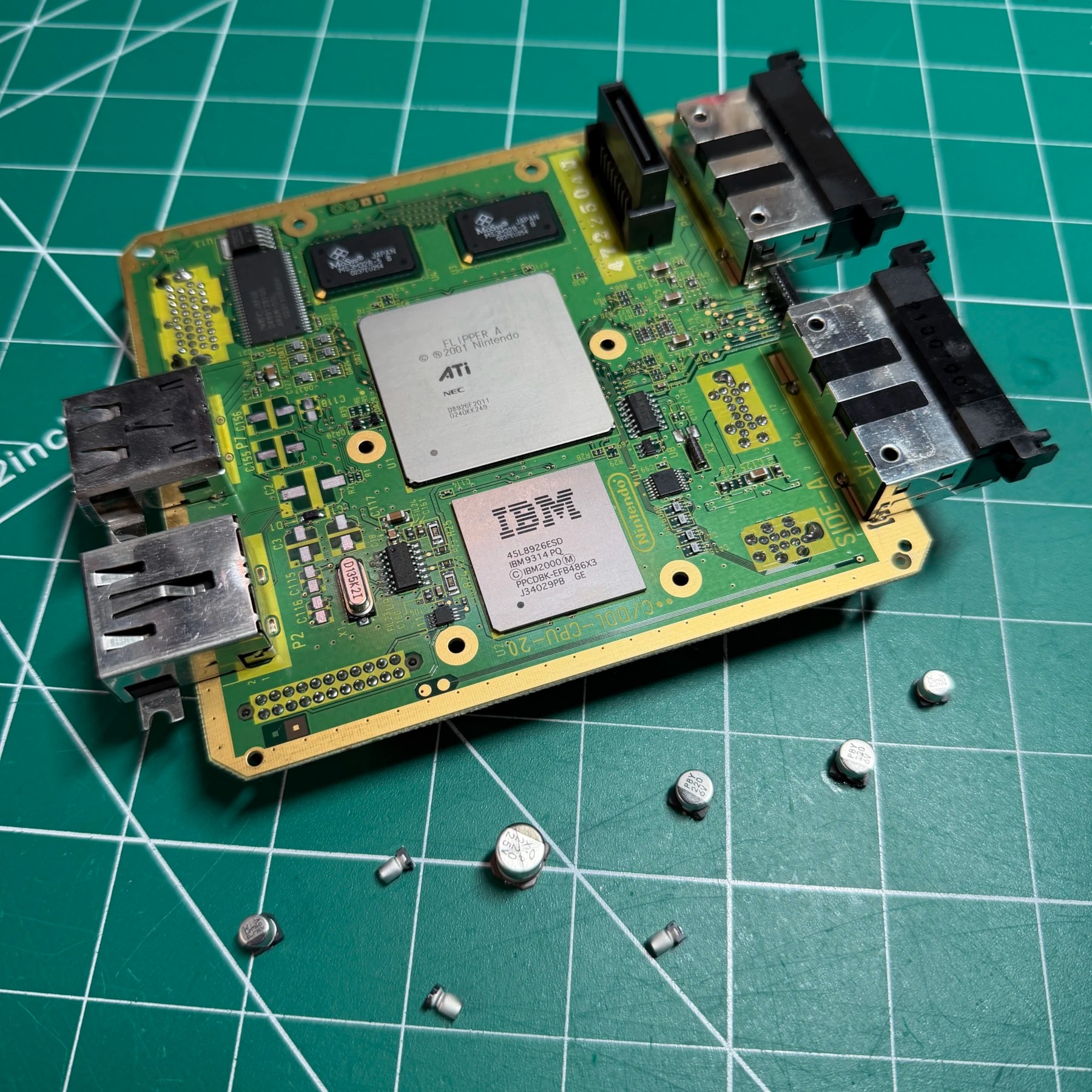
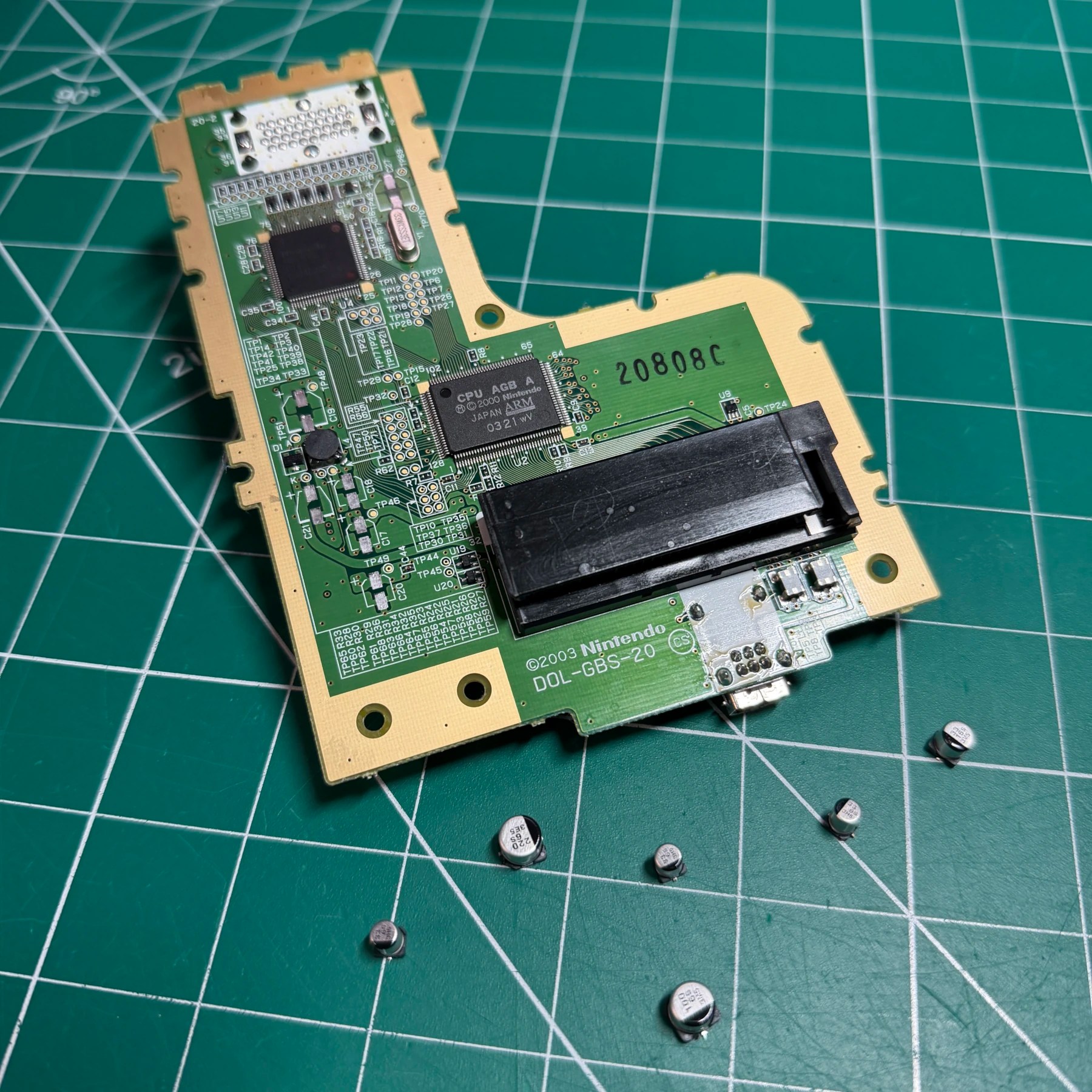
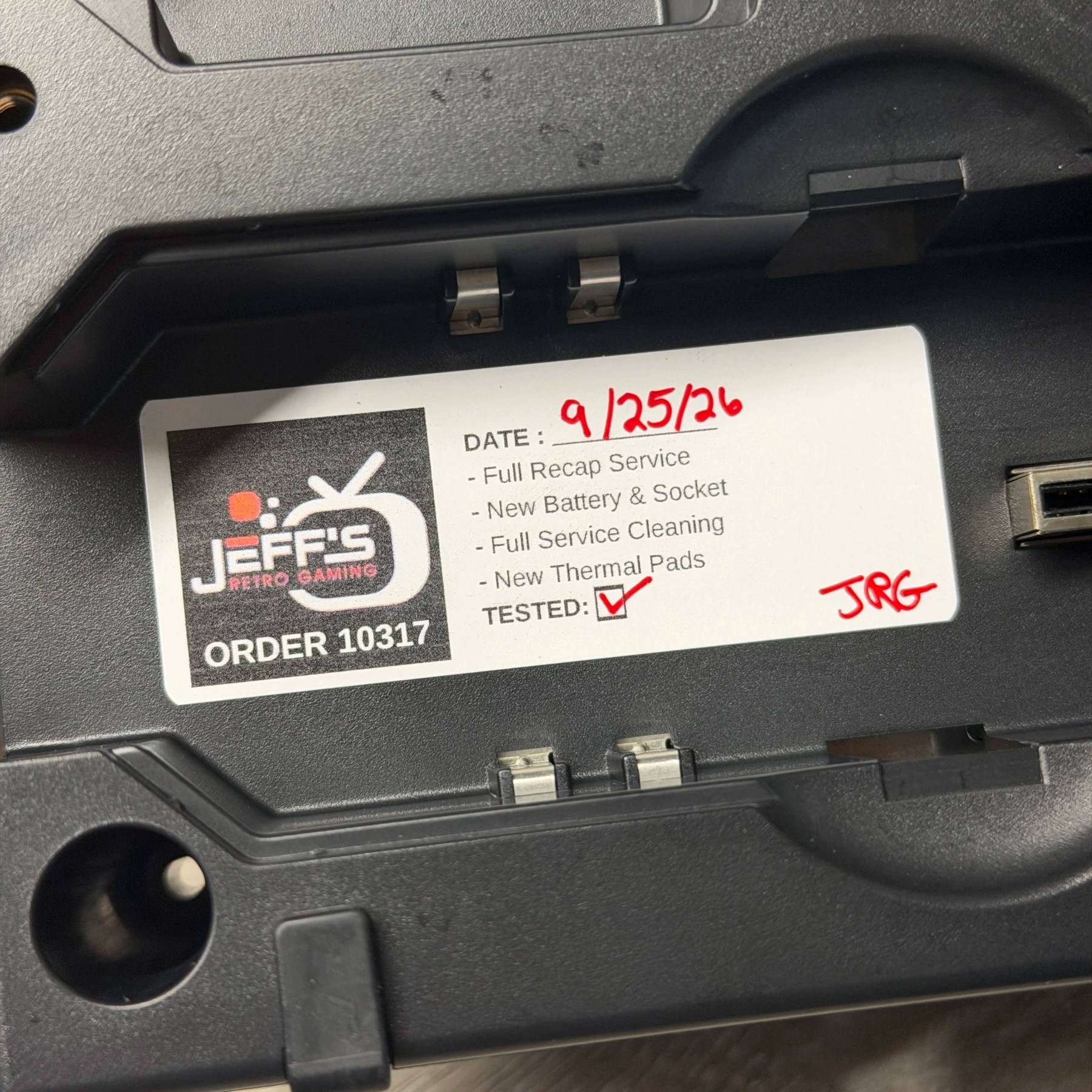
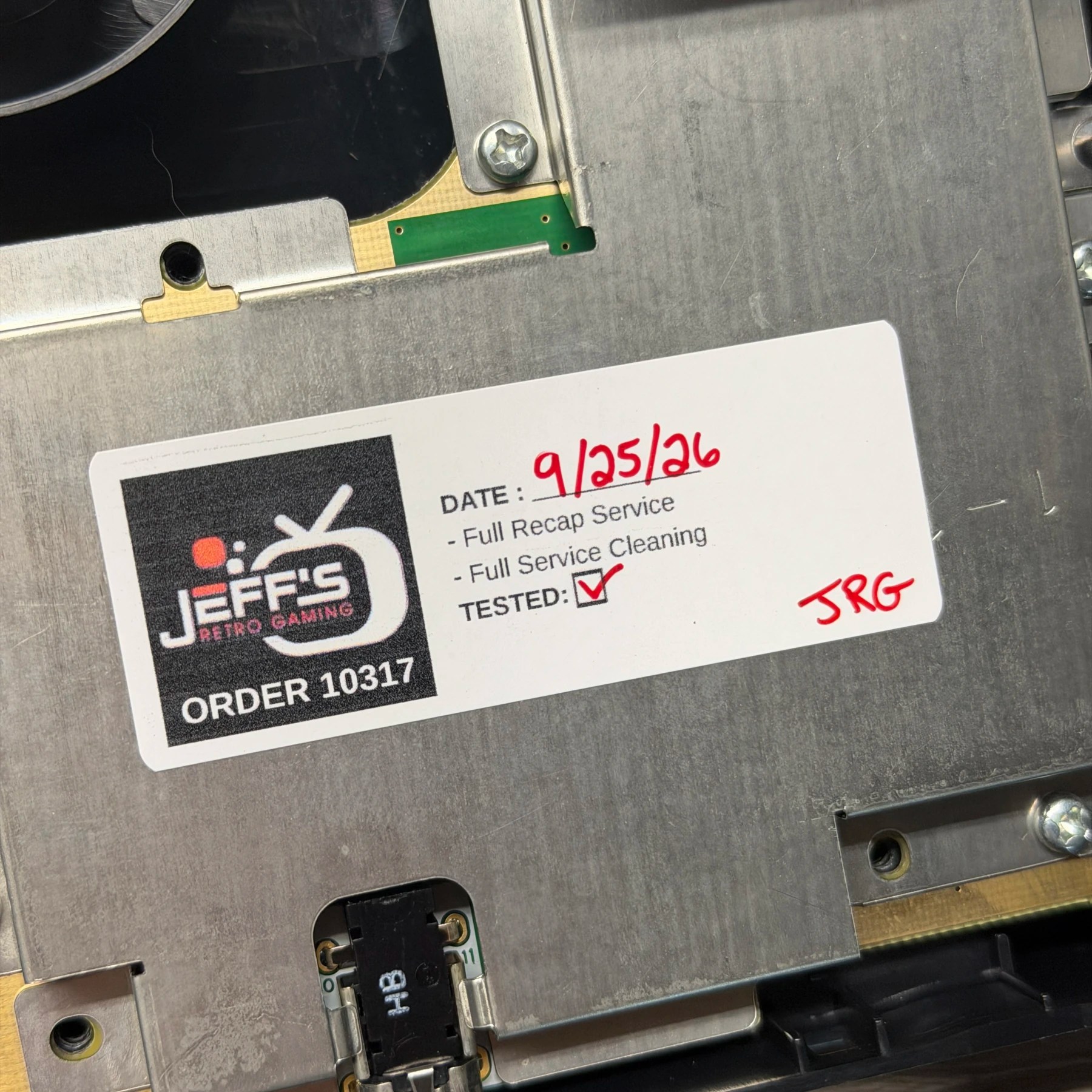
As you can see in the above photos, the electrolytic caps across both boards were completely replaced – 8 on the mainboard and 10 on the optical drive board. For removing SMD caps like these I use my Hakko hot tweezers and then my iron and wick to clear and prep the pads, the board is thoroughly wiped down with ISO and I’m ready to install the new caps. I always use Console5 kits as they come with the correct style, count and values in one convenient package.
When installing the new caps I like to put a dab of flux on each pad, drop the cap in and align it (and double check my polarity every time!) then introduce the fresh solder until it forms a nice smooth shiny joint on the pad/leg. The mainboard is really easy to get to once the outer shell is taken off, which is done before anything so it can be soaked, scrubbed and set to dry overnight. The optical drive is a bit more work as you have to take apart the drive assembly and laser lens to access but once you’ve done as many of these systems as me it becomes second nature 😄
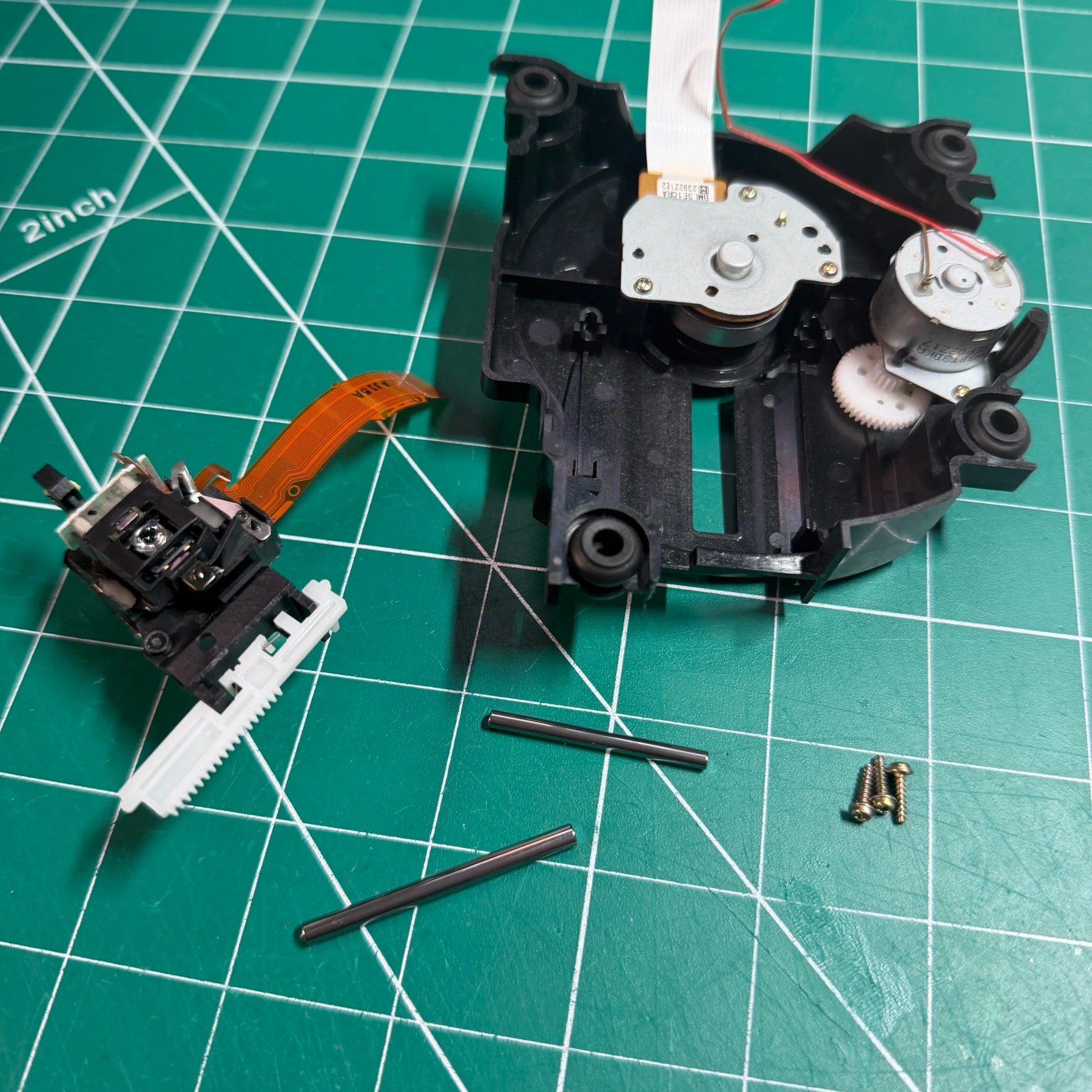
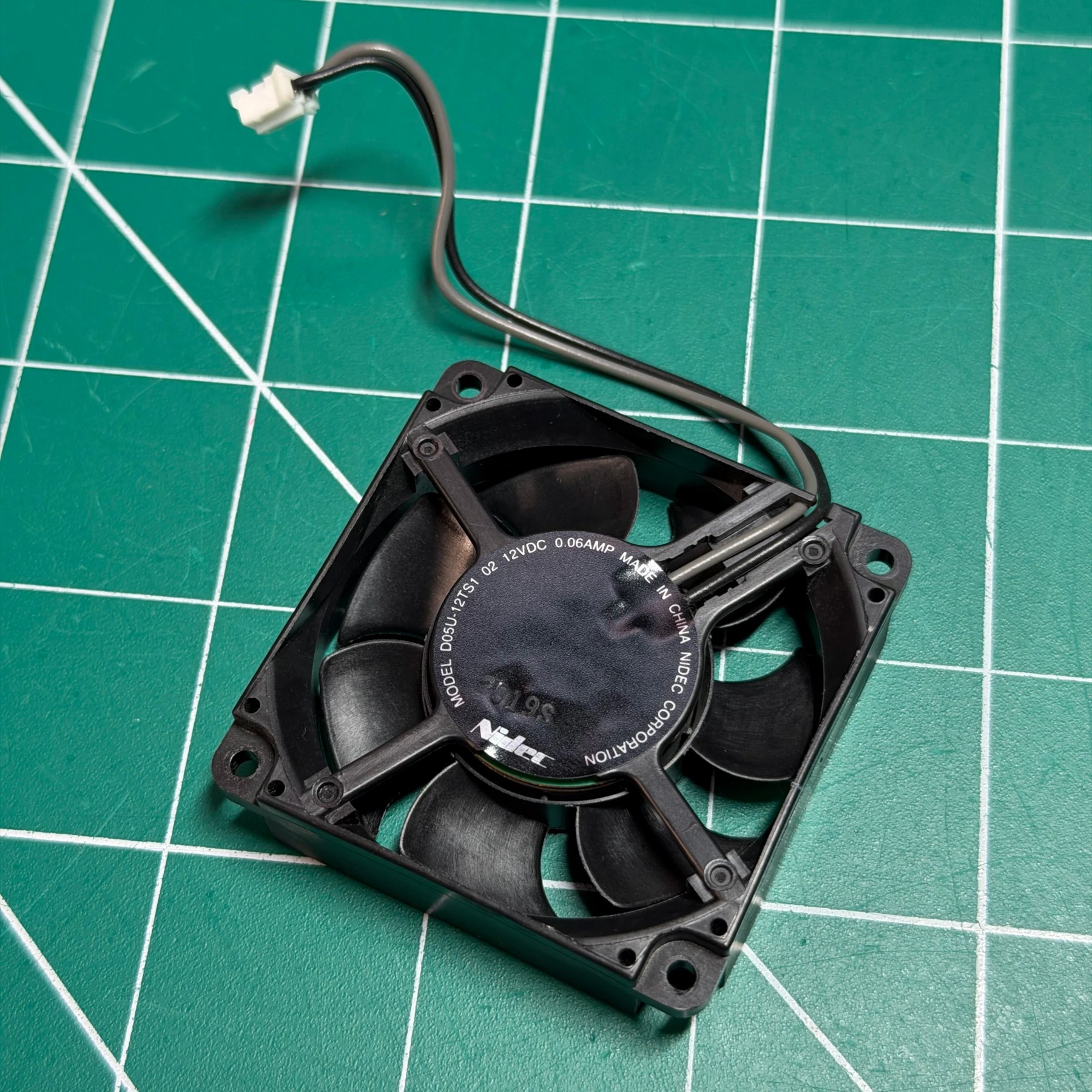
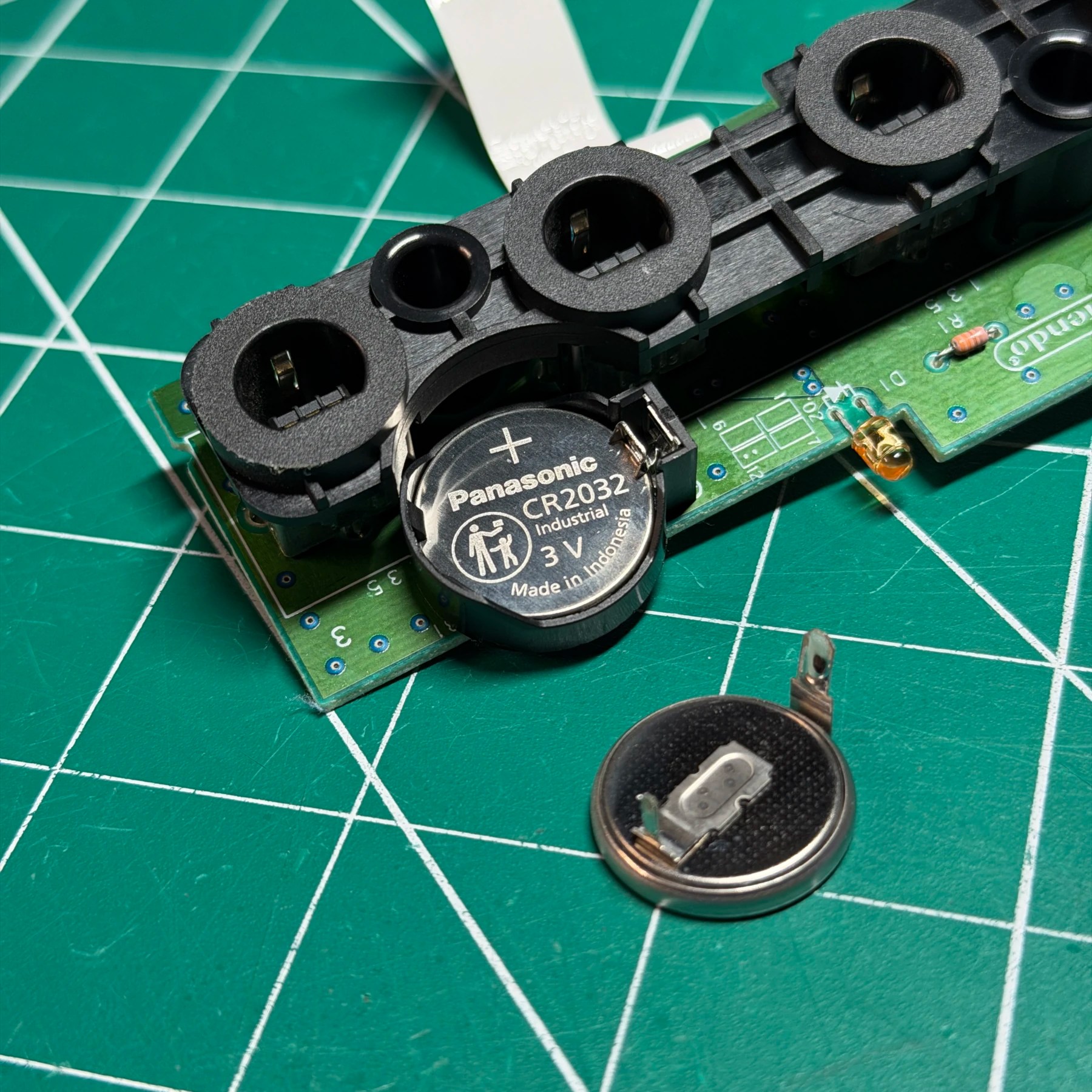
Shown in the previous three pics, the remaining refurbishment items outside of the cleaning and recap are the battery, optical drive and fan. Since the drive was torn down during the recap process, while its apart I just unhook the lens assembly and flip it upside down then remove the screws to pull out the rails and laser lens itself. I brush/wipe down everything with some ISO and my microfiber cloth and then carefully apply a fine layer of Shin Etsu grease on rails and other movement points which will help increase longevity of the drive and ensure smooth mechanical operation.
For the fan, if the customer doesn’t elect to upgrade it (I always recommend as I find the stock fans super noisy) I very thoroughly get in there and scrub all the fins, the supports and both sides of the frame with ISO and get rid of all dust, dirt and debris. The fan housing is washed in the aforementioned shell cleaning cycle as well 👍
The battery upgrade is pretty straightforward – by now most of these CR2032 are long dead so the GameCube will not keep time/date settings on each boot which is very annoying! You could replace with a tabbed CR2032 but why make all future swaps more difficult? I simply install a horizontal CR2032 holder and then snap in a fresh Panasonic CR2032. New battery to last many years and when this one dies? Customer would only have to pop top shell off and replace on the controller board – no sending it in to someone just to do this again.
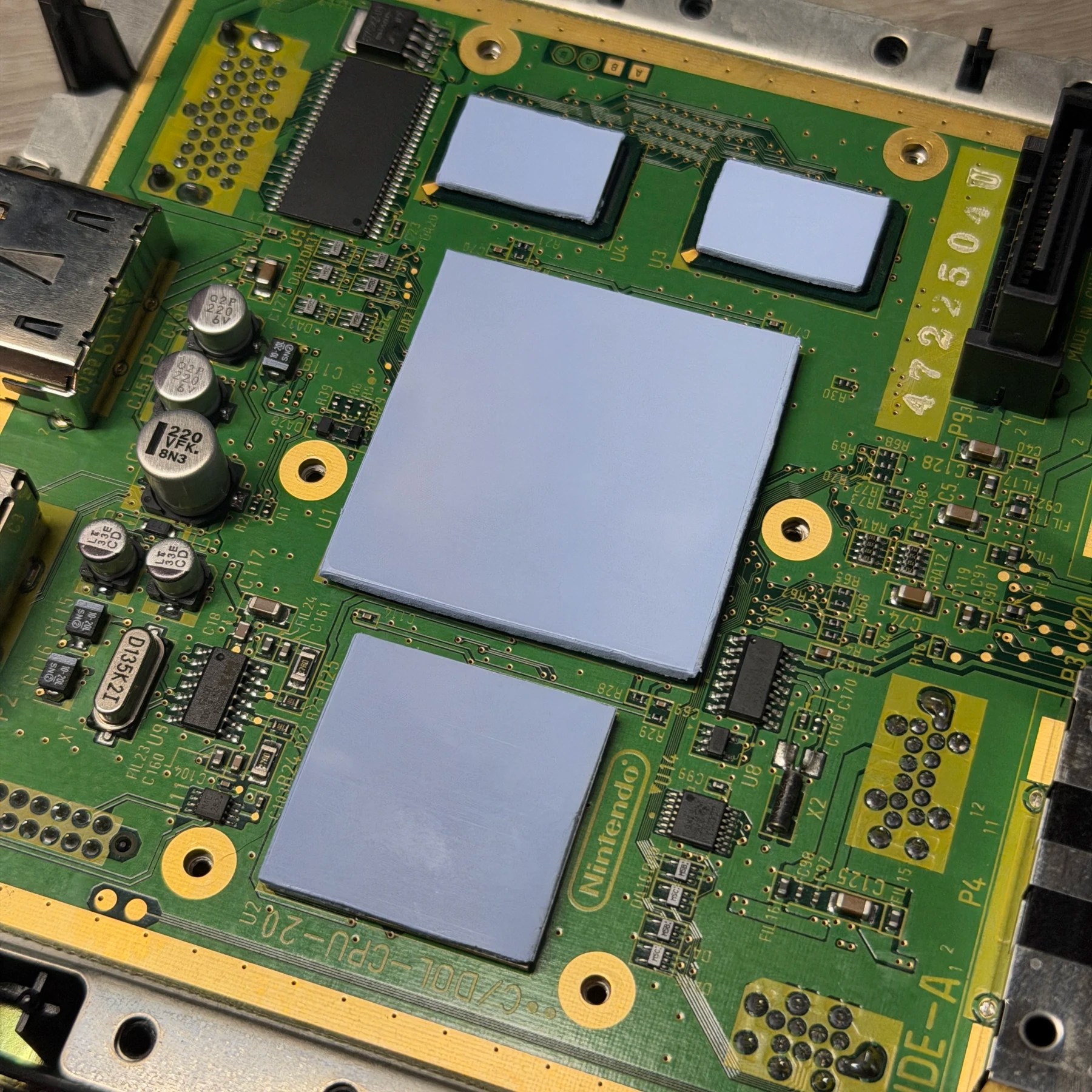
As you can see above, new thermal pads were installed. I do this when cleaning these systems as the heatsink needs to be removed to be properly cleaned and that IMO always compromises the pads, not to mention there is usually lots of dust/debris around them. I just dig out my handy GamerGhosts thermal pad templates and cut some squares off the sheet, fit and secure to the chips then apply the cleaned heatsink back on top once the plastic is removed. At that point the mainboard work is done and it’s ready for the reassembly!
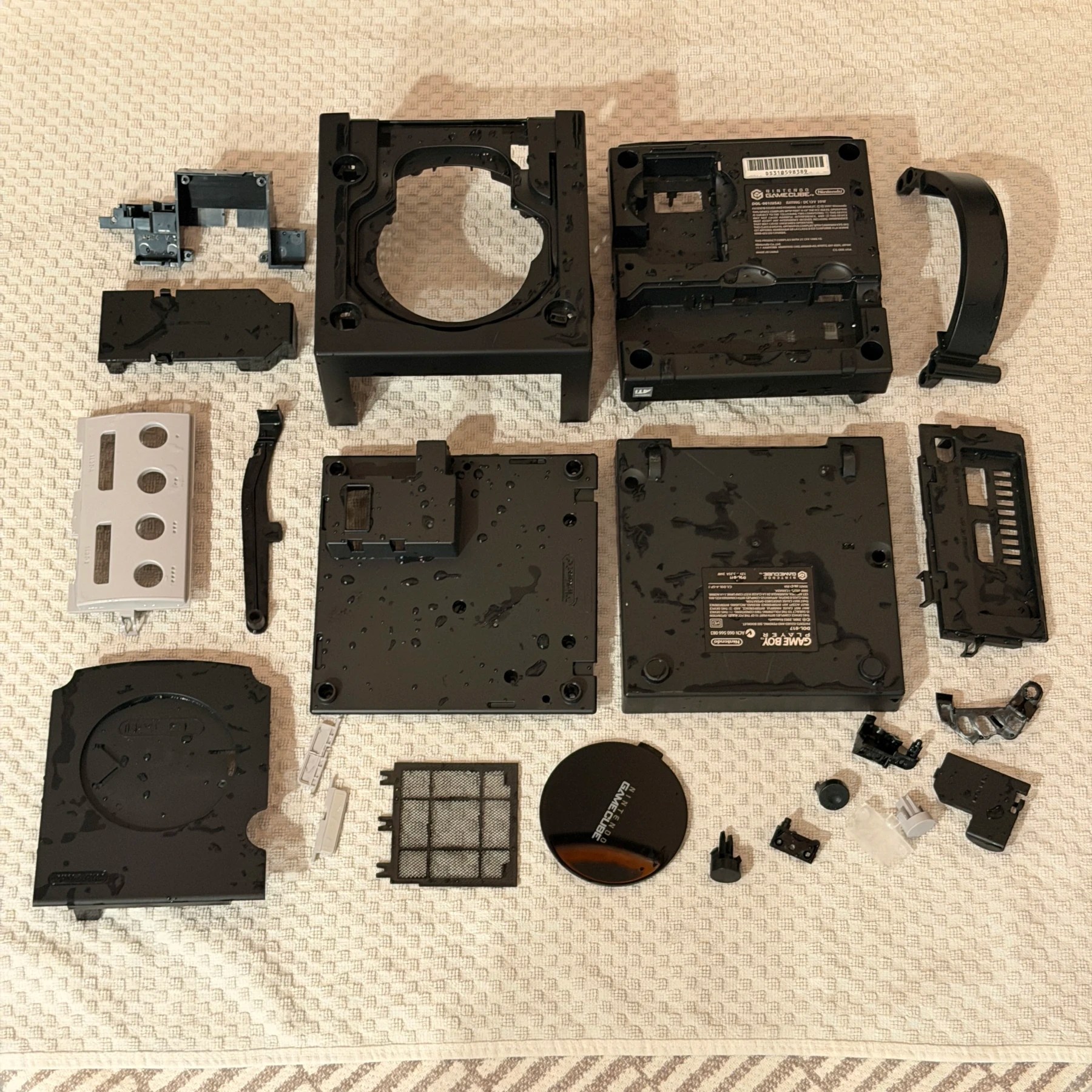
While I typically wash the GameBoy Player shell with the regular GameCube for efficiency, I like to do the recap separately since the base system needs to be powered on and tested BEFORE I attach the player otherwise I won’t be able to access the bottom cavity where I put my sticker.
The GameBoy Player itself is very simple, a plastic lever and spring for the eject mechanism and a small L shaped PCB with 6 electrolytic SMD capacitors. I remove these using the same Hakko tweezers, clean the board and prep the pads then solder on the new ones from Console5. I like to put a very small dab of Shin Etsu on the eject lever where it rotates and slides along the top of the shell just to ensure smooth operation.
Reassembly is super easy you just have to make sure you put the shield/mainboard screws in the correct holes vs the ones you have to leave cleared for the outer shell ones (that use the GameBit driver)
When I tested the base unit I went in and set the time/date and then popped in a disc and… It read it no problem! I booted the game, played it for a while then swapped in some other discs to confirm it was working reliably. Once I knew the recap fixed the read issues and confirmed the time/date was sticking it was time to test the GameBoy Player.
For this I have an OEM Player Boot Disc which loads up the menu and, in my case, lets you see the EverDrive flash cart home screen. Here I just picked a random game and confirm it boots up ok and I can pull up menu and adjust settings.
With all testing done and stickers affixed I screw on the outer shell of the Player and then do a final assembly of the stack securing both units and its time to get this combo packed up and ready for safe return shipping 🫡