
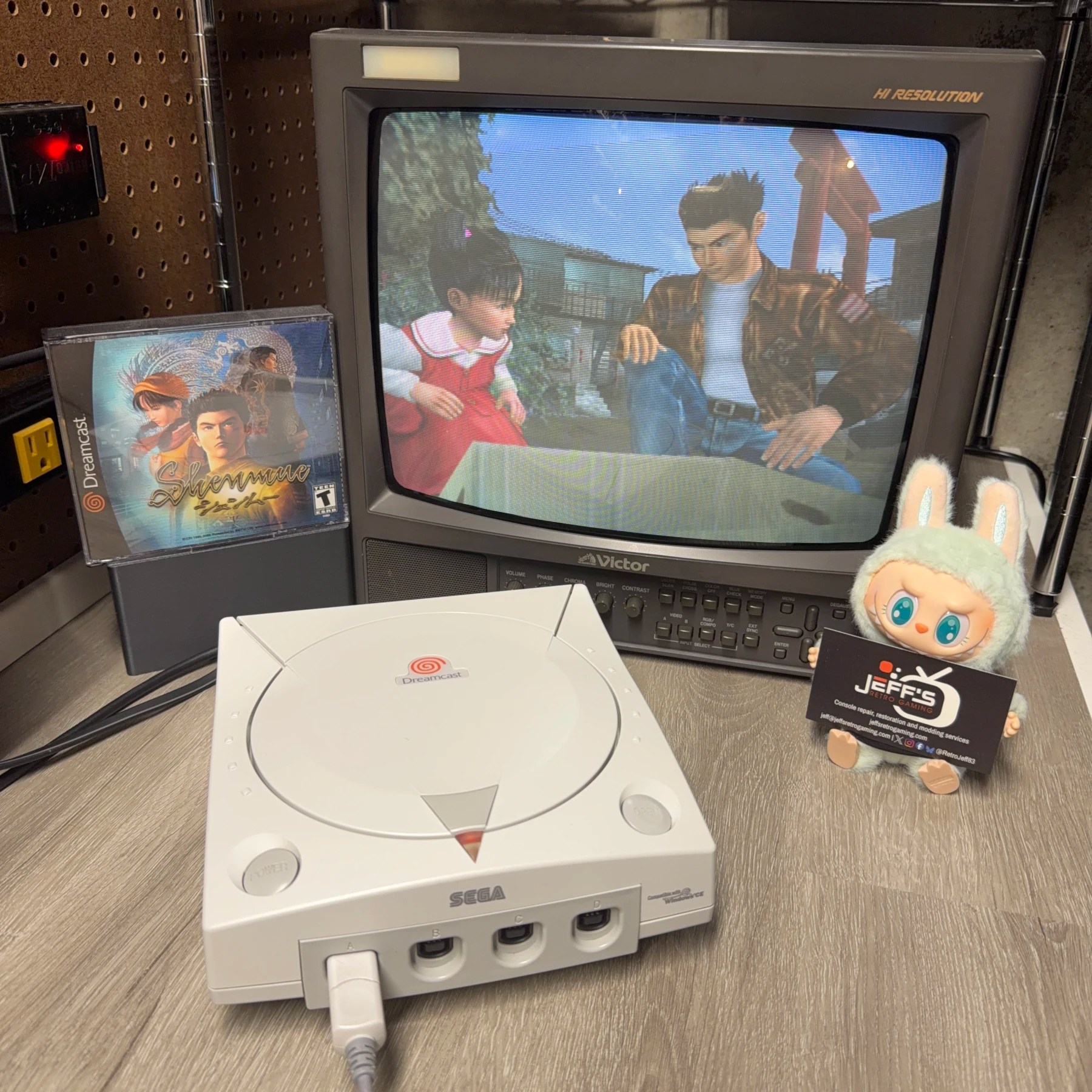
Had this Sega Dreamcast come in for a typical refurbishment along with a Region Free BIOS Install and new socketed battery but upon testing I discovered it was acting quite strange.
It booted fine, fan came on and displayed startup swirl and booted to menu, audio sounded fine etc… however as soon as I inserted a disc and it was detected and attempted to boot, the system would reset back to menu/do a full restart. I checked in with the customer and that behavior was not what they experienced before sending so the concern became something happened as a result of shipping.
In the end, got it working perfect and resolved another major issue so read on to see what it ended up being!
This customer did not choose cleaning service (and rightfully so, the shell and overall condition was near mint!) so I didn’t have to do a full teardown of the top shell components, remove the fan etc. making some of this work a much quicker process.
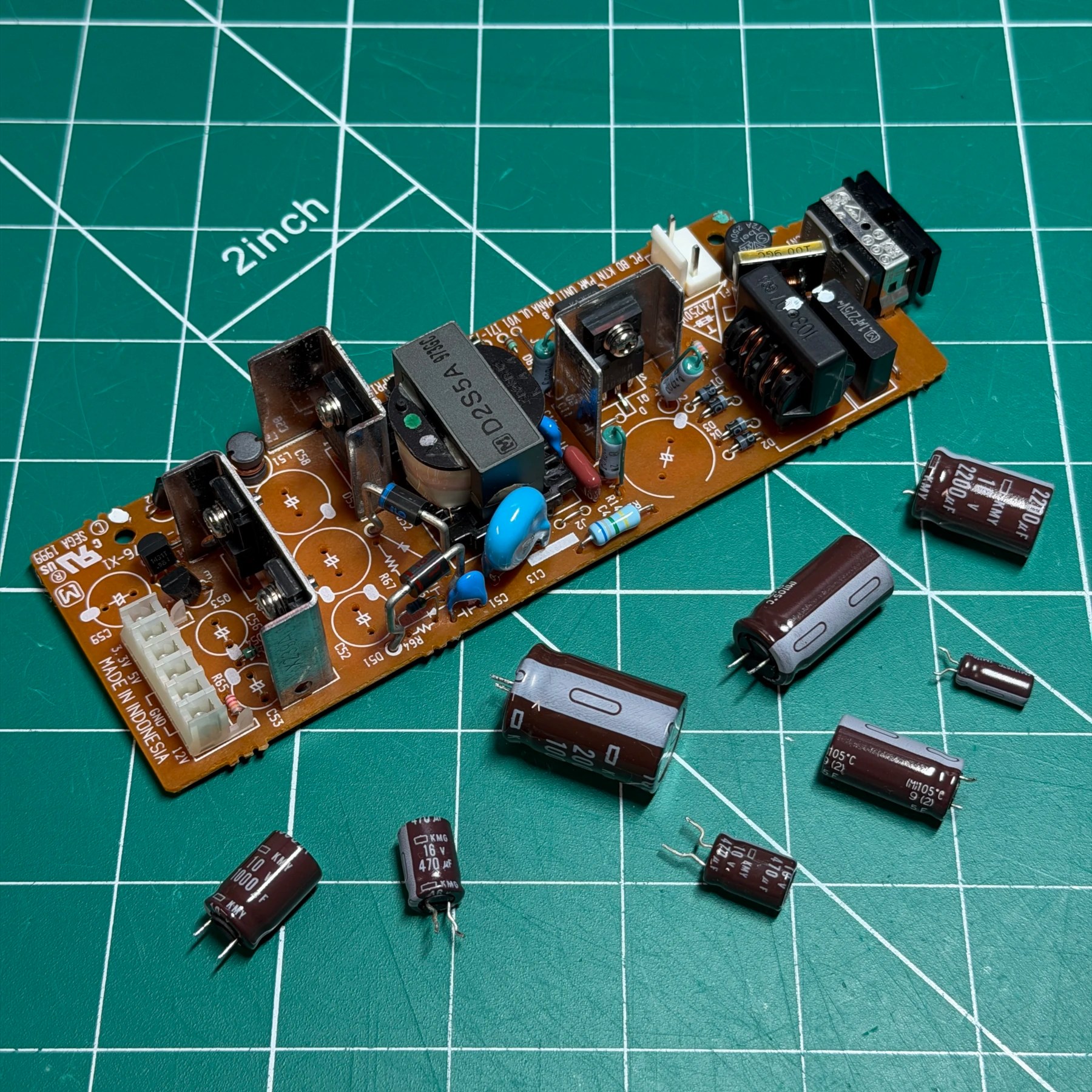
First up we really needed to see why it was acting strange and luckily the issue ended up being PSU related and since that’s usually what I recap first it was fixed before tackling the mainboard. As I was glancing over the PSU underside I spotted some dull joints and one that was completely cracked through on one of the power rail caps! This was suspect and in hindsight I’m guessing maybe a hard bump during shipping might have compromised an already failing joint. These can be common on PSU’s due to the repeated heating/cooling causing the solder to weaken and crack over time.
Since it was being recapped anyways I fired up my Hakko gun, removed all the caps and deep cleaned the board then socketed all the new through-hole caps from Console5 and soldered them in. I also reflowed the rear power jack for good measure. Before moving on to the rest of the console I re-inserted the PSU and sure enough… it booted the disc perfectly! However now that the drive was working I observed issue #2 – the drive was WAY too noisy. I was pretty sure I knew what this was but first we have to take care of some other work…
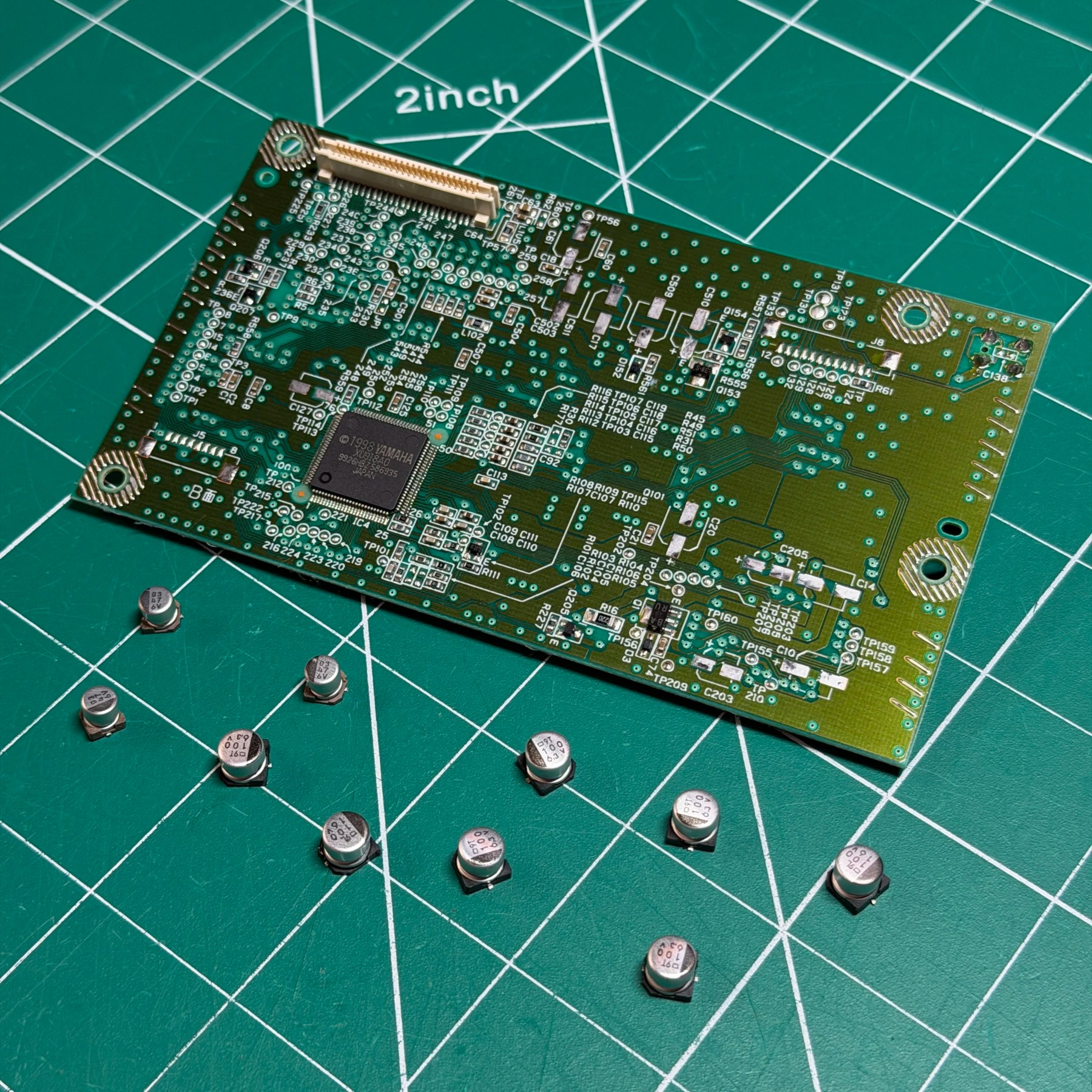
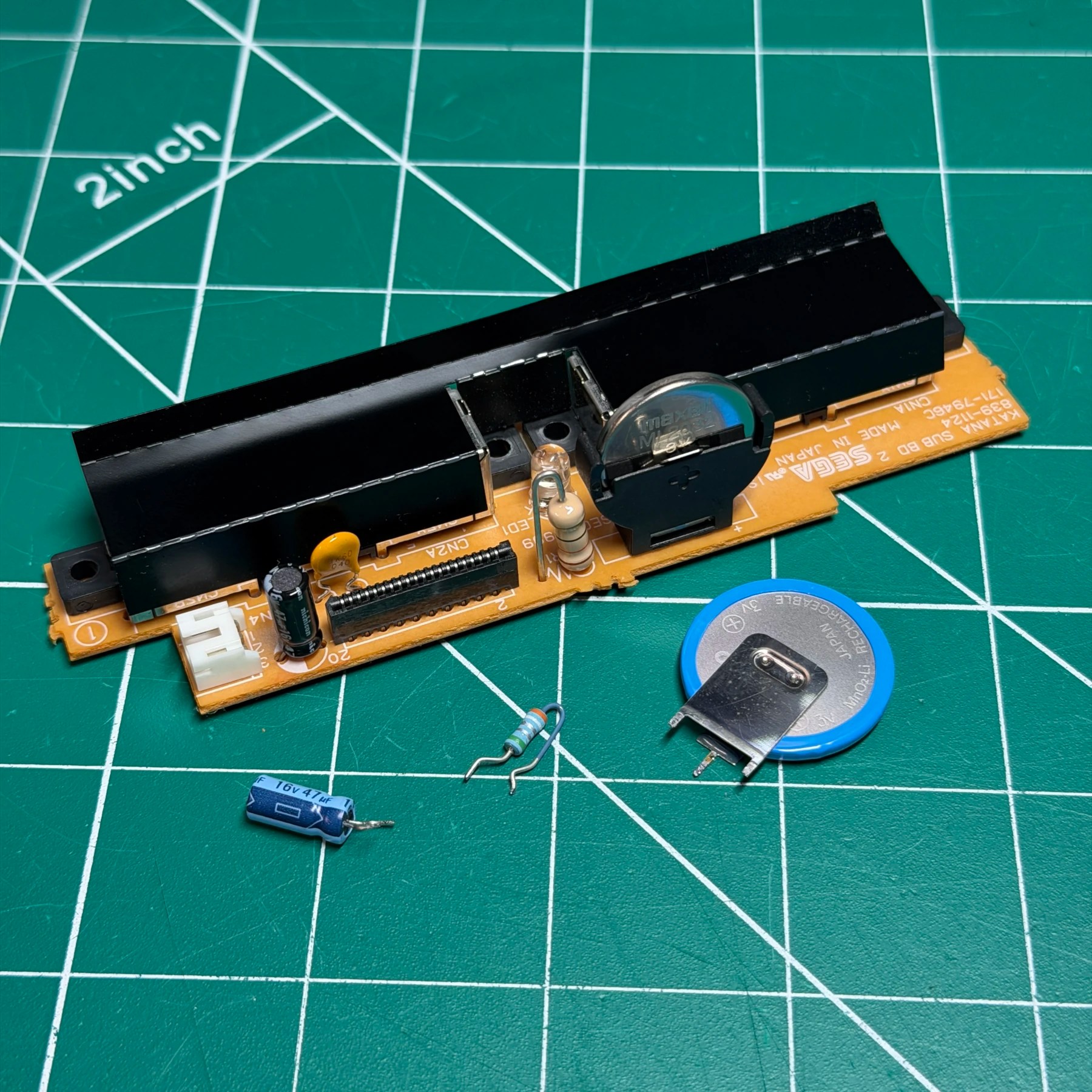
Next up on these I always tackle the controller board second, in this case to replace the single 47uF capacitor, upgrade the controller port fuse to a self-healing one and remove the stock battery and replace with a socket and brand new fresh ML2032. With that work done I also always reflow the fan connector joints as they can get brittle with age and that can cause boot issues down the road. I finish by dusting out the controller ports and setting that board to the side.
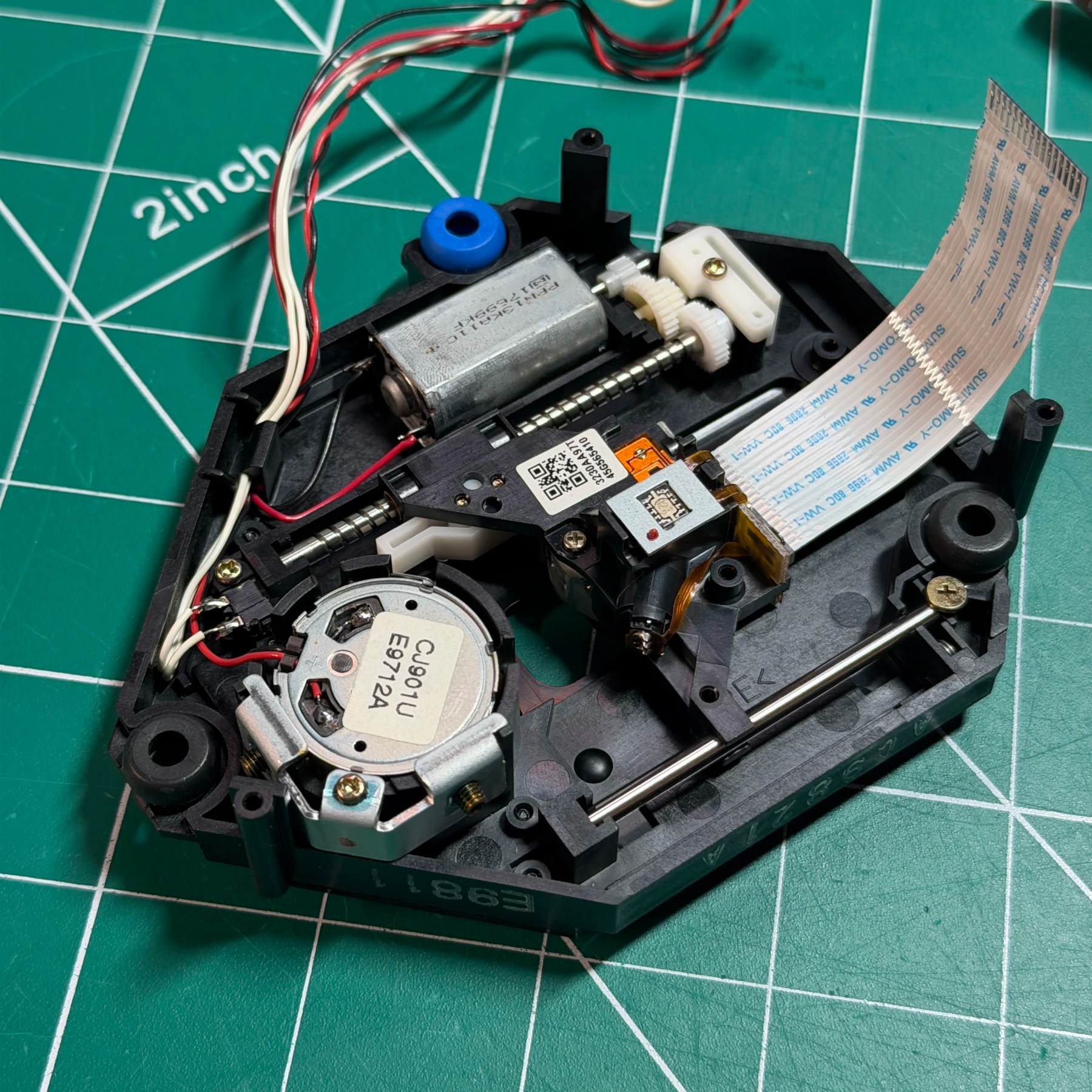
Now time to tackle the GDROM which is my least favorite optical drive to disassemble/reassemble because of the flex and wire connectors. If anyone has any tips or tricks for making it easier please let me know in the comments 😅
Once I got the top assembly removed I spotted the culprit of the noise – a cracked motor gear which is common on these. Unfortunately I didn’t have any spare gears on hand so I stole an entire motor assembly with perfect condition gear from a parts drive and swapped it in. I then recapped the board, cleaned the assembly and added some fresh grease. GDROM board complete and on to the mainboard!
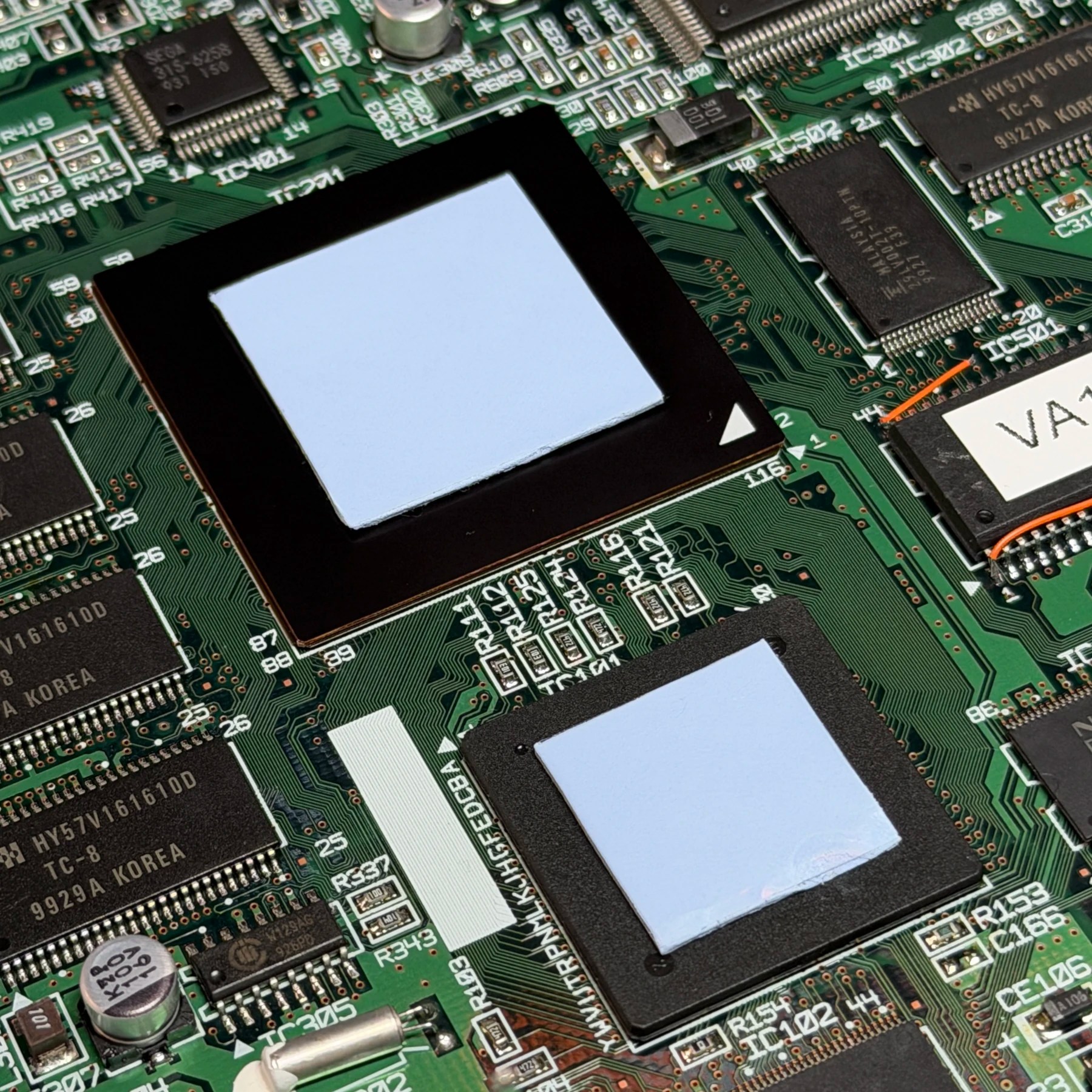
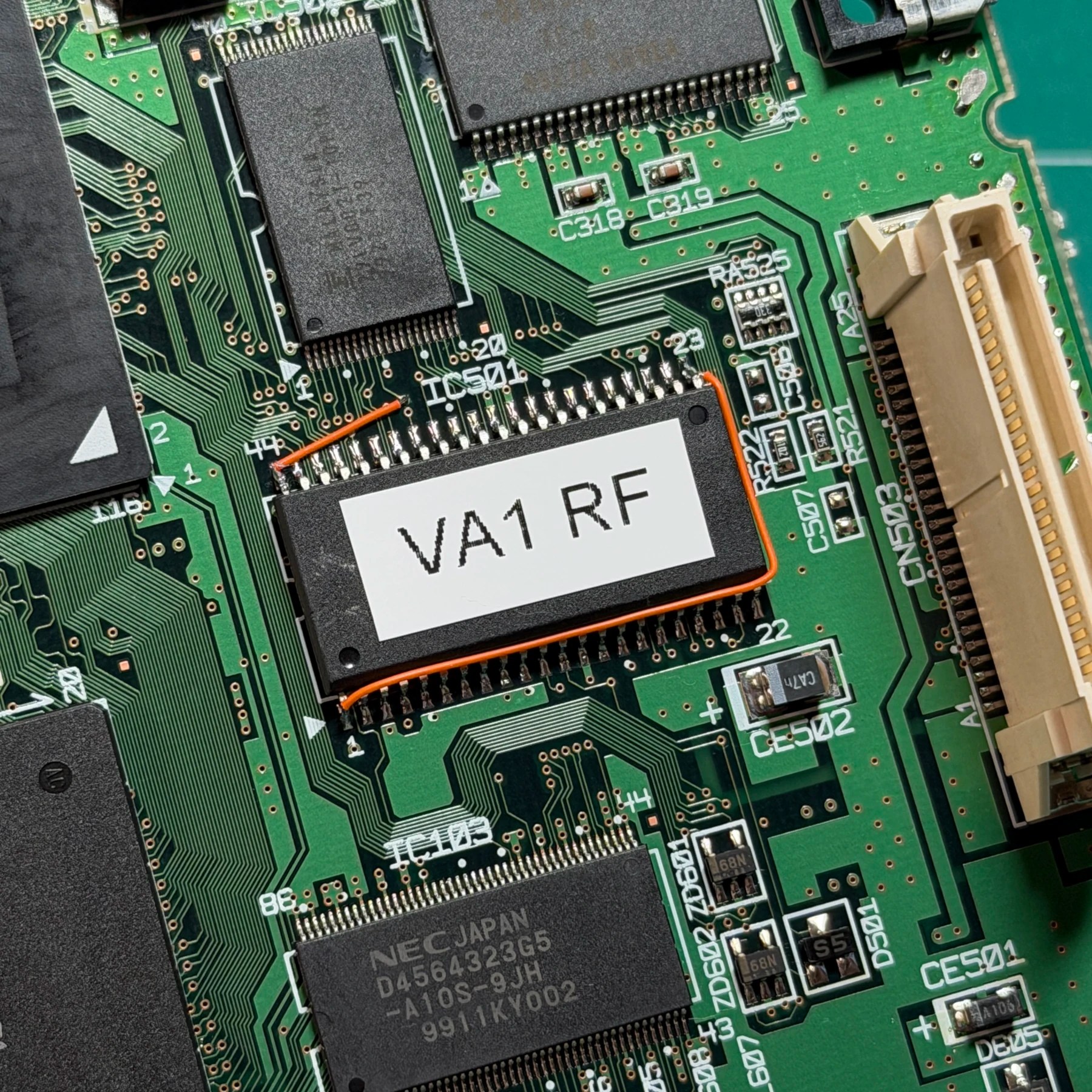
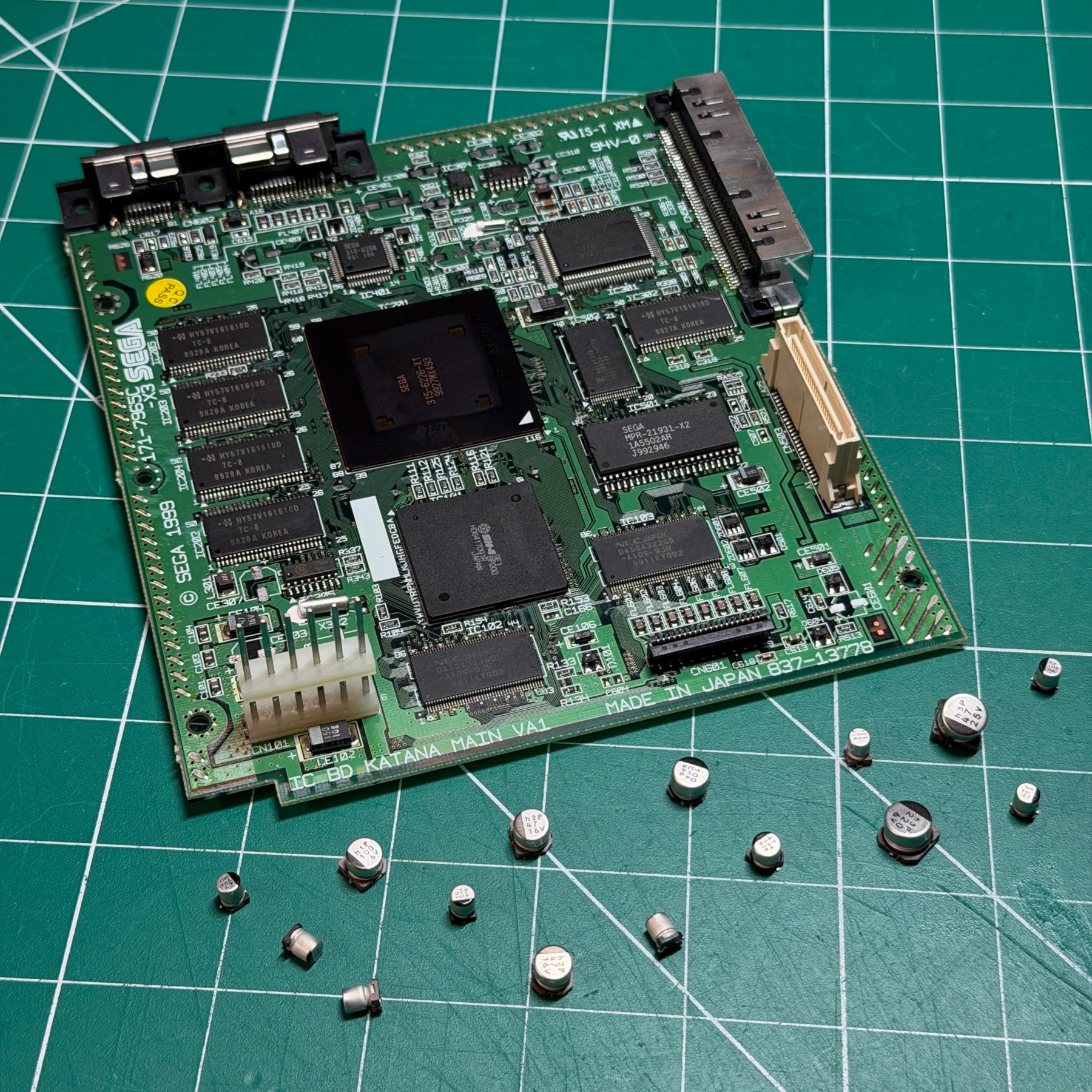
When it comes to the mainboard I first worked through it with my hot tweezers and removed all the capacitors. I then added some low melt solder to the BIOS chip pins and reflowed and heated it up with my hot air station to carefully remove. Having all the SMD caps and BIOS chip off allowed me to thoroughly clean the board top and bottom and prep the pads for all the new components. After soldering on all the new SMD caps from Console5 I then soldered on the new Region Free BIOS chip and ran the 2 wires needed for it to function properly and labeled the chip (so anyone working on this in the future knows what is flashed).
With the mainboard work done I cut and placed some new thermal pads on the bottom shield and top of both main chips, then started the reassembly!
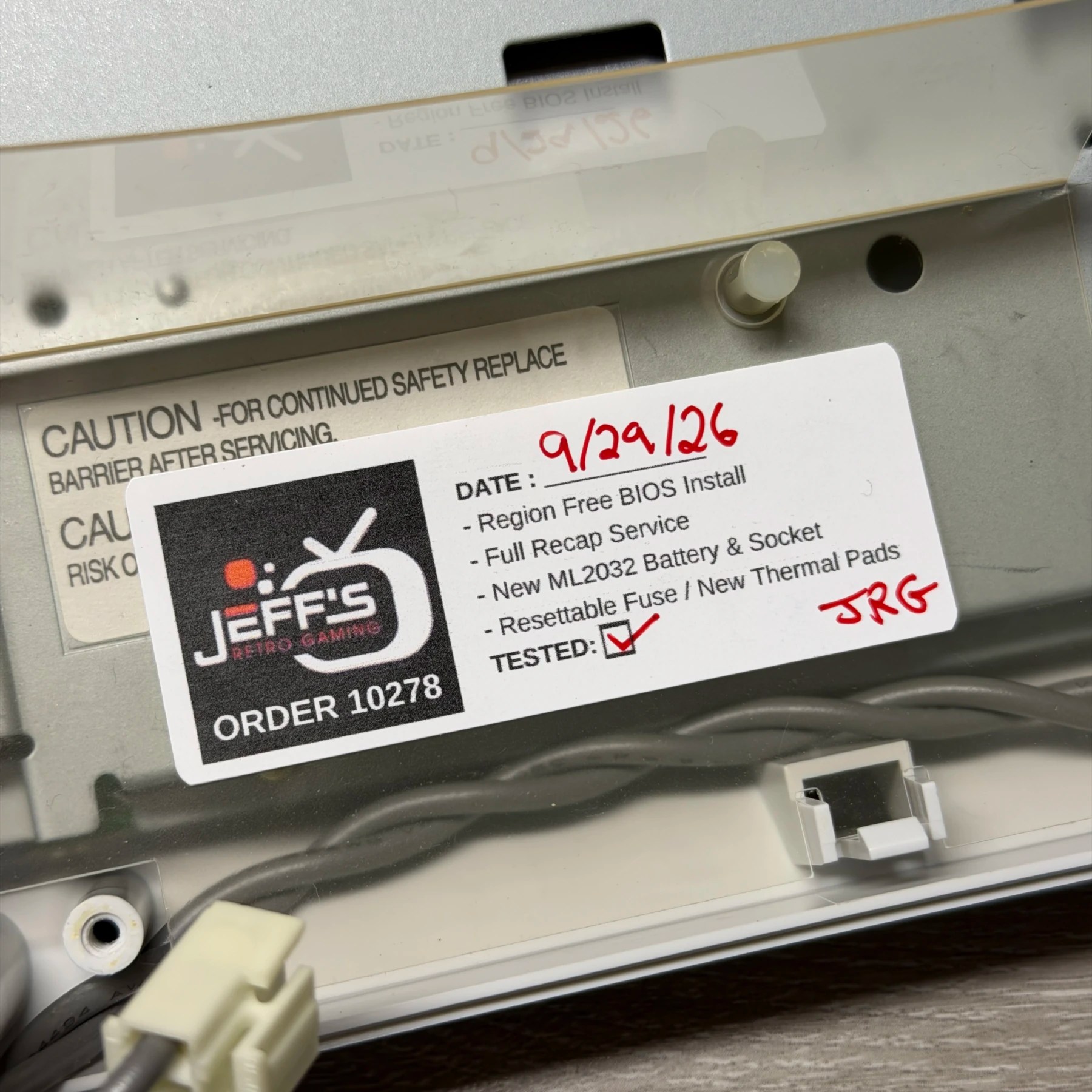
Once I got the mainboard, controller board and PSU all installed in the lower shell I wanted to give it a test so I could set the clock and confirm it held (you have to let it run for a while so it can charge the battery) and see how the GDROM sounded. I set the date/time and then inserted a disc and while Dreamcasts are always going to be noisy this was a HUGE improvement especially when the drive was doing large seeks. I left it running for a few hours as a burn in test with the lid on (for correct airflow) and then powered it off so I could add my JRG sticker under the PSU.
I closed it up for good and then just gave the outer shell a courtesy wipe and coat of UV protectant and staged it with my copy of Shenmue. Glad to see both issues easily fixable and this DC returning home in the best shape it can!