
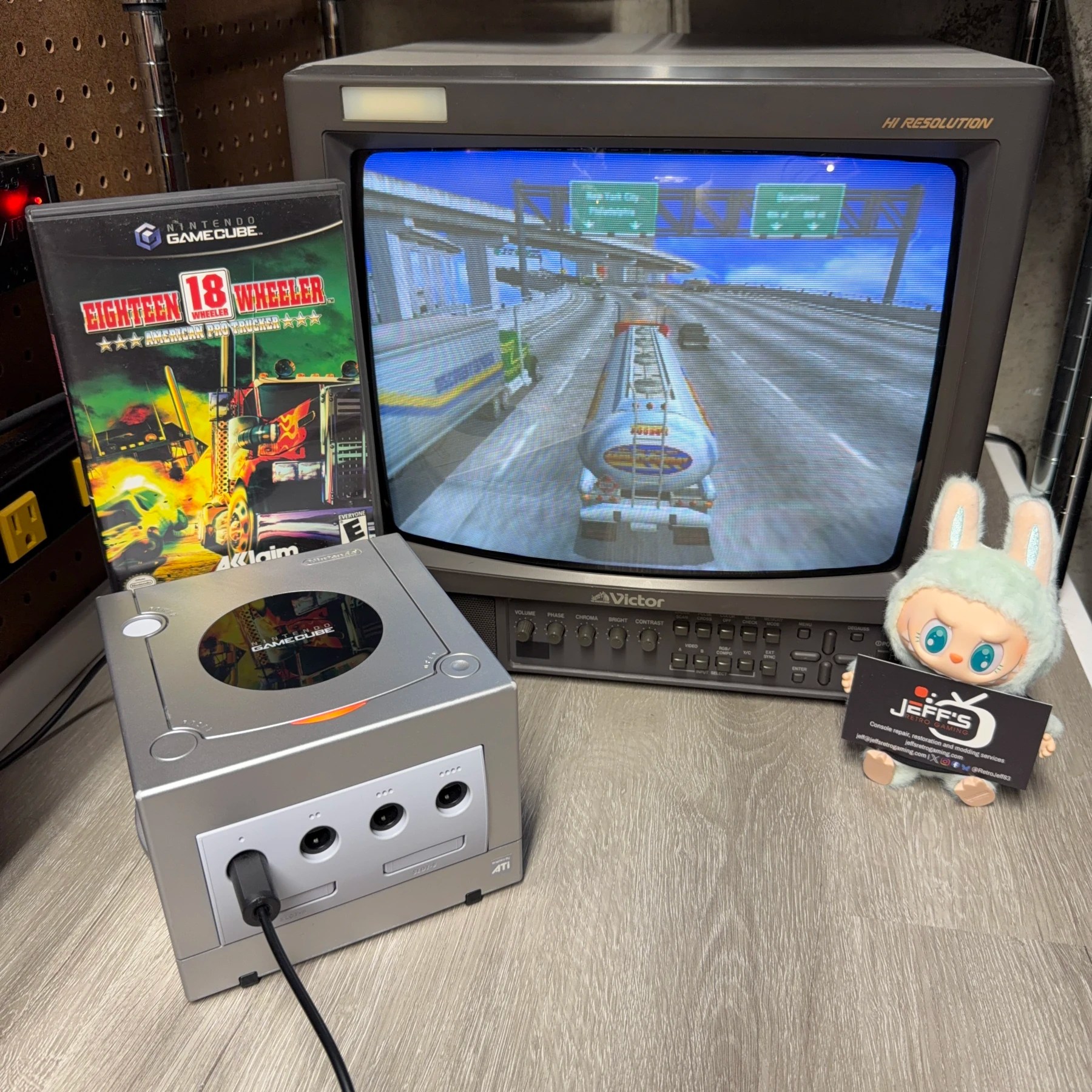
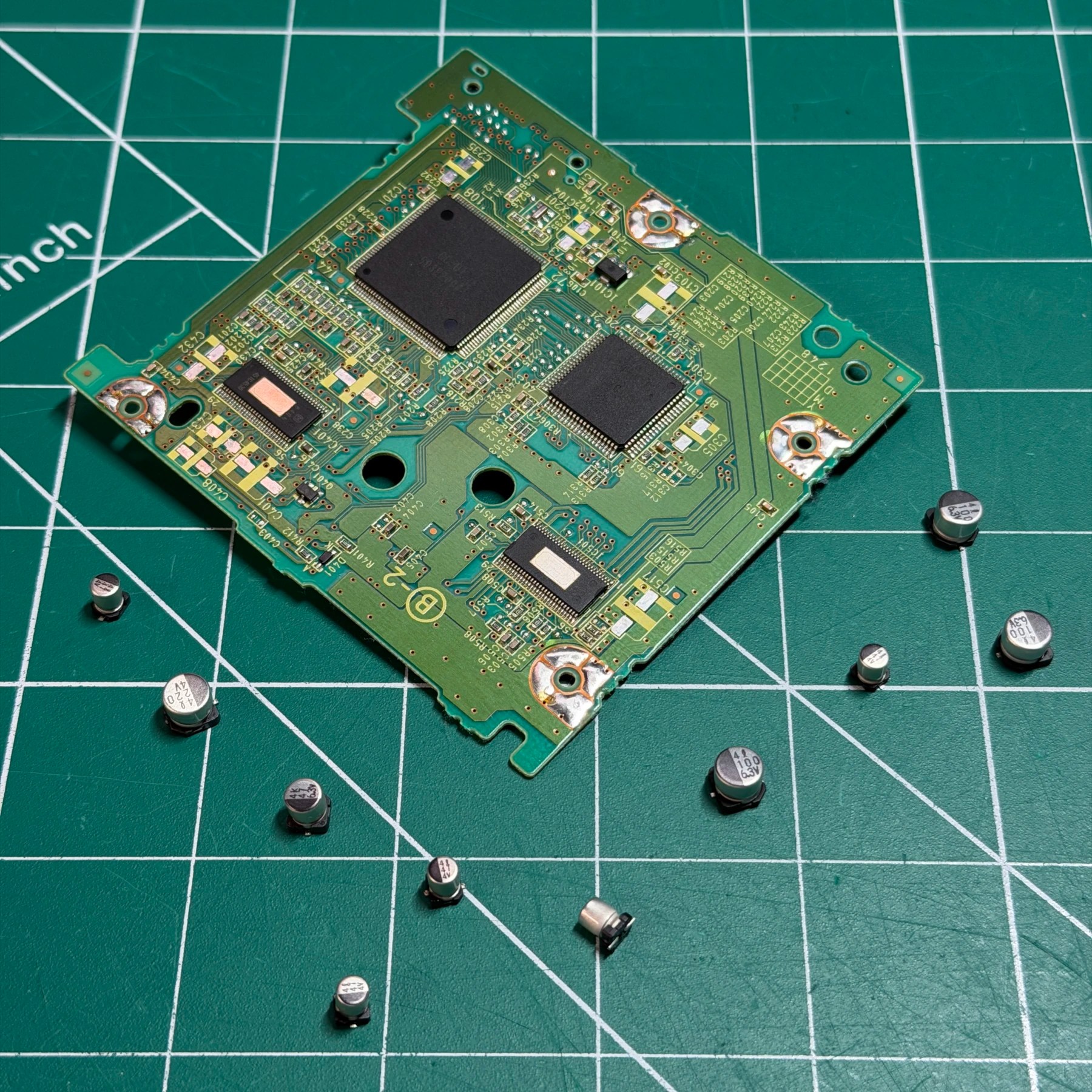
This Platinum GameCube is the first of two that came in along with the previously posted Dreamcast for a simple refurbishment. Customer just wanted it cleaned, recapped and new battery installed.
Nothing out of the ordinary during testing except it struggled to read discs until warmed up but that’s the telltale sign of bad optical drive caps which is par for the course for GameCube at this point!
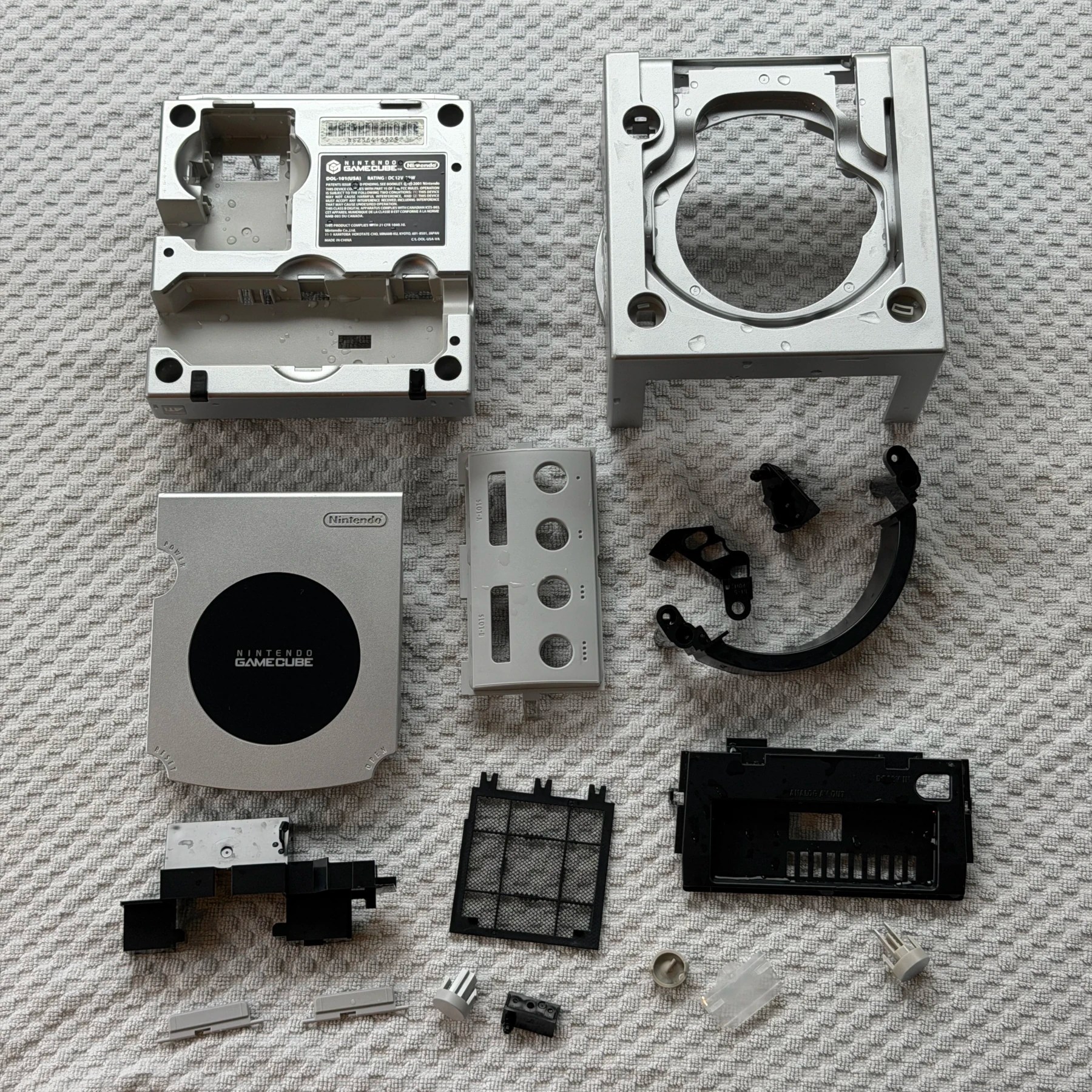
Outside of the fact this is a DOL-101 which I don’t see nearly as often as the DOL-001 models it’s a straightforward teardown to get the shell and plastic parts removed and in the wash bin. I let them soak for while then scrubbed and rinsed and set to dry overnight.
There was some yellowing on the 2nd memory card flap so I also set all the gray parts into the RetroBright chamber the next day so it could be removed and ensure all the gray plastic was restored to the same shade.
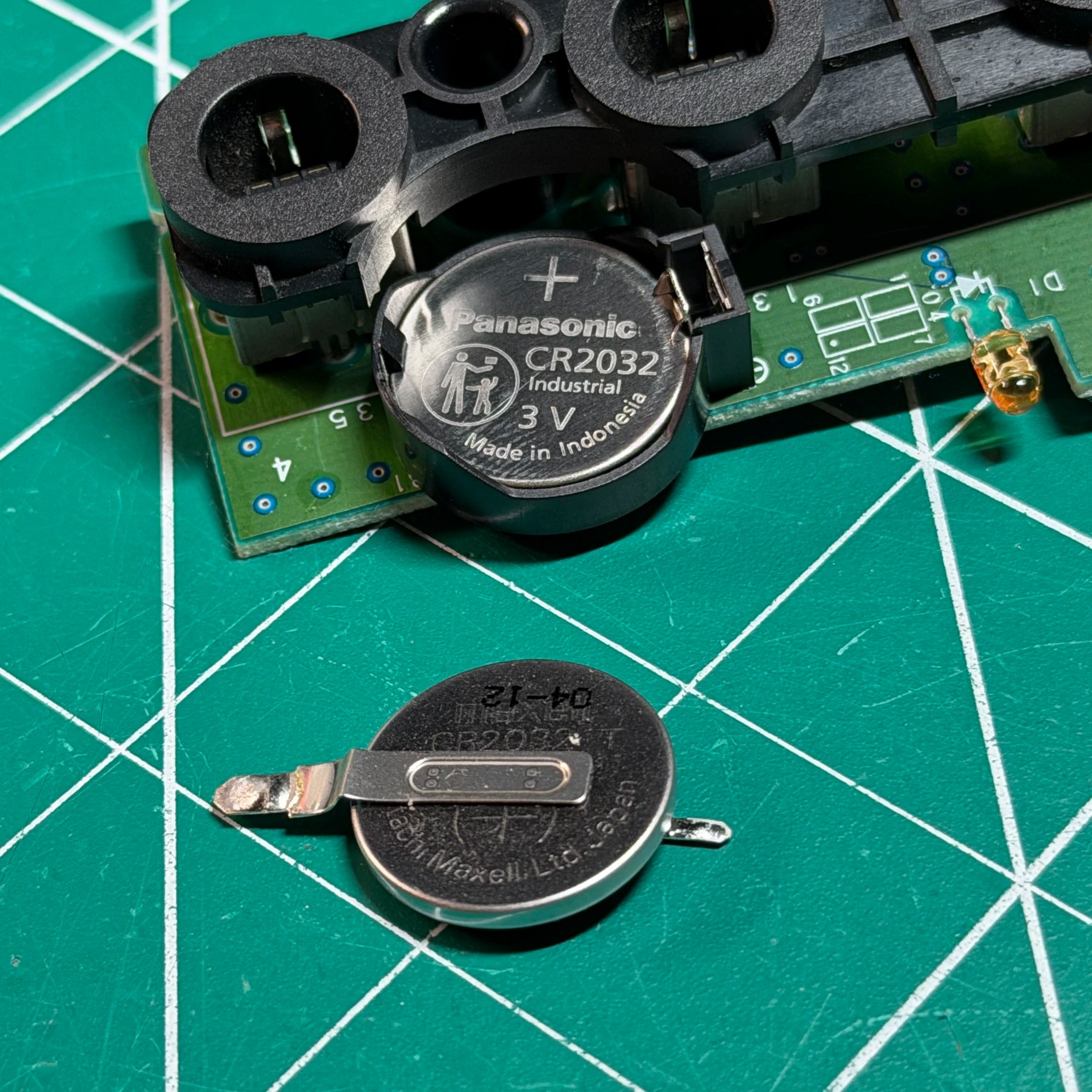
Since the controller panel was already removed for the aforementioned cleaning and RetroBright I used it as an opportunity to knock the battery replacement out first. I just quickly pop the battery out one side at a time while heating the joint, then clear both pads of any residual solder and insert and solder the new 2032 holder in.
Finally, I grab a brand new CR2032 from my battery bin, test that it’s at full health and insert it and set the controller board aside for now.
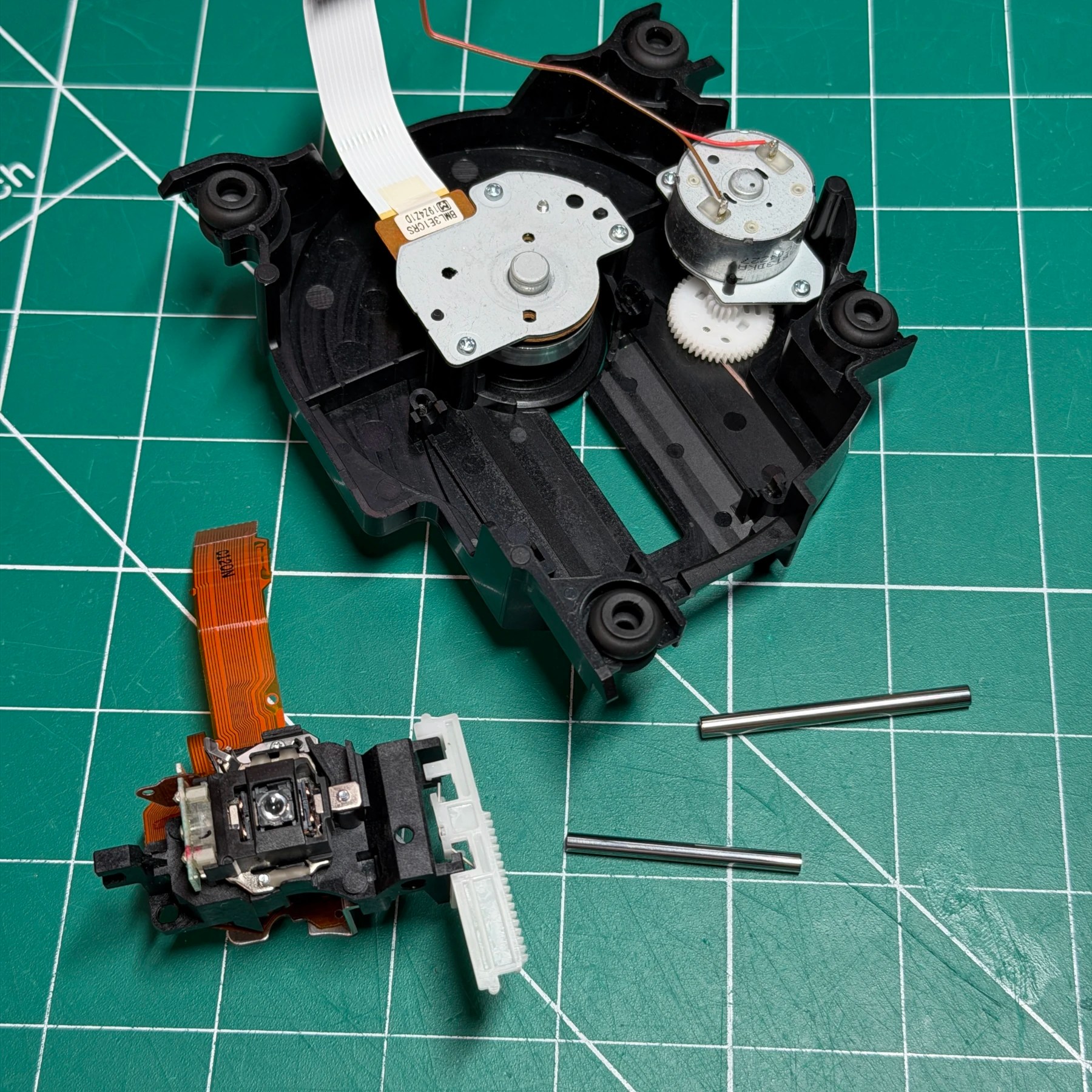
Time to get to the capacitor replacement so I start with the optical drive and remove all the screws to separate the shield and top assembly from the actual PCB. I make quick work of the 10 SMD caps with my hot tweezers then clean and solder on the new SMD caps from Console5 and set that PCB to the side. As part of my cleaning service that also includes the optical drive assembly itself so both rails and the laser get removed and everything deep cleaned with ISO and fresh grease applied. Lastly, I reassemble the optical drive with the board and lower shield and set to the side.
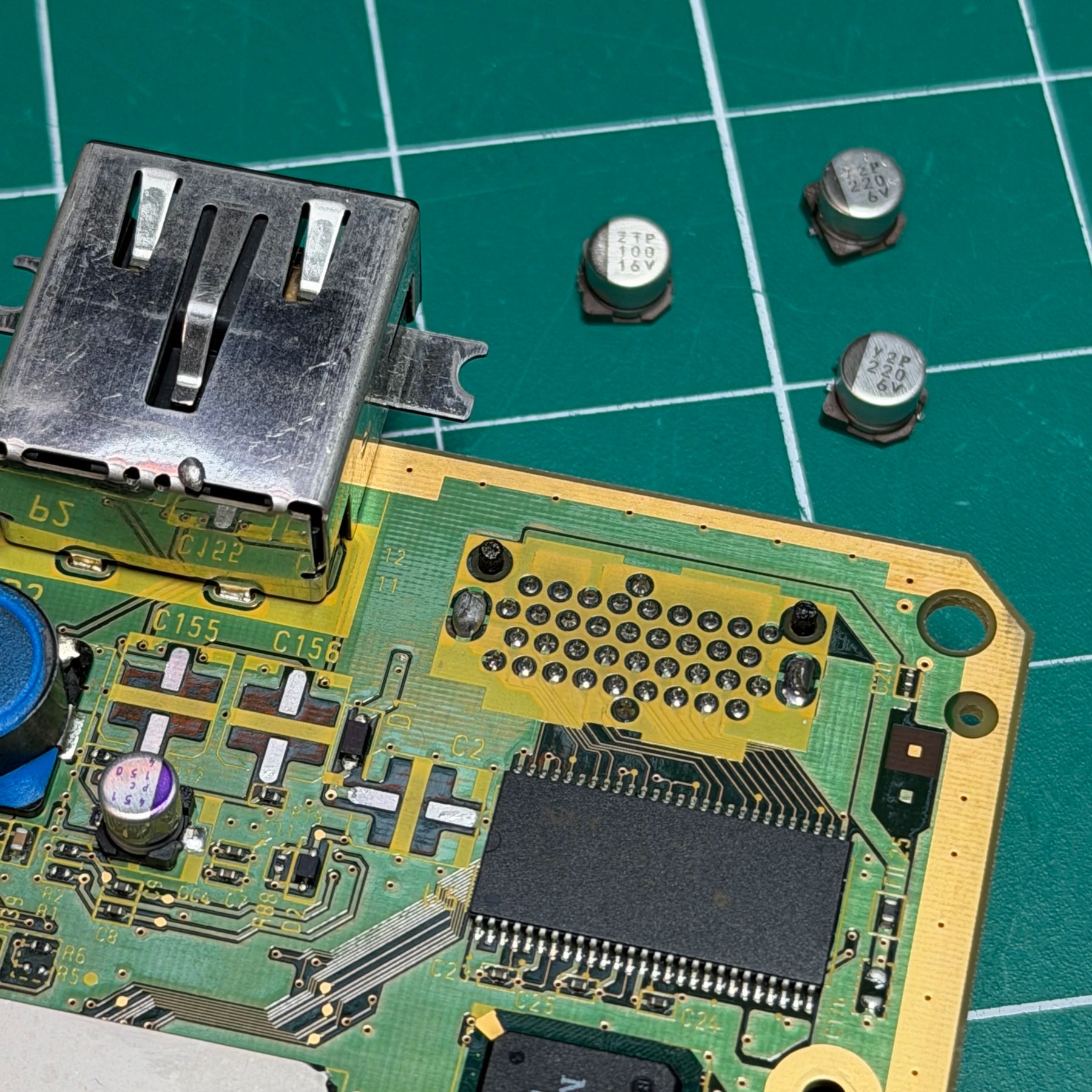
For the mainboard the process is quicker on the DOL-101’s as well since there are only 3 electrolytic caps as part of the Console5 kits so I remove them with my hot tweezers, clean and prep the pads then solder the new ones on and clean up my unspent flux.
Recap of both boards now done its just time to clean a few more components and test!
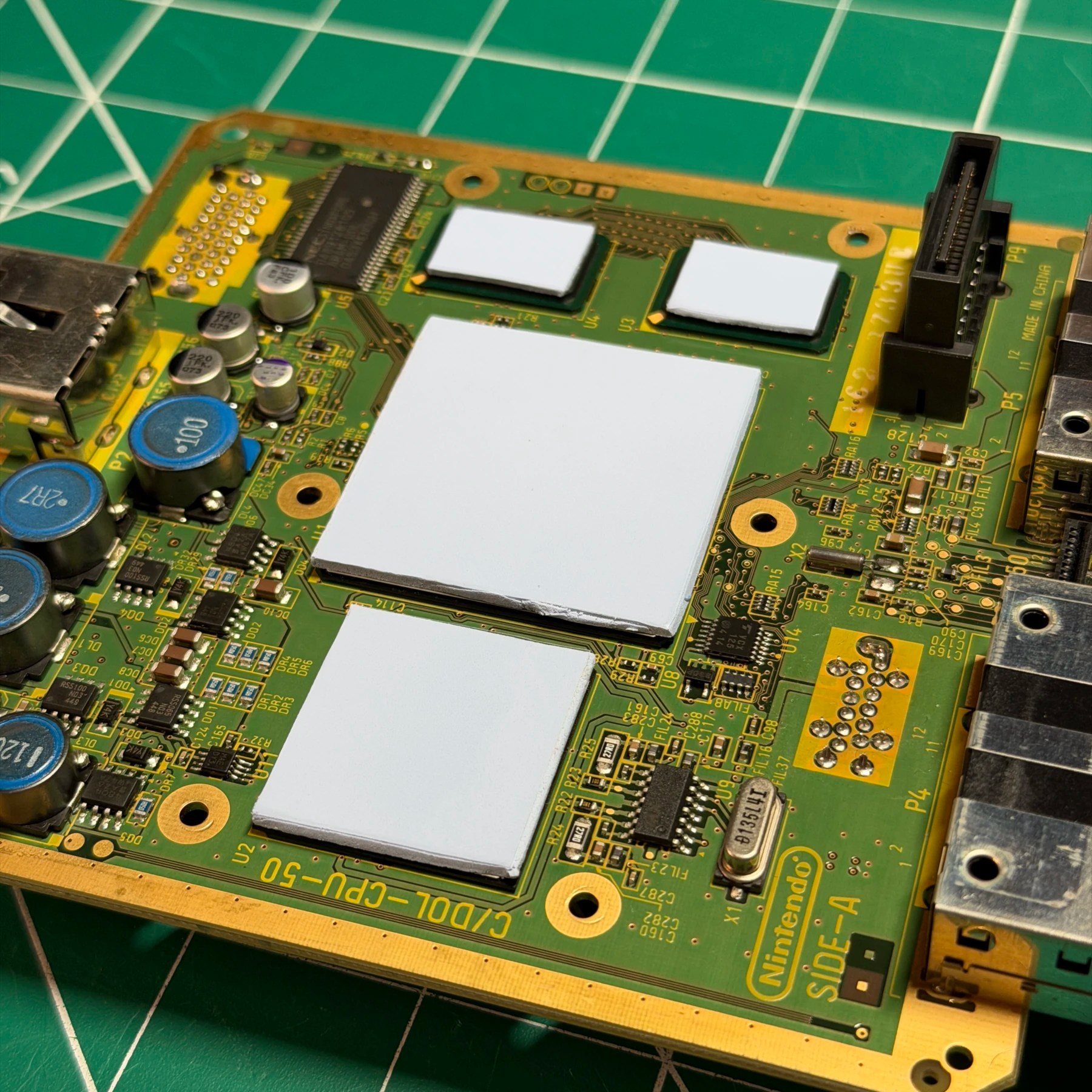
With the mainboard still in hand I grabbed my sheets of Arctic MX thermal pad material and used my templates to cut some new ones for the 4 chips (2x RAM, CPU, GPU). I then applied the cleaned heatsink and start reinstalling the motherboard, shields and other components from the bottom up, stopping at the fan assembly.
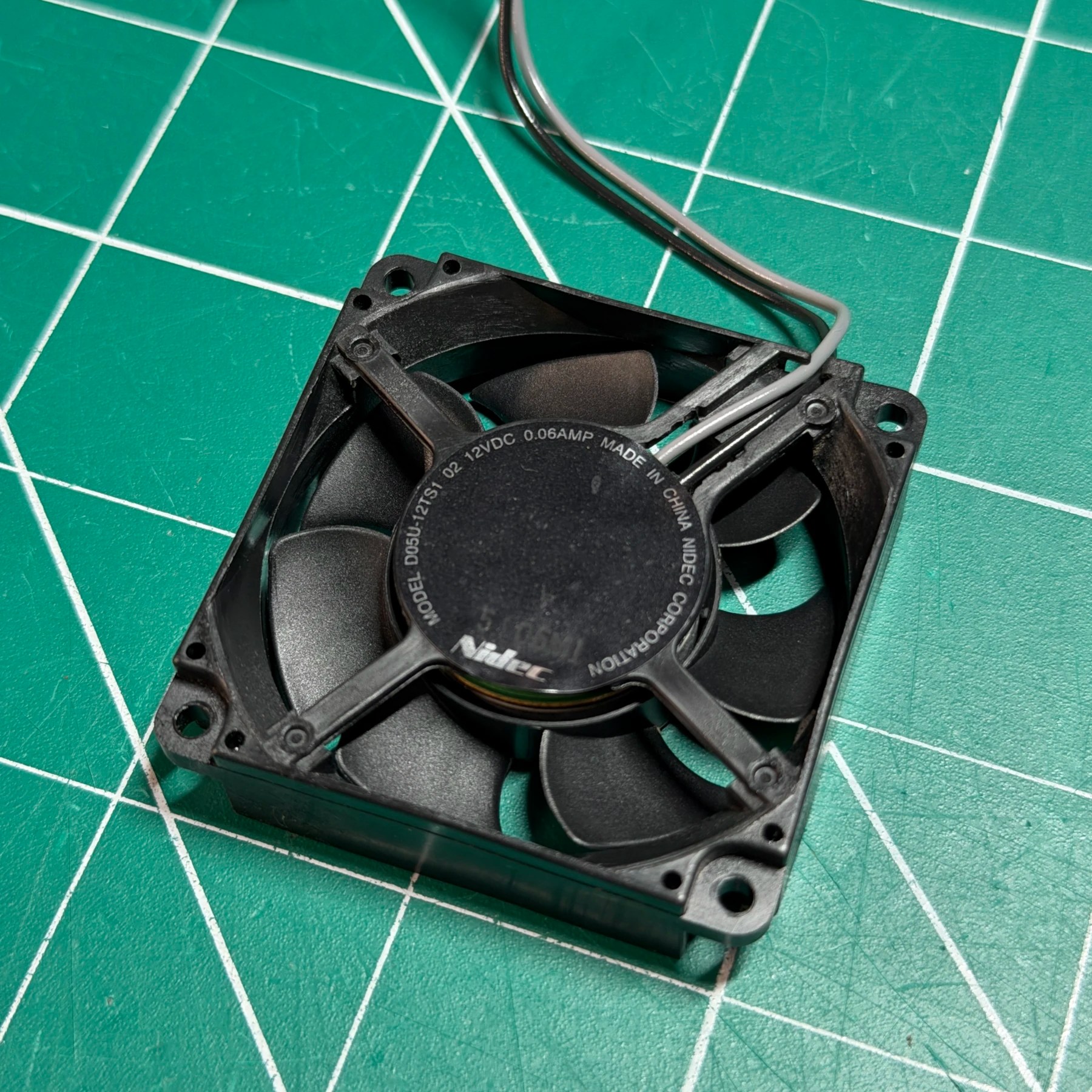
The plastic mount was washed previously so I just use my small brush to dust then wipe down the entire fan with Q-Tips and ISO until fully clean and reinstall that and the power switch back onto the mount and complete the rest of the assembly. Short of installing the top shell I hook it up and test to confirm the battery retains date/time, it boots up to menu and detects and reads games and the audio/video all look good.
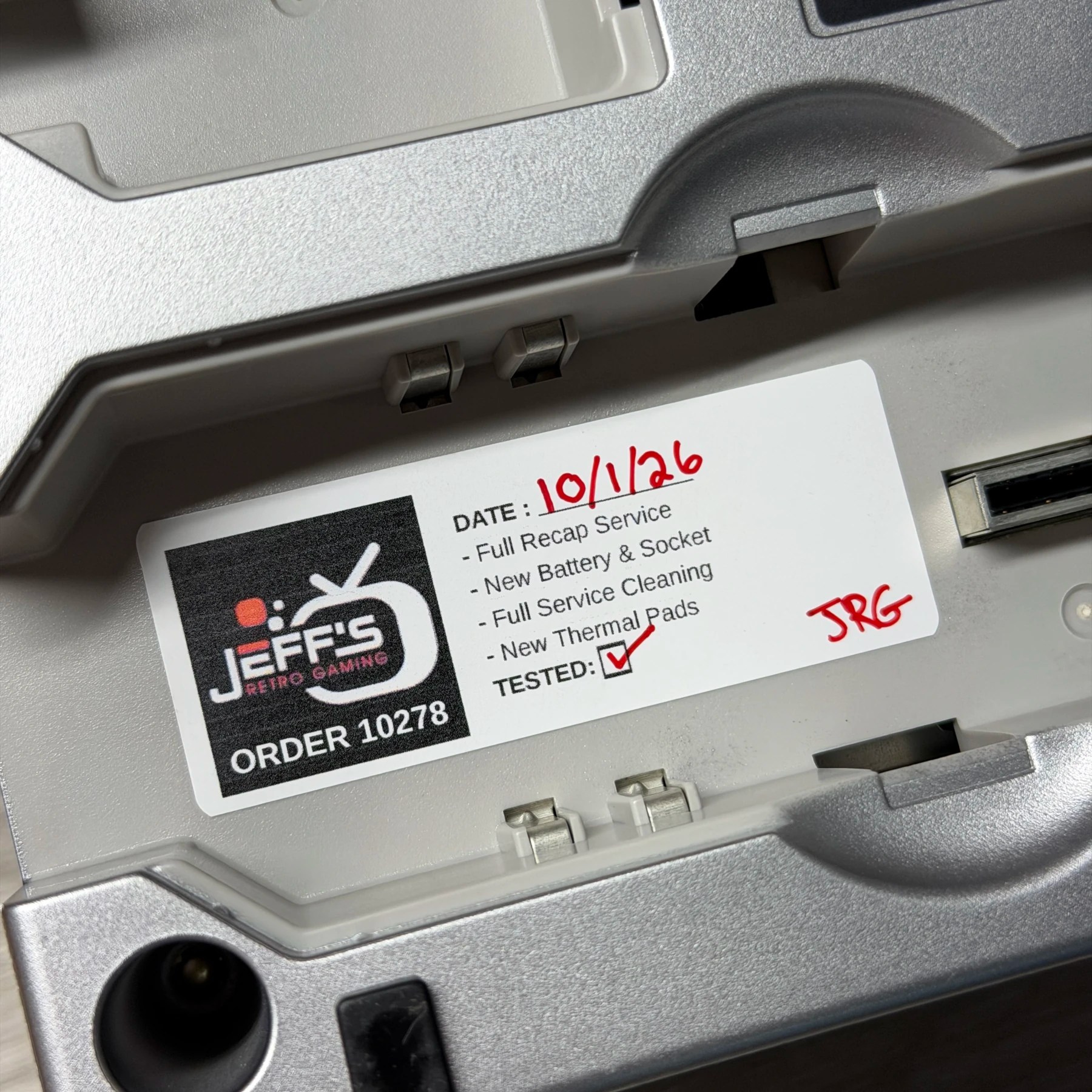
It passes all tests so I screw the top shell on and sign off and apply sticker to the underside and that’s another GameCube in the books!