
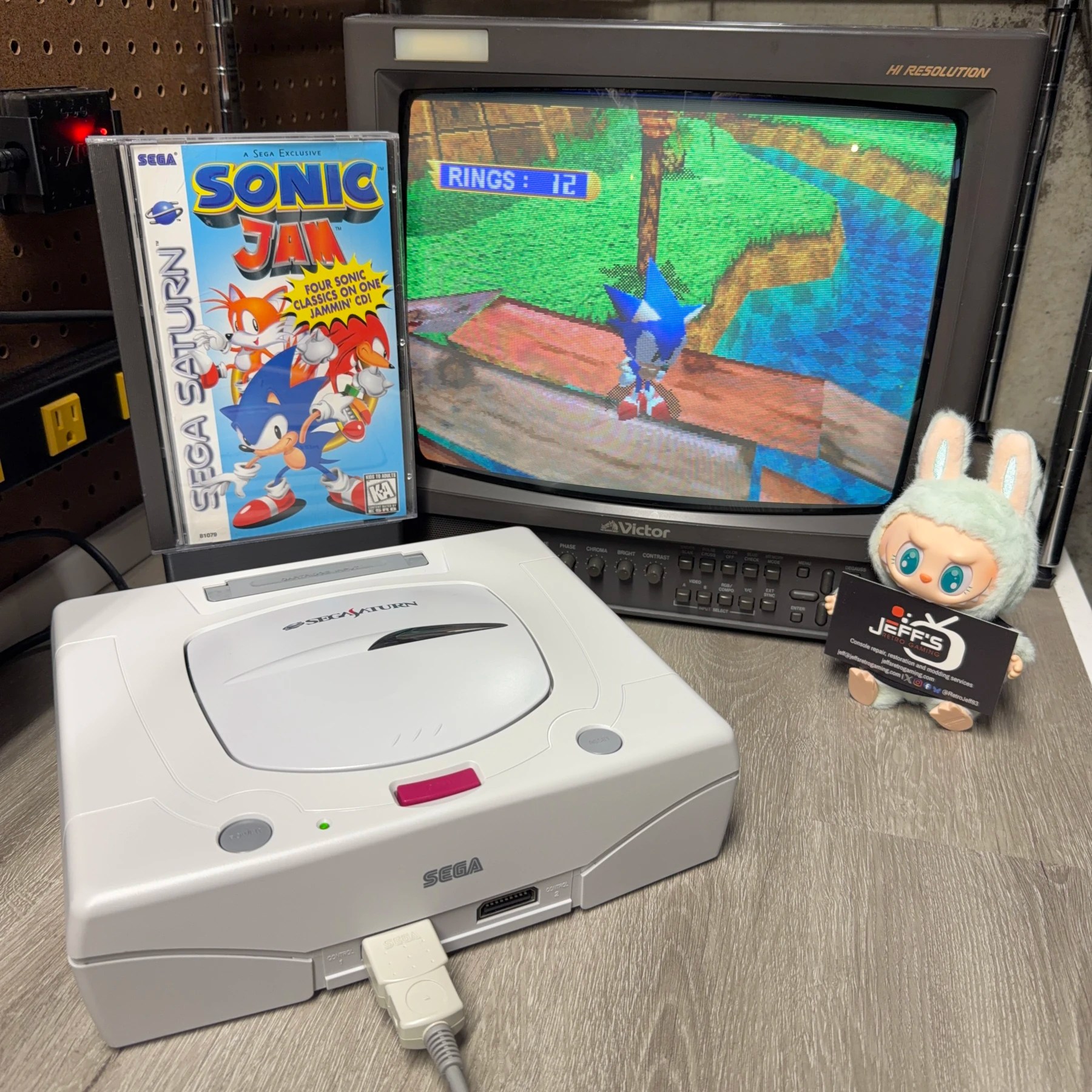
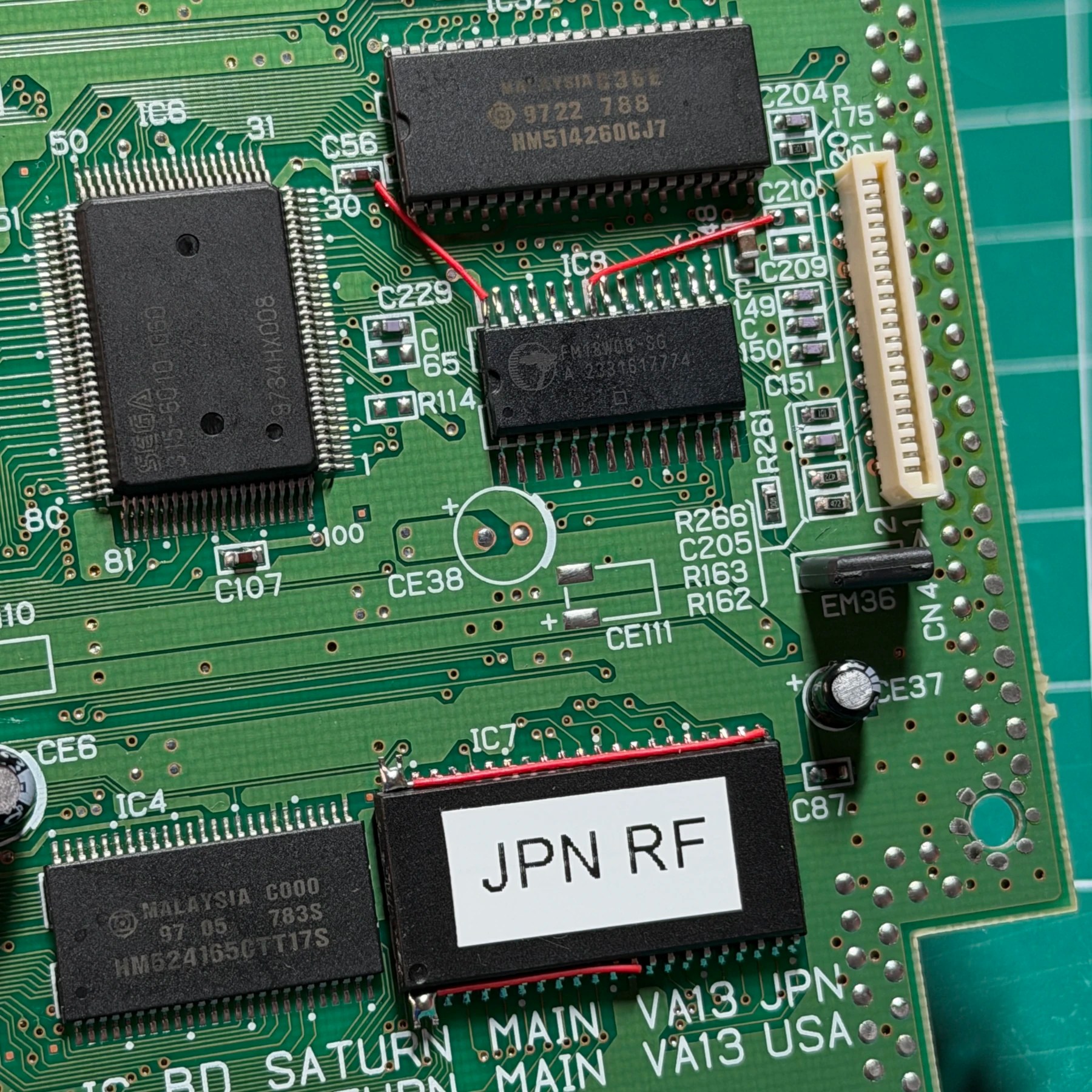
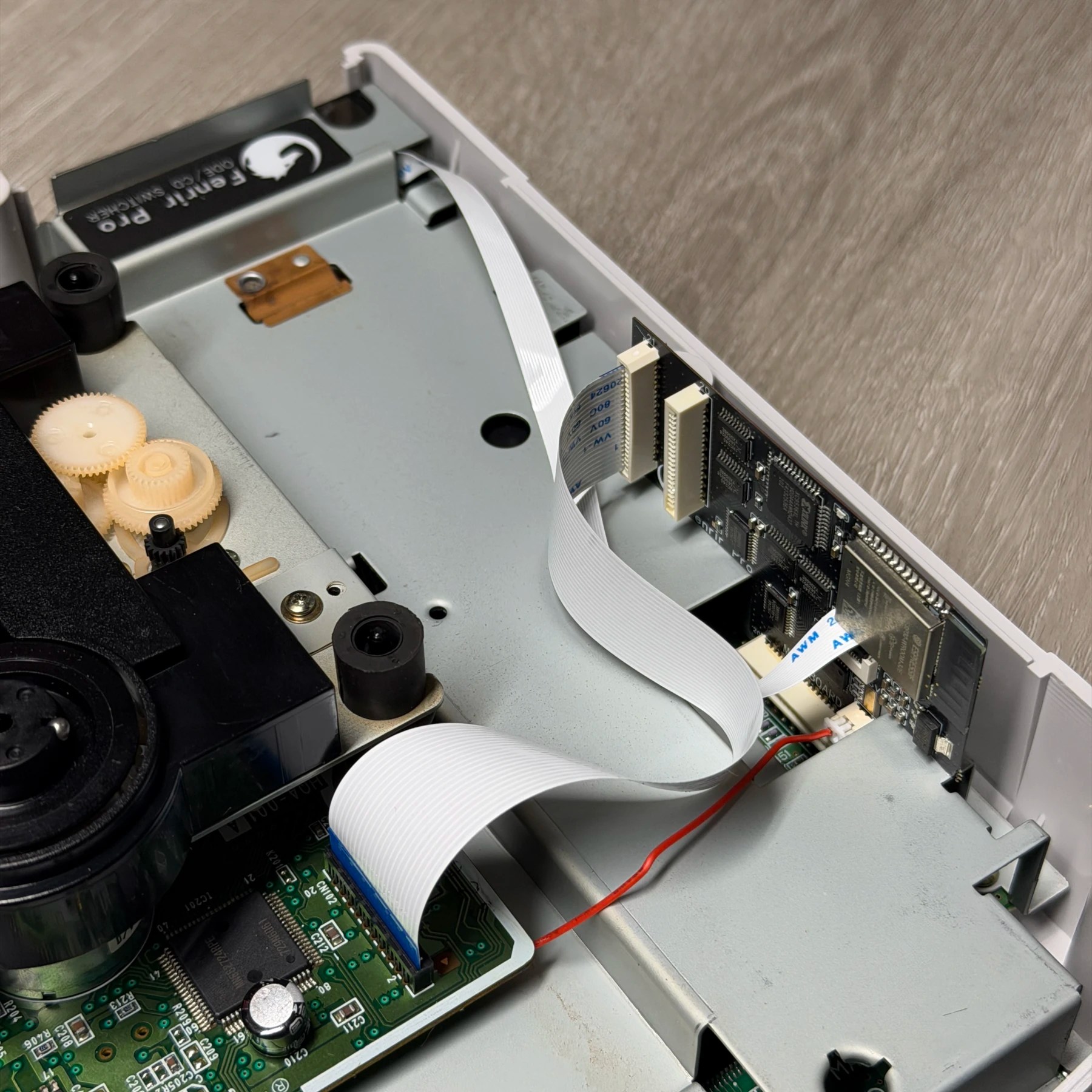
Just like an identical Model 2 I did as a premod for the RetroWorldExpo, this Japanese Saturn was requested to be fully refurbished and decked out with all the popular upgrades! The Fenrir Pro allows you to retain the optical drive for playing original discs (assuming its functional) while also easily switching to the ODE portion and run games off the SD card via an easily accessible rear slot near the save battery. The region free BIOS ensures any region disc will work and the FRAM of course means even when the battery dies (it will!) the save data is unaffected. The only modification left off was a modchip for playing burned discs but in 2026 those kinds of mods are pointless if you have access to an optical drive emulator. If you don’t own a pressed disc the far smarter thing to do is run it off an SD card and limit the hours/wear on the laser and save that for your actual game discs.
Anyways, on to the project…
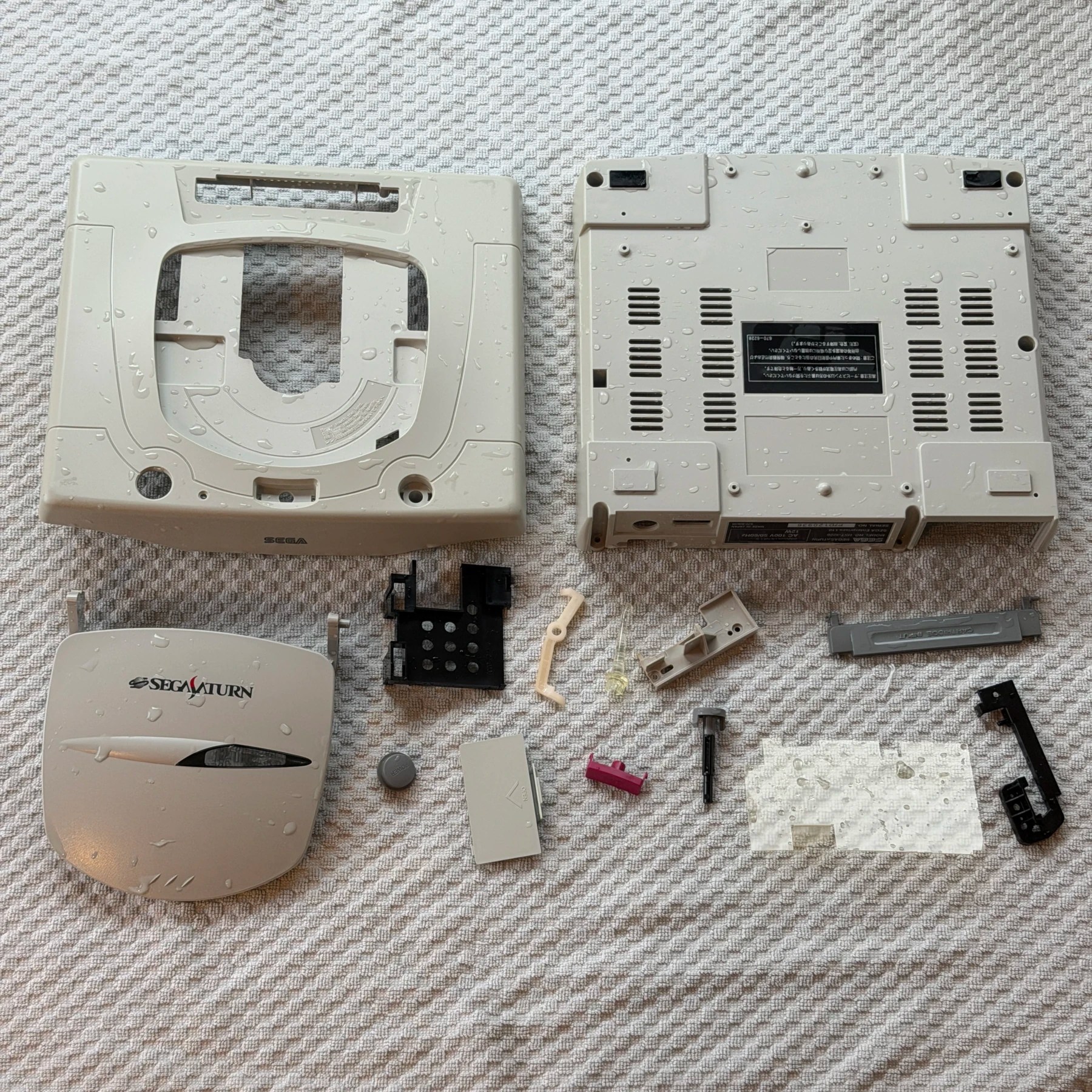
The first item on the agenda was to get the system fully torn down to the internals and set the shell and all plastic components into the wash bin for a nice long soak, scrub and then overnight dry. Cosmetically the shell is in fantastic shape – no major scratches or scuffs, no cracks and the logo is still vibrant and crisp!
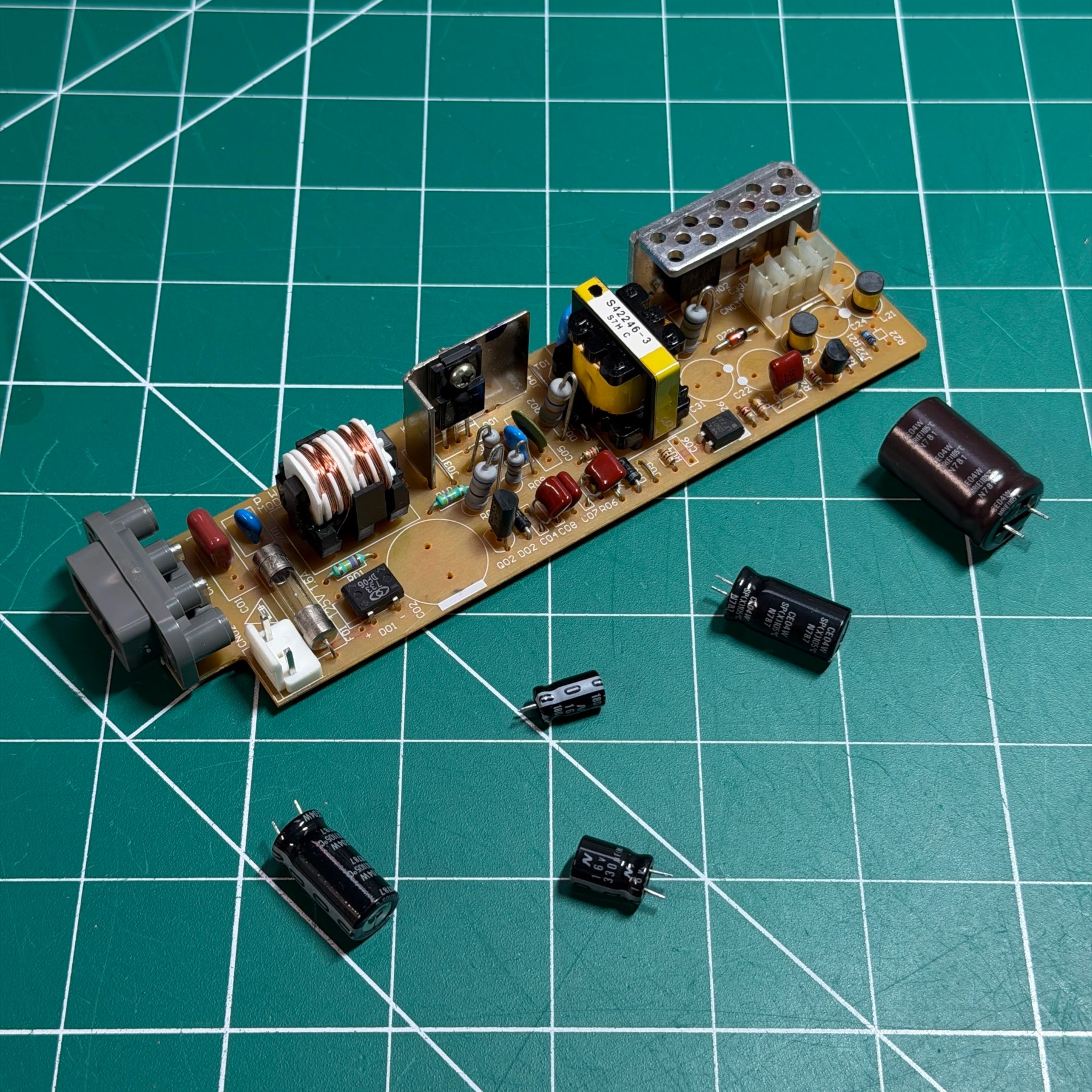
With all the internals removed I always prefer to refurbish the unit and then test before doing any upgrades so it was time to begin with the recap process. First up was the PSU. It’s the easiest and quickest board to recap so I got my Hakko gun fired up, removed the 4 caps quickly and cleaned the board thoroughly. I then installed the 4 brand new caps from a Console5 kit and set the PSU aside, it’s all done! On a related note its very rare to find a PSU with the AC jack plastic fully intact and without cracks so this was a rarity!
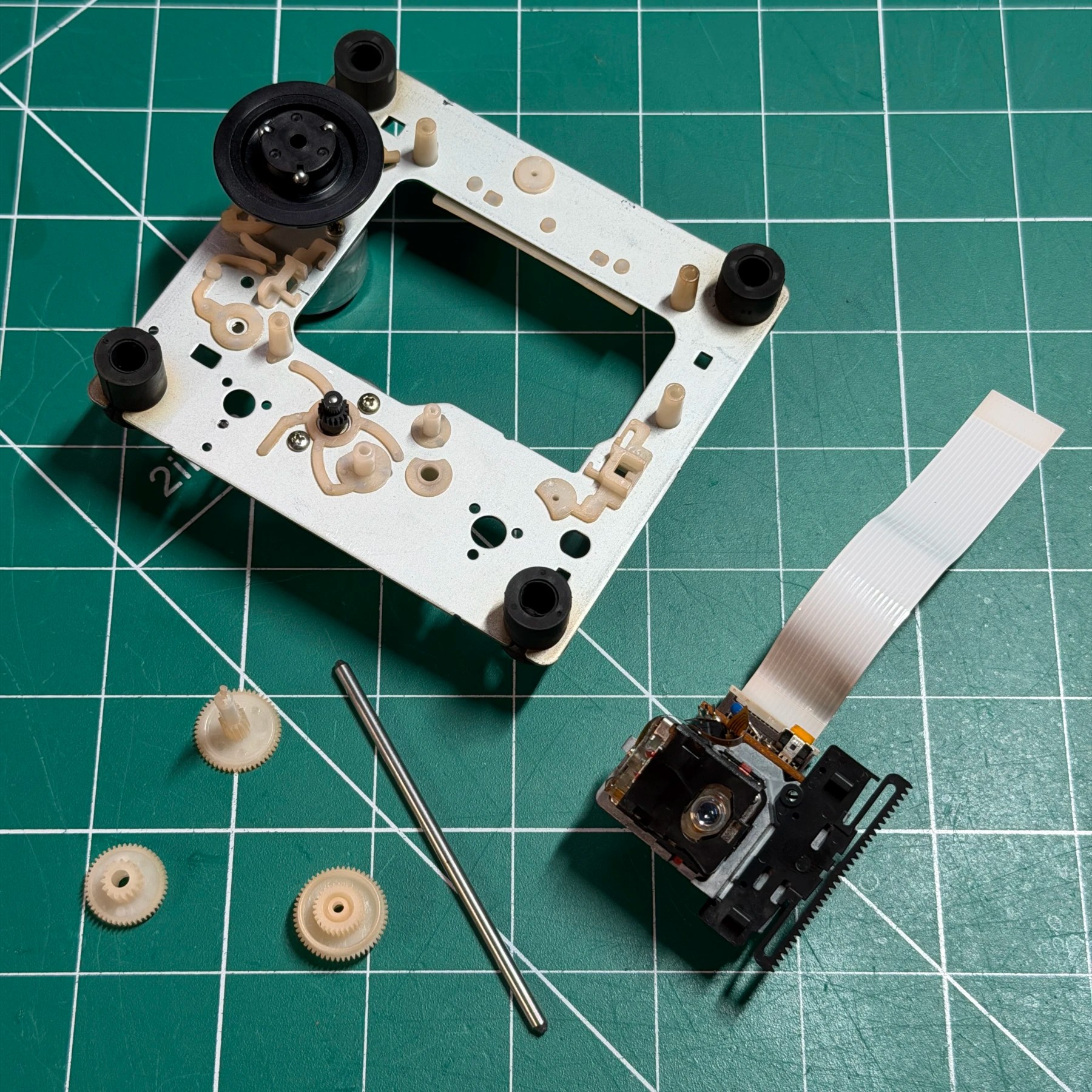
Next up was the optical drive. Outside of having to desolder the two motors and detach the flex, the actual recap process is pretty quick as there are only about 6 caps present. They were removed with my Hakko gun, board wiped thoroughly with ISO and the new cap kit installed. I then cleaned and greased the gears and rail and reassembled the optical drive fully and set it aside.
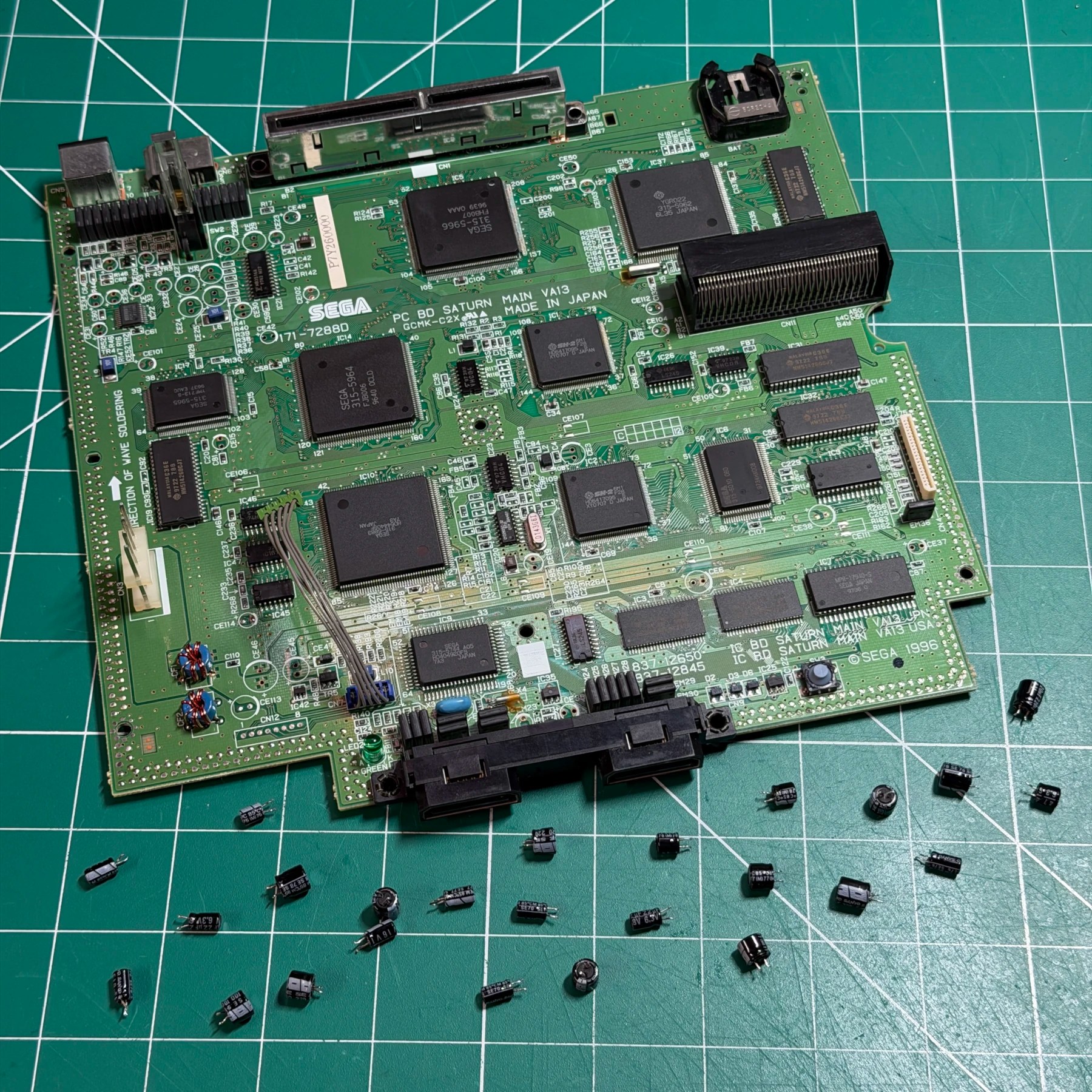
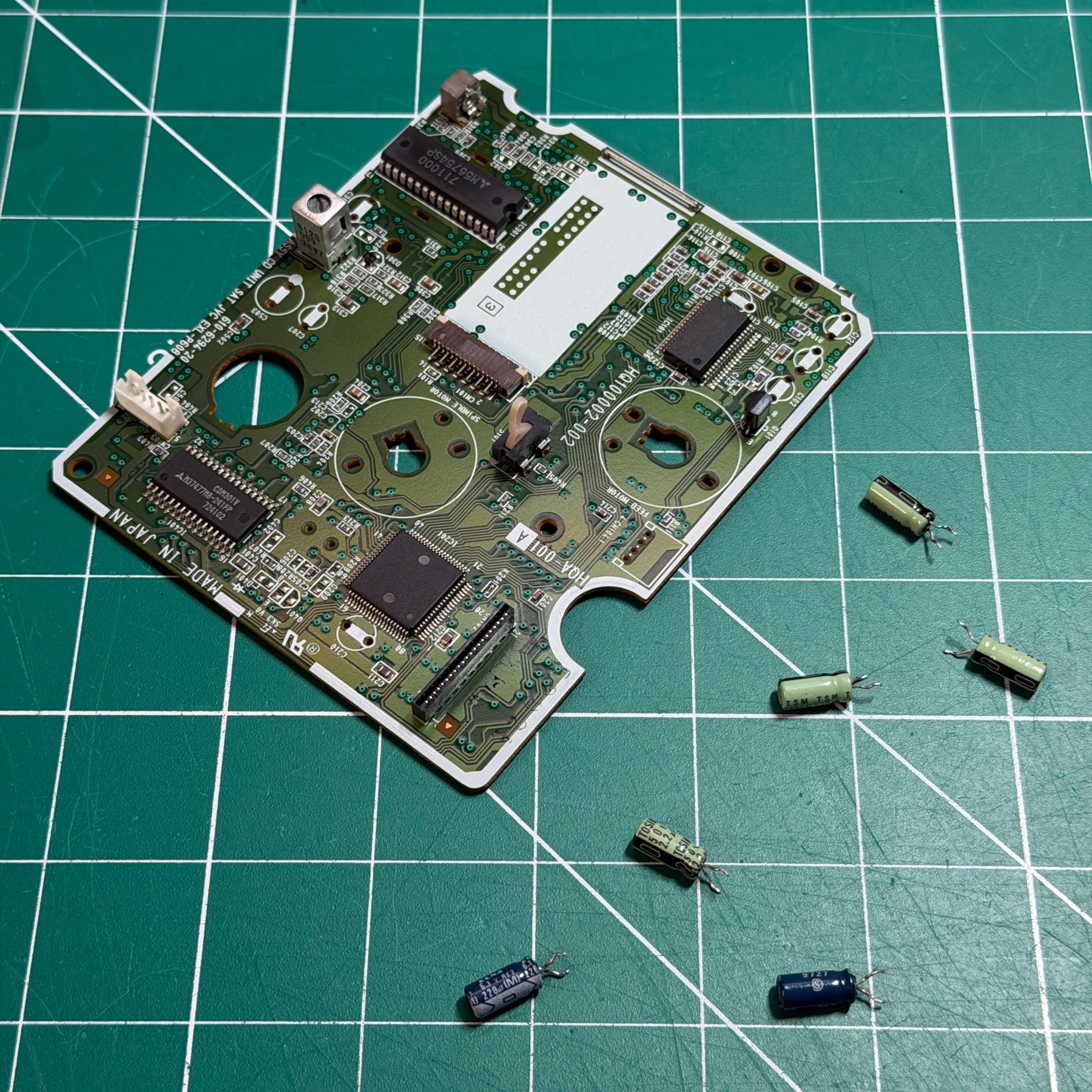
For the mainboard you usually have 2 styles of caps either SMD or through-hole. SMD takes more time overall to recap but I often find the joints on the TH caps to be quite dull and not desolder well so to begin I worked around the entire board and reflowed all the cap joints with fresh leaded solder. I then worked back around the board with my Hakko gun and removed all the caps and then scrubbed the top side of the board thoroughly while the caps were out of the way.
With a Console5 kit in hand I then installed all the new caps, snipped the leads and scrubbed the underside of the board to remove any leftover flux and now the recap process is done!
For the upgrades since both the SRAM and BIOS chip are located right next to each other and topside on this revision so no epoxy it’s a pretty quick process. I simply drop some flux along all the pins and bring in my hot air station at around 325C and keep it moving until I see the joints go molten then very carefully lift and pull both chips up.
I then make a pass with some wick and clean all the pads and wipe both areas down with ISO. For the new chip prep, the BIOS needs legs 1/2 and 43/44 lifted and the rest of the pins pushed in a bit as these new BIOS chips have a larger footprint. The FRAM needs 22 and 28 lifted. With all the pins lifted I solder both chips on and then run the 4 wires needed across both of them to complete the install and clean up any flux and do a quick check on my work to make sure there are no bridges on the pins.
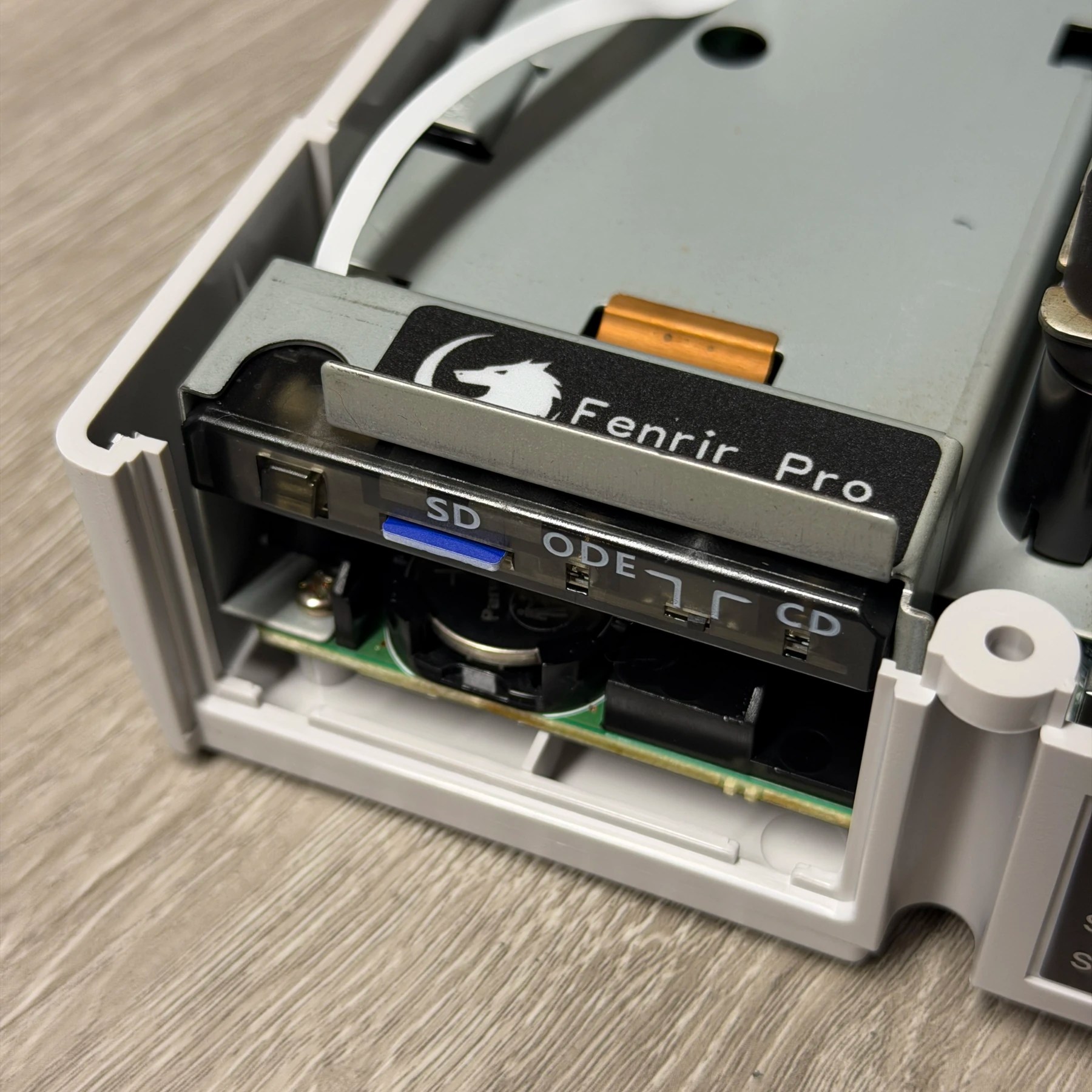
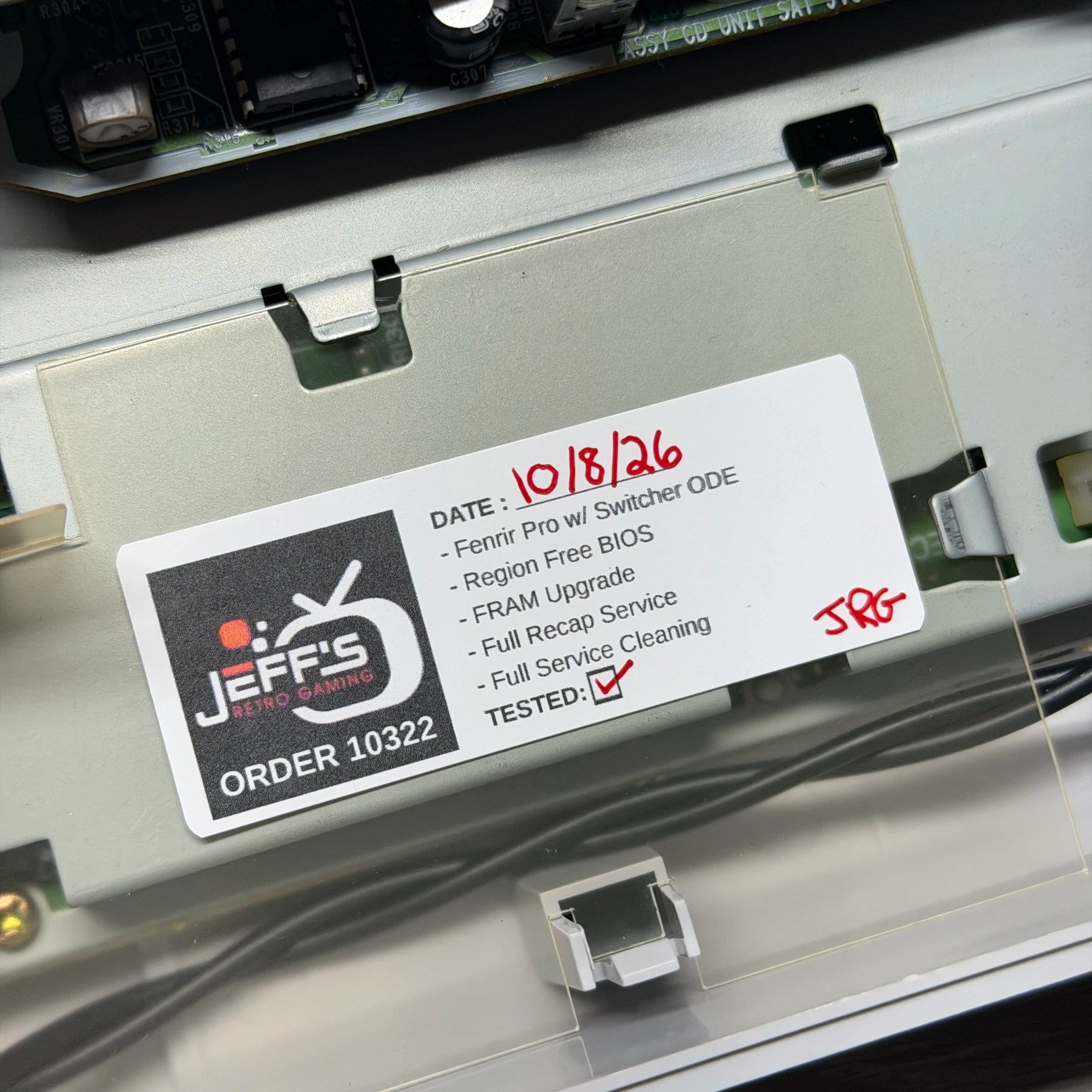
The last piece of the project is the ODE install but its mostly drop in during reassembly so I first work to get the mainboard and metal shielding in and work my way up from there. I stop once I get to the optical drive installation and the nicest thing about this version is it snaps in vertically directly to the motherboard. You then simply run the 21 pin (or 20 depending on version) flex to the CDROM and this board acts as an intermediary interface between the two, but the install itself is usually solder-free. In this case I didn’t like how the wire for 5V was resting in the PSU pins (normally its friction fit you just push it down into the pin/clip joint so I elected to strip the end and solder it to the PSU pin underside instead. This is because the unit is being shipped and in the event of any bumping around I didn’t want it to come loose and make the customer have to deal with troubleshooting. Its still easy to disconnect from the ODE board so can be removed if the unit ever has to be disassembled.
Once thats installed and the interface board in the back pushed into place (snap fit) it was time to test. First I had it in the CD switch mode and booted it up to test FRAM saving ability and playback of both Japan and USA discs. All were confirmed working so I shut it off and flipped to ODE mode to test the SD card. I had put the latest firmware on the card as per instructions and confirmed it updated then displayed the game list and I booted a handful of games and confirmed they all loaded up ok and reset to menu was working.
With both the original device function and ODE all confirmed good to go I screwed the top shell on and installed a new CR2032 battery (not needed for saves but still needed for date/time) and let it run on the bench for a few hours.
Another fancy decked out Saturn all done and headed to its new owner! I’m all out of Saturn units now so time to find another lot on eBay and import some more 👍