
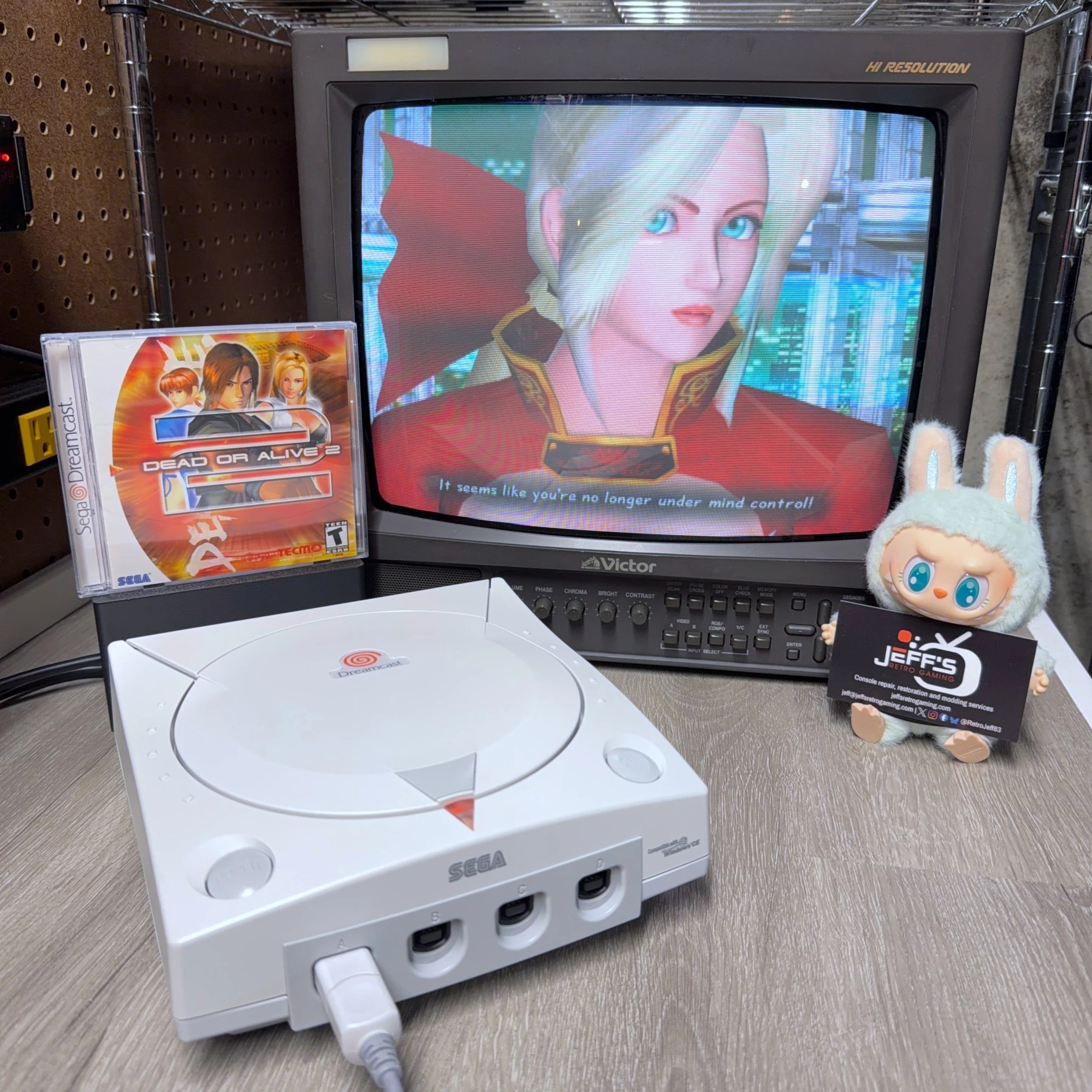
I’ve been seeing an uptick in Dreamcast service requests again and this order came through for one with a non-working GDROM drive. Customer stated it was working ok up until a few years back and slowly got worse over time, requiring a restart or at times behavior would change depending on how long it had been running. This is classic bad capacitor symptoms but I did discuss a few backup options in case the recap did NOT resolve disc reading ability. This included recapping and swapping in a spare GDROM or moving to a GDEMU but we agreed to try fixing up the existing drive before anything else.
The good news? It was a success, this thing was running great and reading all my test discs before shipment home! The rest was a pretty straightforward DC restoration so read along…
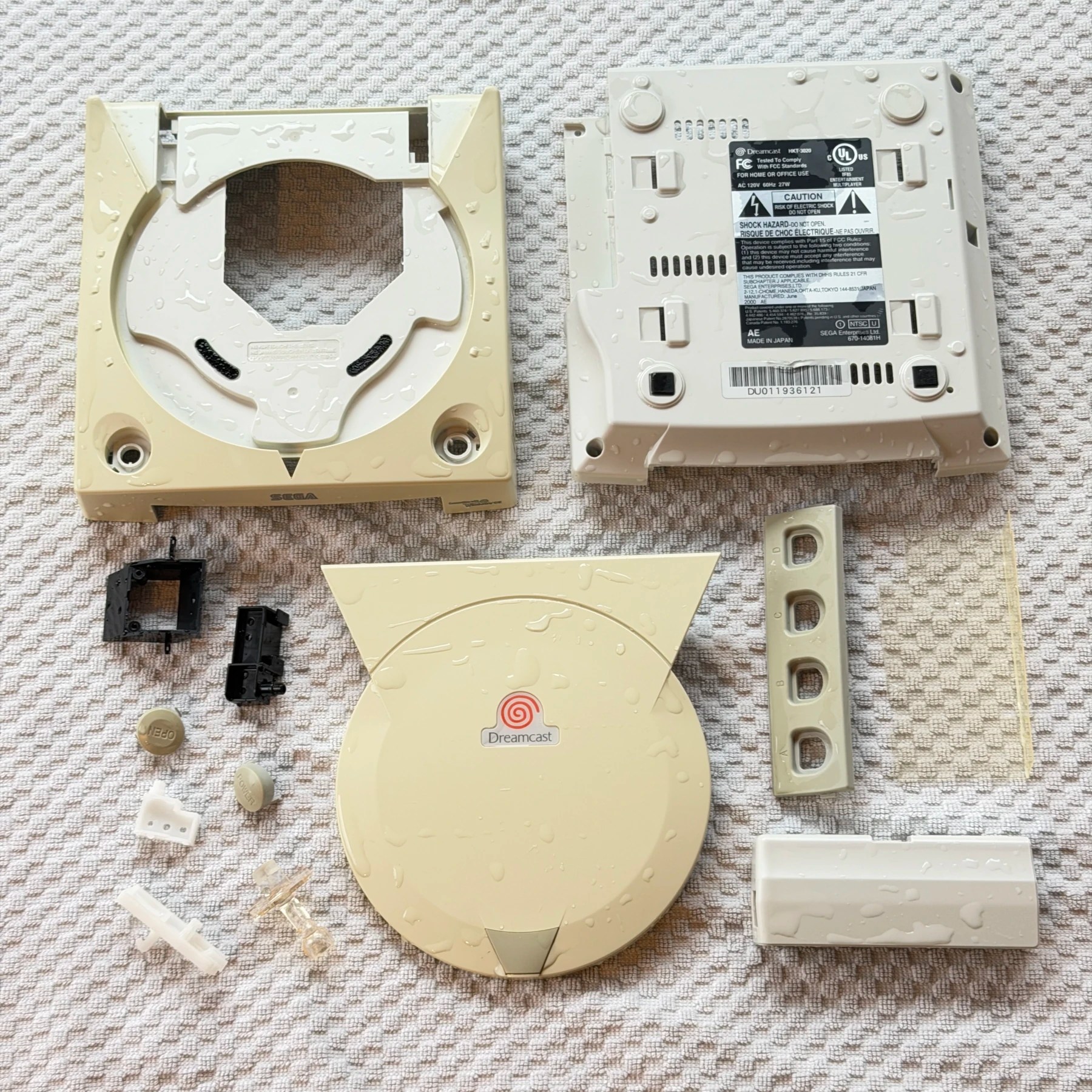
This customer chose the cleaning service, recap service and controller board work. The first thing I noticed during unboxing was how yellowed it was. Since my RetroBright service is complimentary it’s given purely as an added bonus to the paid cleaning service. Be wary of any modders out there charging you for RetroBright as the results cannot be guaranteed across all plastic equally and while some can maintain the restored color some do fade back over time. That said, there is no truth to the myth the vapor method damages plastic so there is nothing to lose by trying and often times you can get a much nicer looking system out of it!
The shell was completely disassembled and all plastic pieces tossed in the wash, then scrubbed and rinsed and set aside to dry. It would be given 2 UV sessions over the next few nights while the rest of the work proceeded.
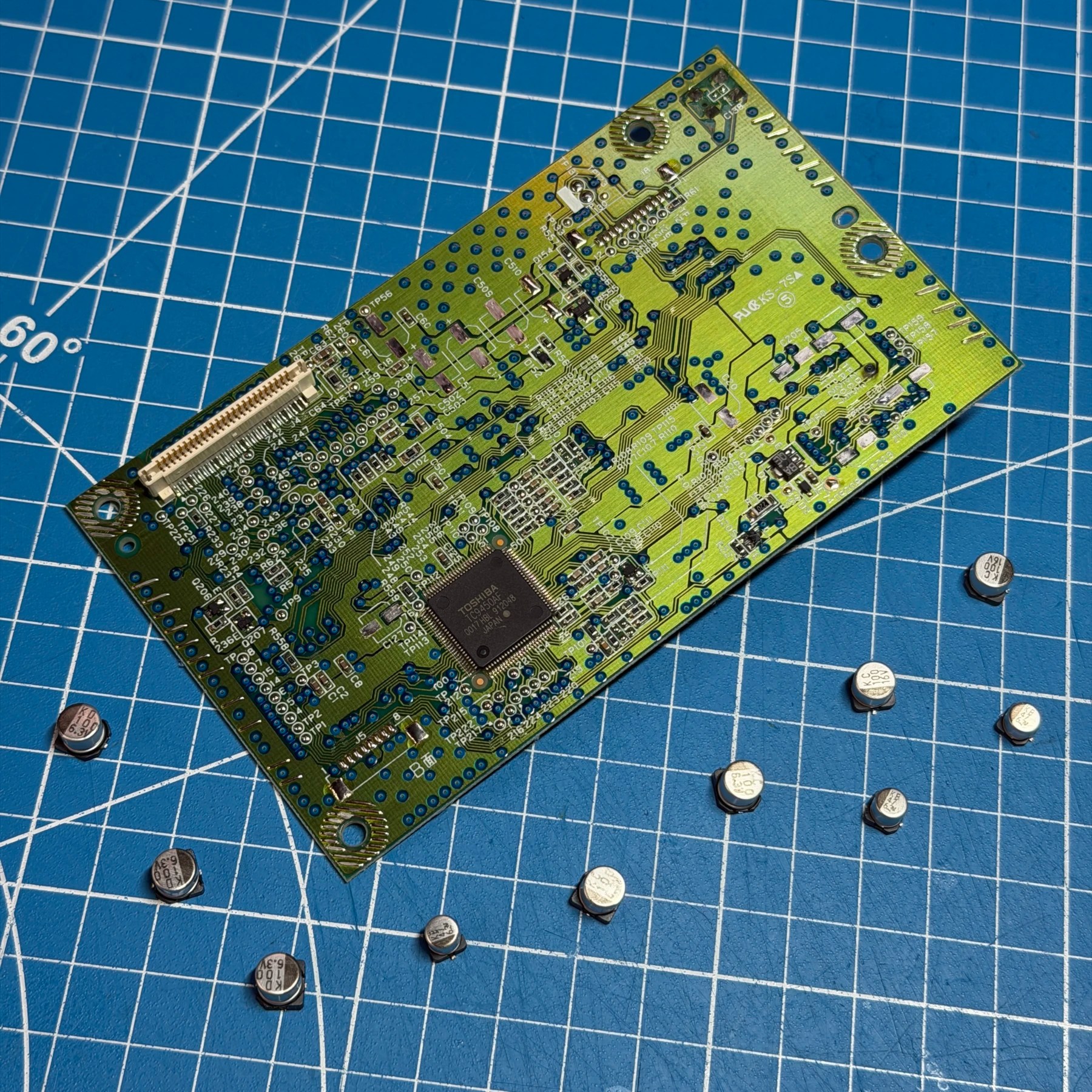
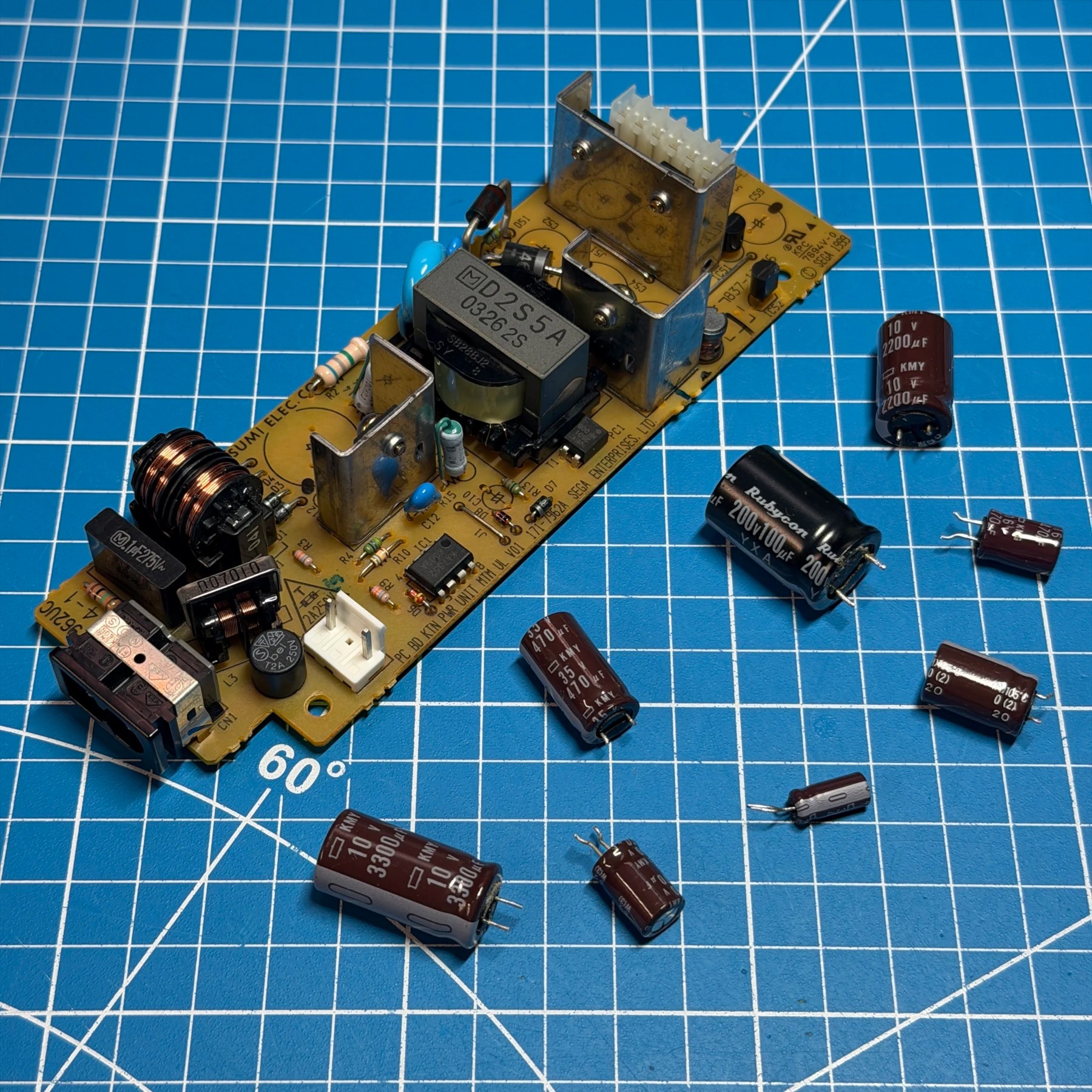
Just like all other DC refurbishments I start with the PSU since it’s the first to come out, and luckily like most VA1 it uses the 7962 revision board which I have many cap kits always on hand for. Made quick work of removing the caps and cleaned the PSU board then soldered on the brand new ones from Console5.
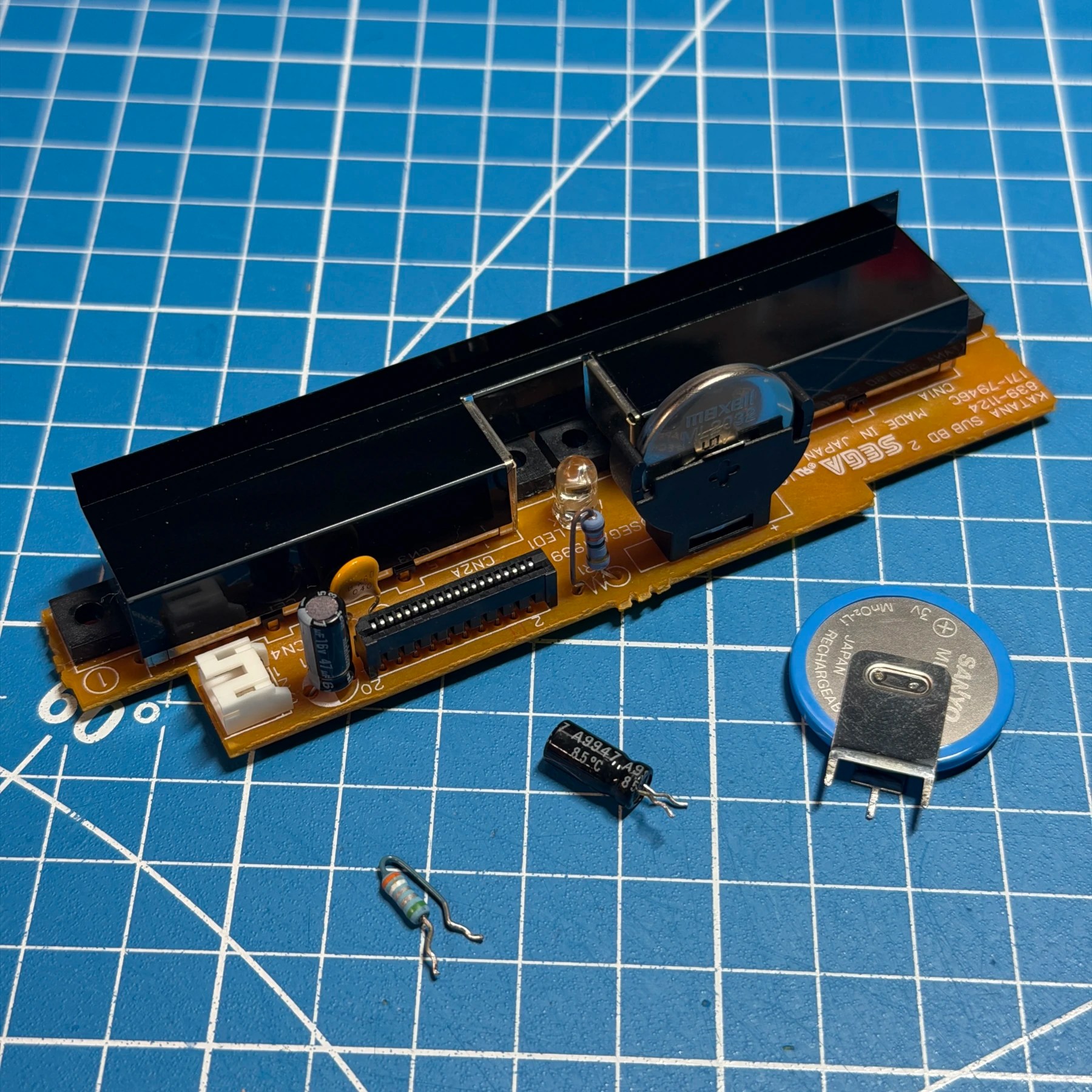
Up next is the controller board work. This one was getting a brand new ML2032 battery in socket, resettable fuse and obviously cap replacement as part of the Full Recap Service. Since all of the above components are through-hole it’s easy to just remove all those parts at once, clean the board then solder all the replacements on. While the iron is warmed up and board on the bench I also ALWAYS reflow the fan connector pins. These joints often crack and fail over time which can cause bootup issues so it’s best to reflow given the age and likelihood of it becoming a problem even if it isn’t right now!
With the 2 smaller boards done it’s on to the bulk of the work… GDROM and mainboard!
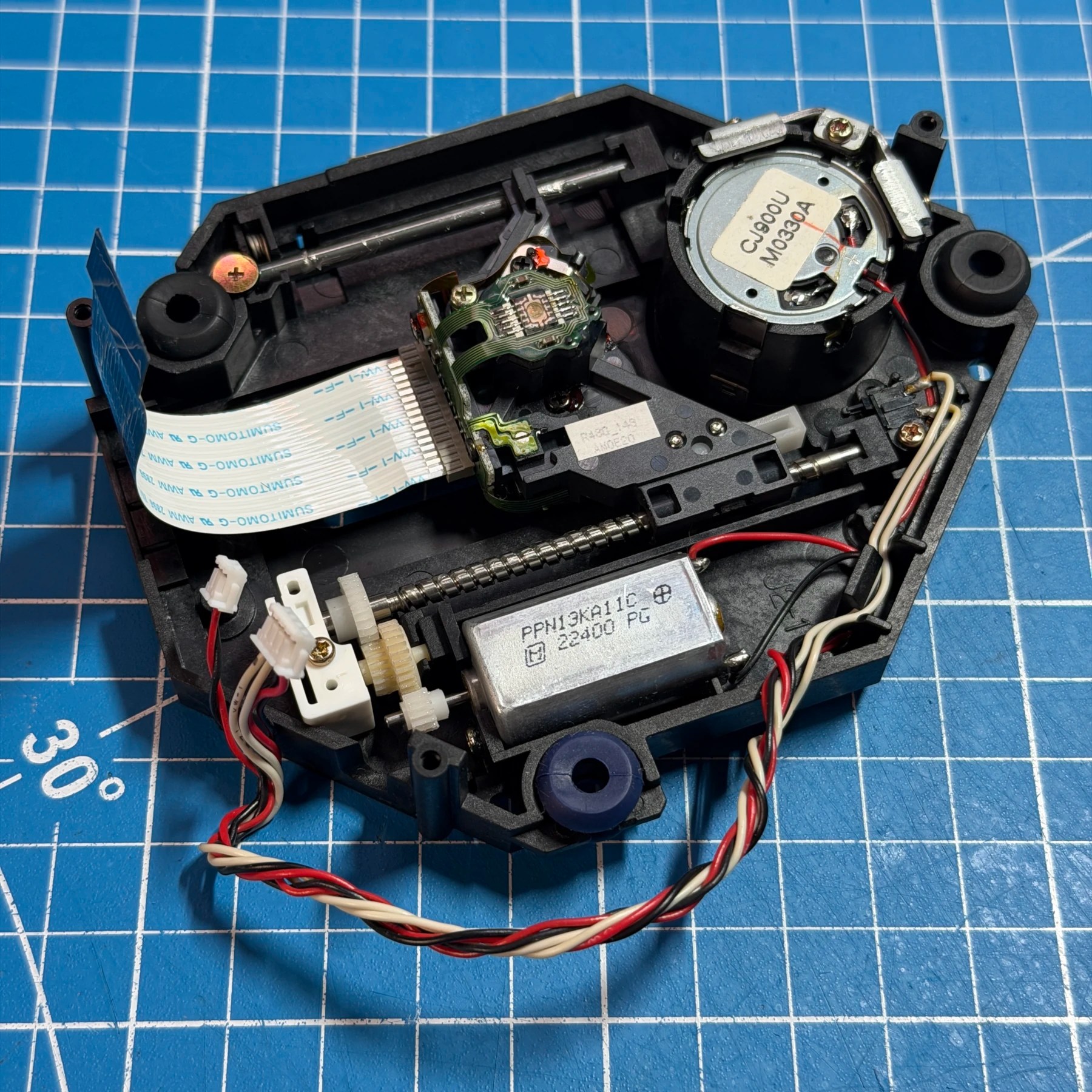
The GDROM is the most annoying so I do that next to get it out of the way. It’s quite tricky to get the top assembly lifted up and out the back with the flex and wires and remove the PCB its connected to at same time from the metal enclosure. I remove the rear plastic shield and just carefully move each board a little at a time to make sure nothing is snagged until its clear. The actual work is pretty quick once inside though – I remove all the OEM caps with my hot tweezers and clean the PCB and solder the new ones on from Console5 VA1 kit. On the laser side I clean all the gears and rail very thoroughly and add a small amount of grease to help lower the noise on these which is a very common complaint.
Lastly the customer mentioned the lid switch potentially being damaged but I tested it with my multimeter and it was behaving fine so I simply cleaned it and put the GDROM back together and set aside.
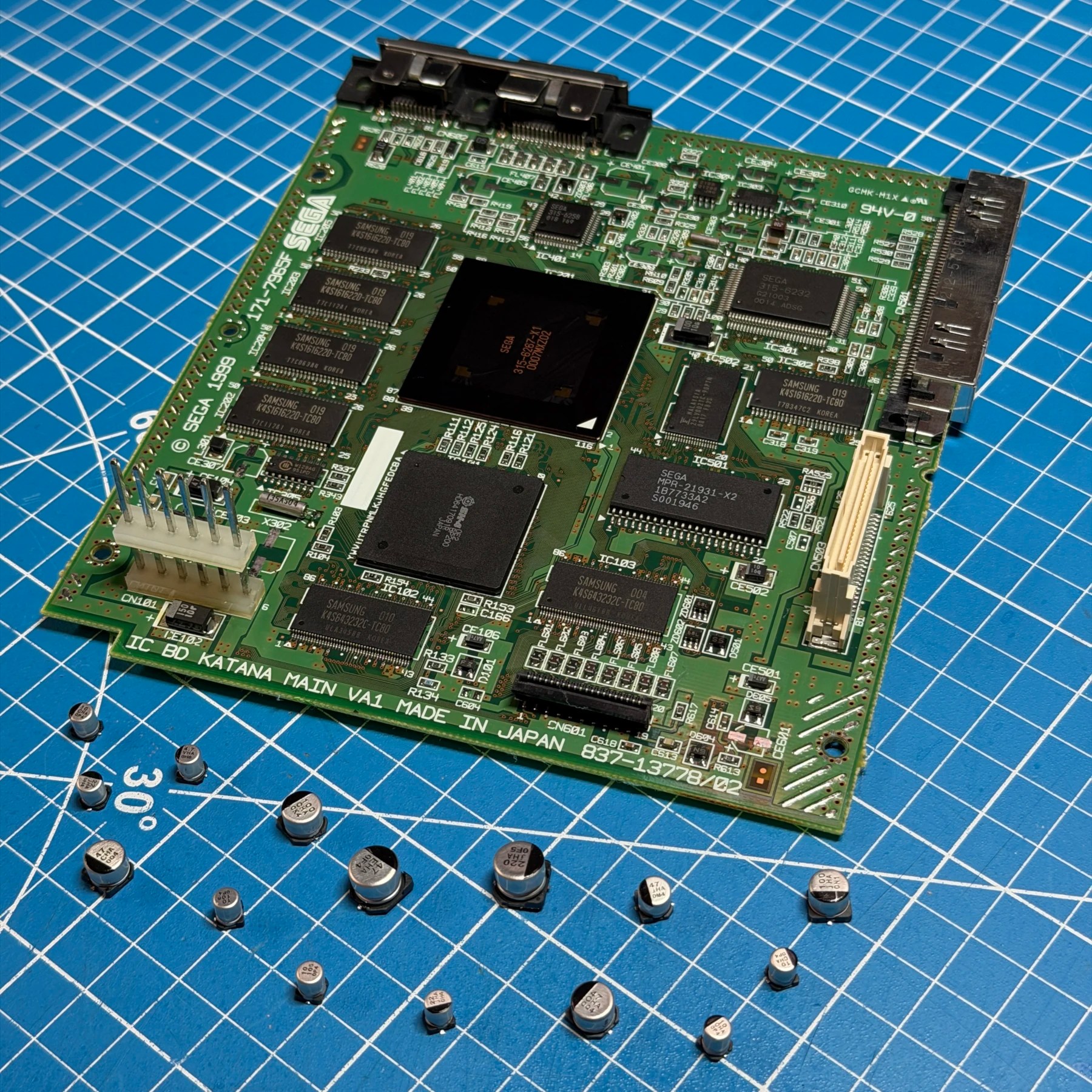
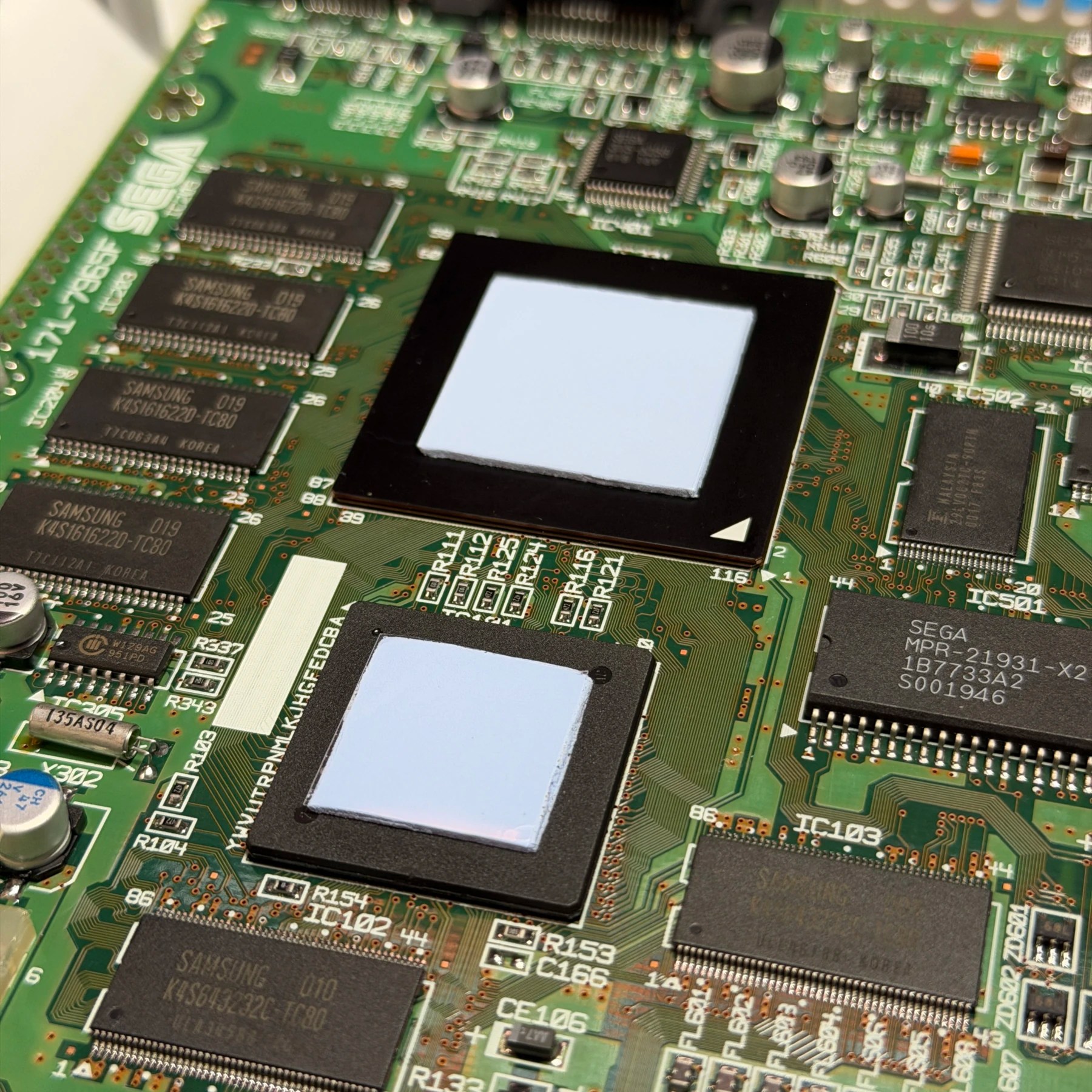
For the mainboard the recap is quite easy as all the caps are quite accessible and there are not too many. All SMD so I work the board with my tweezers and then clean and prep all the pads and clean the board (including removing the stuck old thermal pads). The new caps (including tantalum for audio) go on quickly and I clean up all my unspent flux.
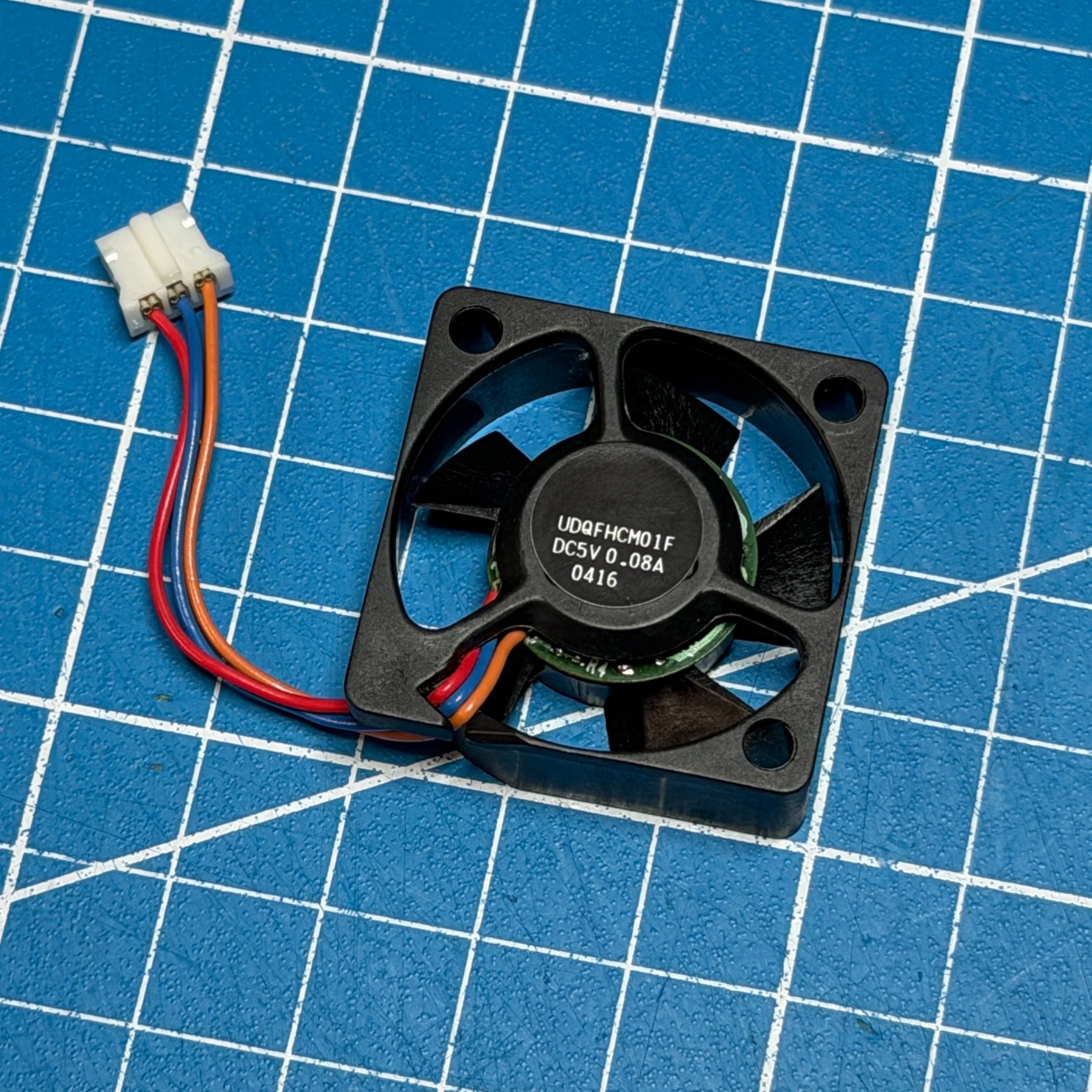
While working on the mainboard I also give the PSU pins a good clean, then cut 4 new thermal pads from my Arctic MX sheets and get them on the underside and topside. With the new pads on and plastic removed I secure the mainboard between both shields in the bottom shell (which has since been RetroBrighted and dried). While reassembling I give the fan a thorough cleaning since the shroud was washed previously and get all but the top shell back together for some testing.
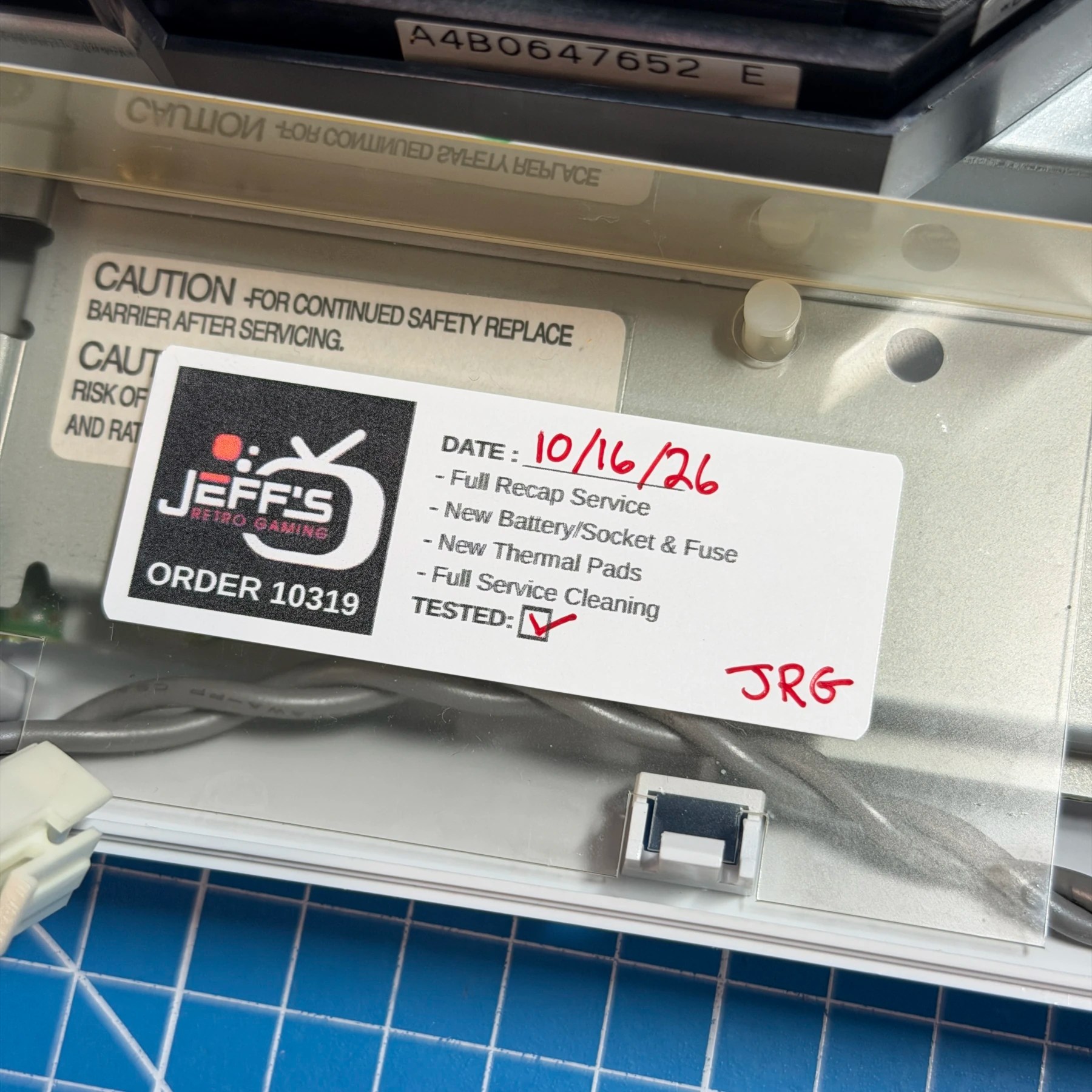
On bootup I’m met with the date/time prompt so enter the correct settings and let it run for a while to charge the ML2032. I then test 5 various disc games and all of them bootup without issue and the drive is not TOO noisy (for a Dreamcast drive) so all seems well! I finish assembling the top shell, secure it and my sticker inside and then apply a few coats of UV protectant.
The Dreamcast while not perfectly OEM gray is much closer, nice and clean and reading discs so I consider this another successful DC restoration in the books!