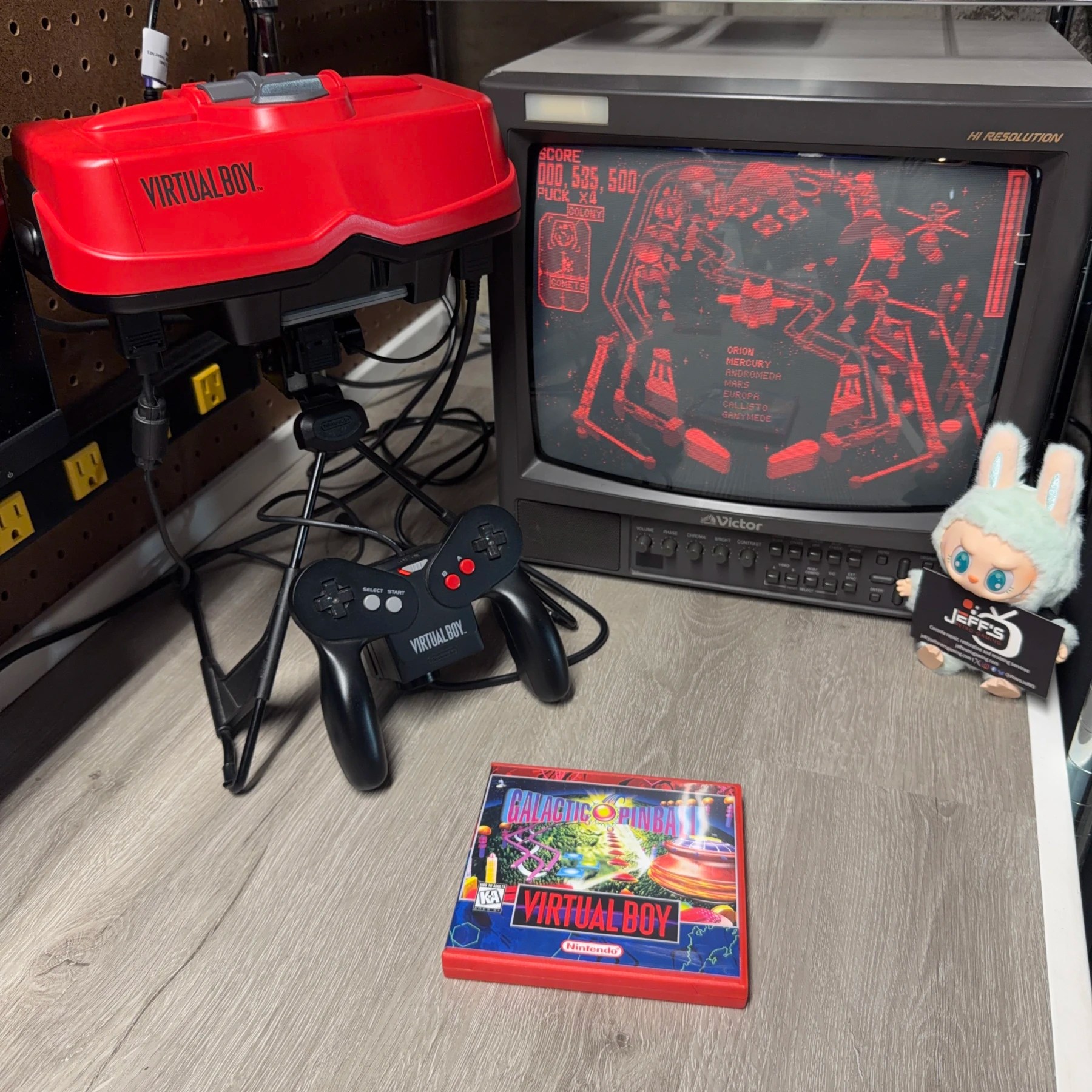
I see Virtual Boys all the time but RetroTap kits are getting quite hard to find! This VB came in basically for the works – cleaning, recap, new ribbons and the aforementioned RetroTap install. The customer also provided the palette switch and SNES MultiOut parts as they bought the RGB kit and wanted to use this setup with HDRetrovision SNES cables.
I didn’t run into any surprises along the way and the install was pretty straightforward although there was an audio request that was slightly non-standard so had to figure that one out, read on for more 👇
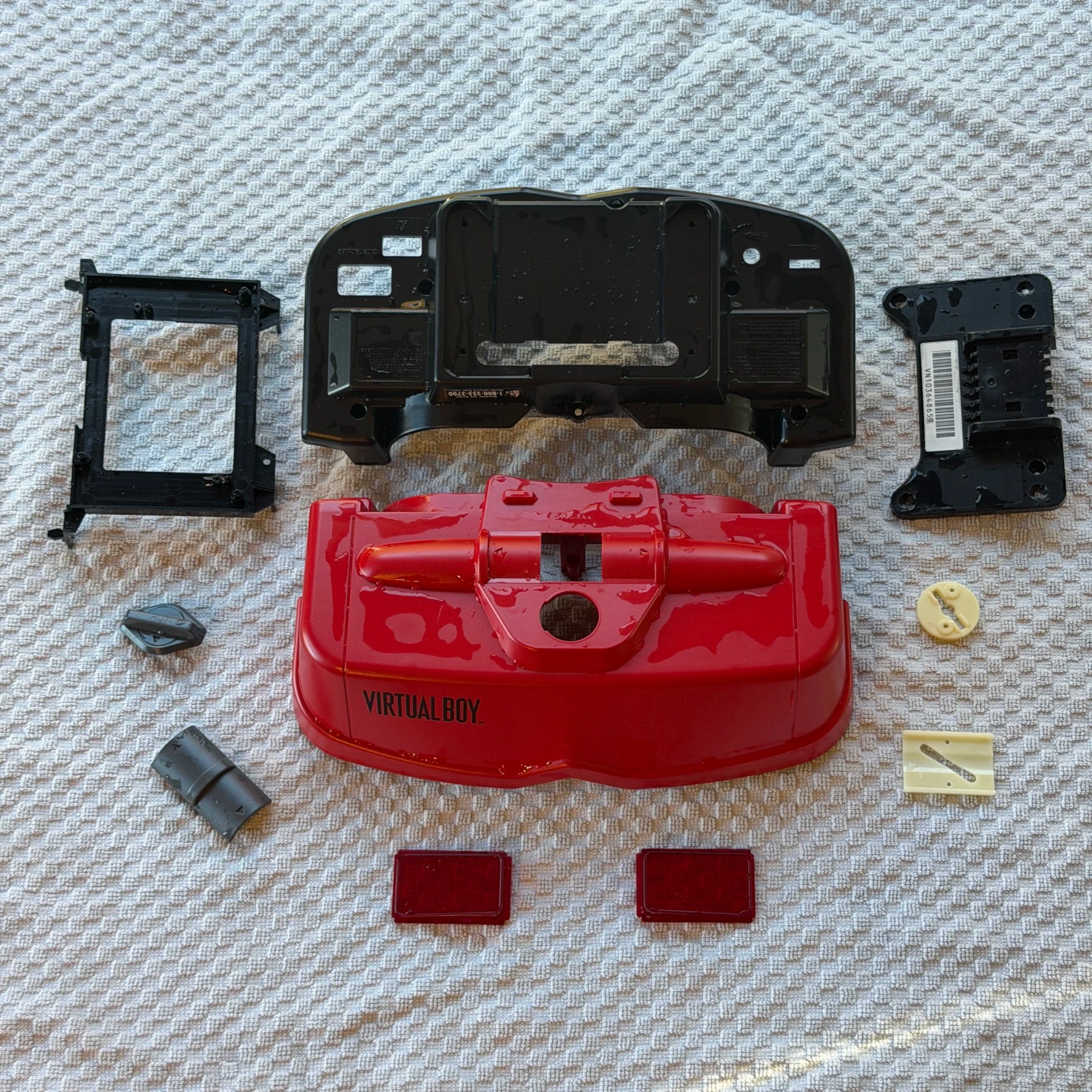
The customer had selected Full-Service Cleaning so to start I got the entire shell taken apart and separated all the plastic bits (even the lenses) into the wash bin and then soaked, scrubbed and set to dry overnight. Even though they wanted the lenses replaced with aftermarket ones they wanted the OEM back so cleaning made sense, and I always wash the focus/IPD dials as they tend to collect dust under and around them.
With the plastic parts removed and access to all the internals I then tested the IPD movement and sure enough like on most of these, it was squeaking. I added some fresh Shin-Etsu grease along all 6 contact points where the plastic rubs metal and worked it in until the adjustment was smooth and nice and quiet.
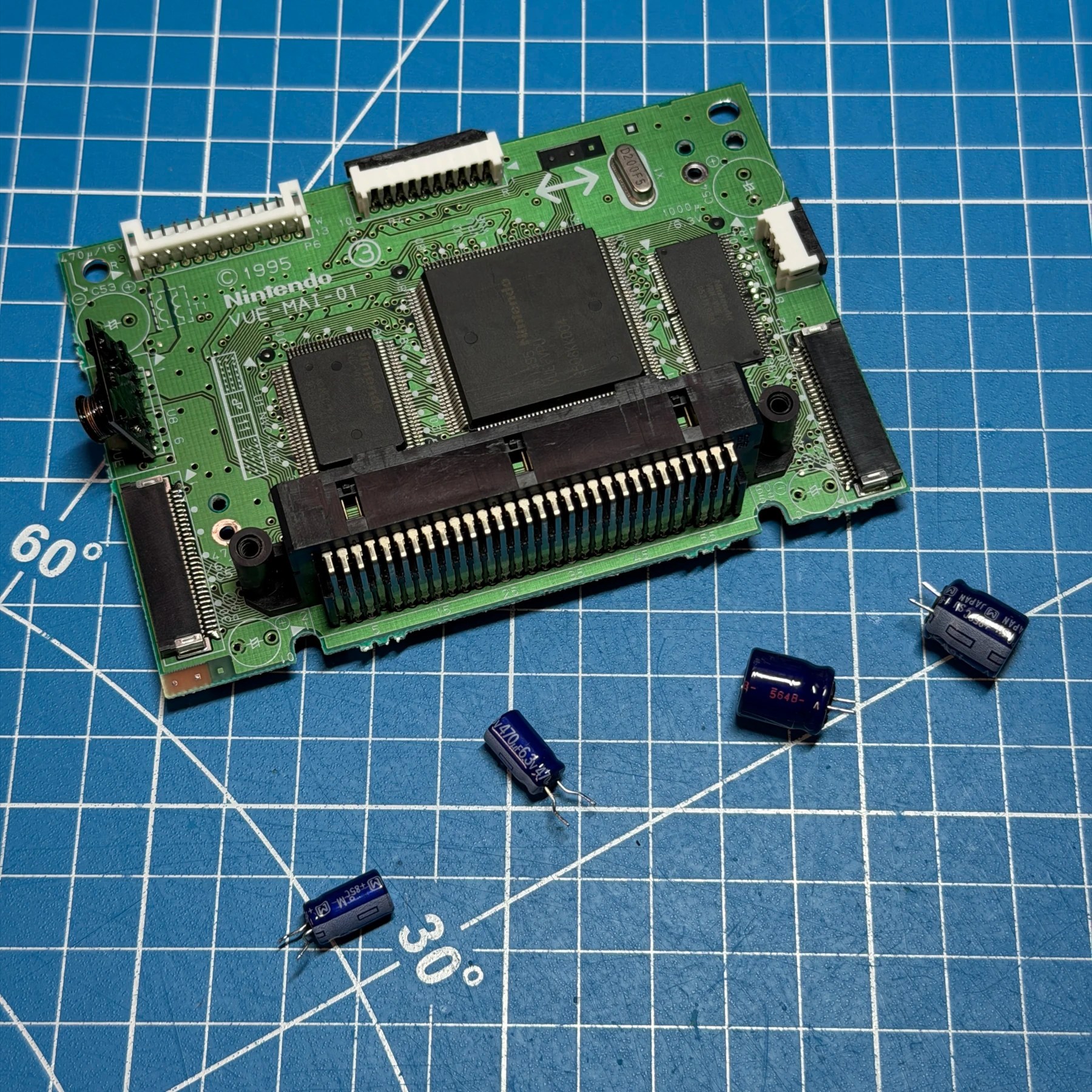
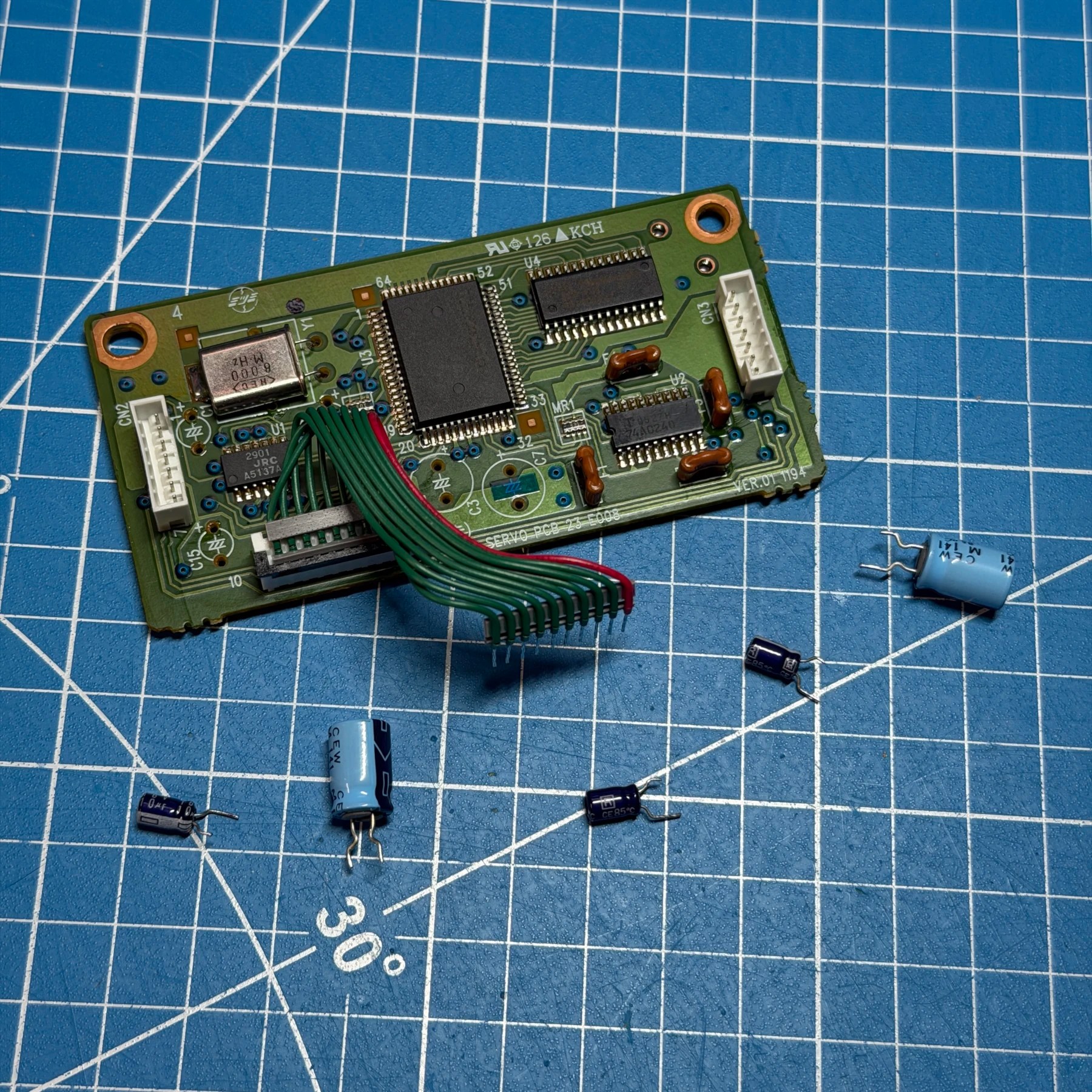
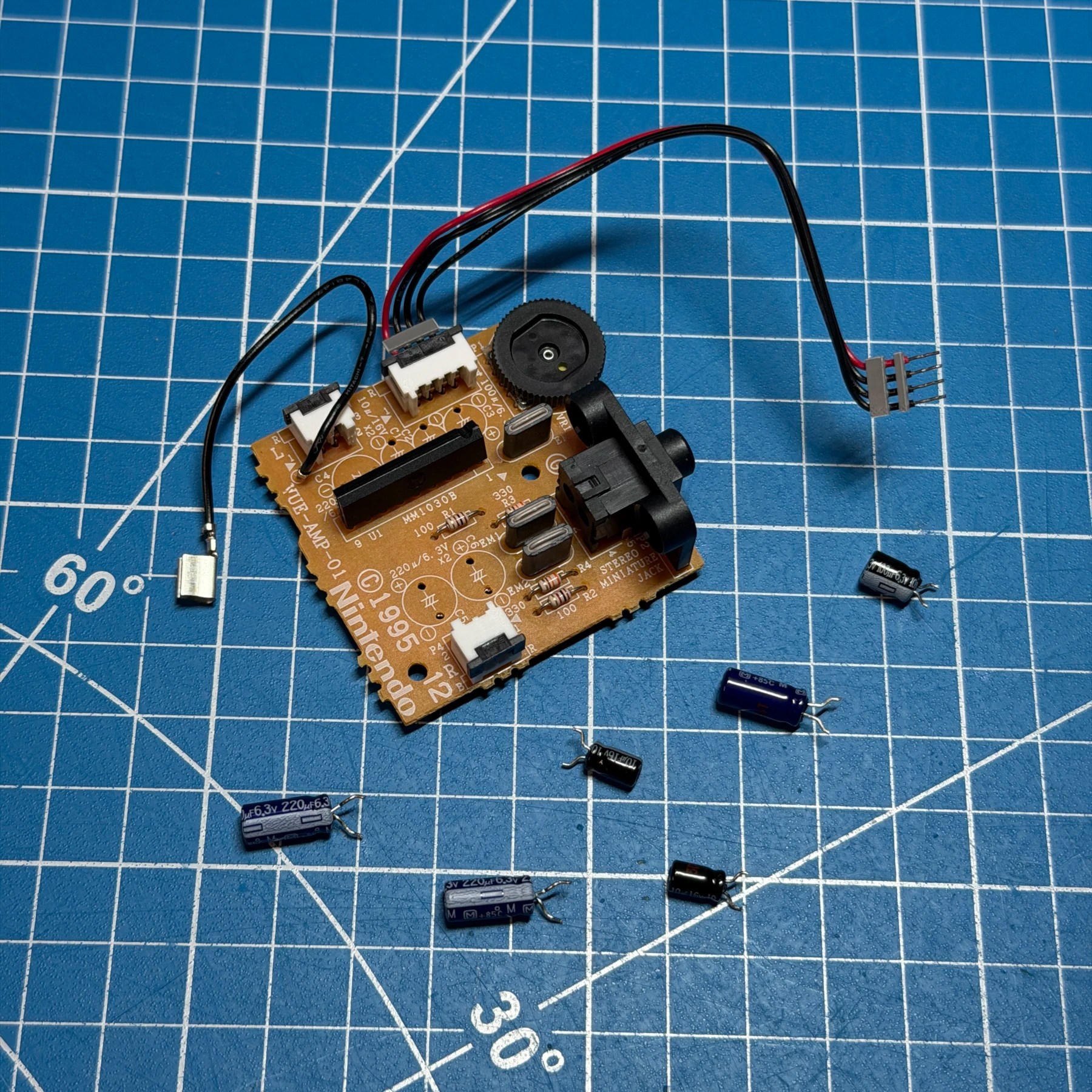
For the recap process there aren’t a TON of caps but they are spread across 3 boards so I worked my way through each of the 3 and decapped, cleaned and recapped them all. Also, on the AMP board I reflowed both speaker connector joints and the mainboard connector joints as these do get dull and crack over time causing audio issues. With all the boards recapped and cleaned I set them to the side and started work on the ribbons!
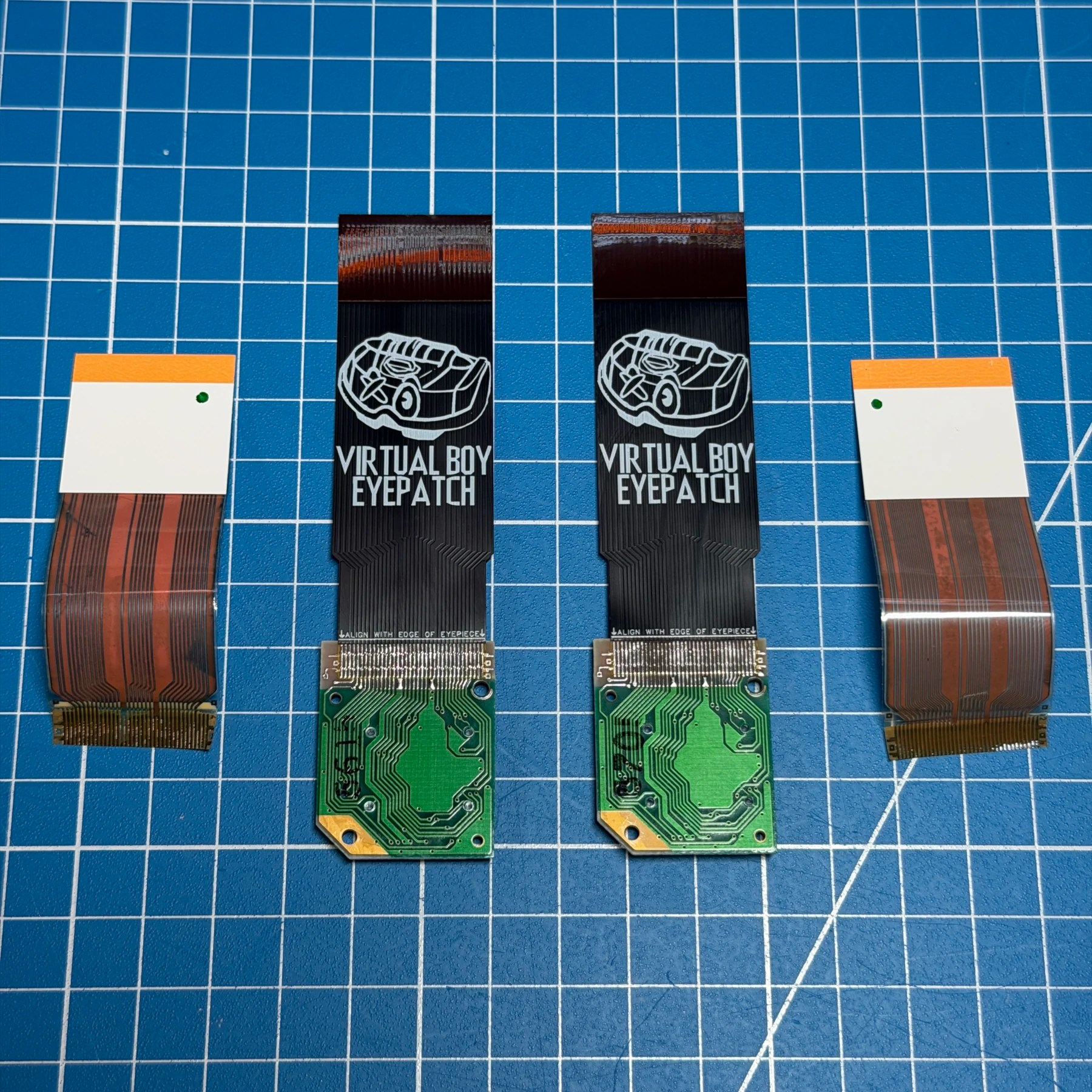
Like most VB units these days this one had display issues because of the weakened factory glue being the only thing to secure the ribbons to the lens PCB. In my service fee I include 2 brand new Cardosi Customs EyePatch ribbons which are IMO the best ones on the market and quite affordable, allowing me to keep my overall install fee/cost quite low.
When it comes to ribbon replacement the key is to ever so slightly slice the glue joint at the board and then carefully peel the OEM ribbons off. I then use a K tip iron at 325C with a fresh blob of solder and flux on the old residue to do two things at once – burn off all the old glue/tape like residue and tin the pads at the same time. After a few quick passes I have the boards cleaned and ready to join to the replacements.
Also at 325C I tin the Cardosi ribbons themselves then add flux to both surfaces and tape the ribbons in place after careful alignment. I then tack on the outside of the ribbon, check again to make sure aligned ok and removed tape to drag solder up and down the entire ribbon joint until I have a nice solid and secure row of soldered flex pins! With the soldering done I then clean up all the flux and then re-attach the ribbons to the eyepiece but leave the mainboard connectors unattached until final reassembly.
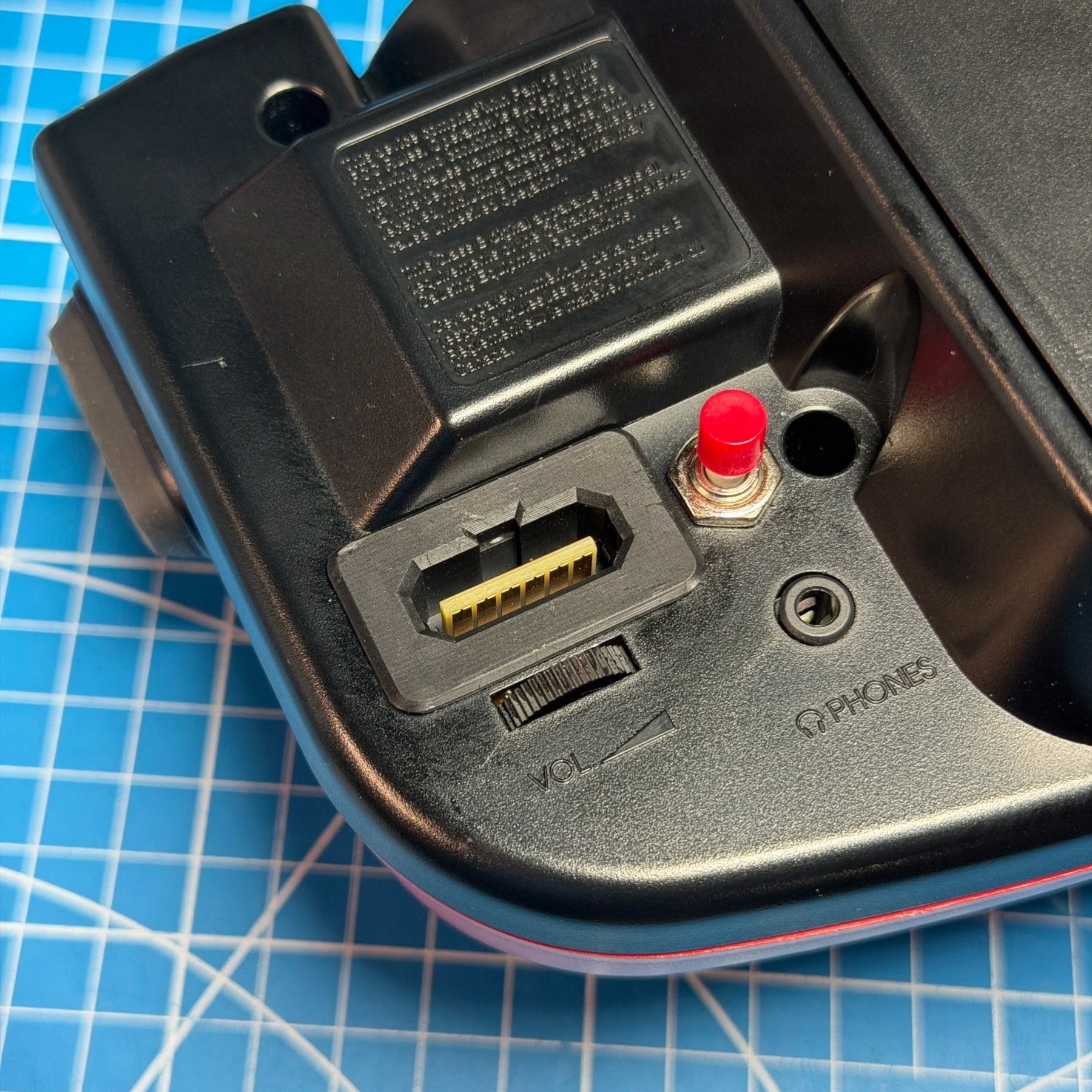
To prep for the final part of the project, I needed to get the lower shell housing modified for the video output and palette switching. There is really not a lot of real estate on the panel for additional connectors so options are limited. I have always added them on the side near the volume wheel and headphone jack so I put some Kapton tape on that area, held the connectors in place and marked both for cutting.
The MultiOut approach I use is to have the outline (inner side) drawn on the surface and then drill 4 main holes in each of the corners and then a few in between to remove as much of the material as possible. I then use side cutters to snip out the entire interior section and a combination of Xacto knife and files to slowly work down all 4 edges until I can just barely insert the connector with some slight force. You don’t want it to end up wiggling around and you DEFINITELY don’t want it loose enough so you can see inside the shell. There is a bit of an art to it but it’s the same process I use for most of the NESRGB installs I’ve done, just on a bit of a tighter space.
For the palette switch it’s even easier, I just drill a small pilot hole centered in the space, then a step bit to get really close to the final size. I usually need a very slight increase so I’ll take my Xacto knife and run it around the hole to shave just a smidge off and attempt a fit. If still too tight, rinse and repeat until it does but you really don’t have a lot of room for making the hole too big so it’s better to take your time and remove only a bit of material at once.
With both holes made I will then secure the MultiOut with the provided plastic retaining clip and screw on the outer nut until its tightened as much as possible. Now time for the internal work!
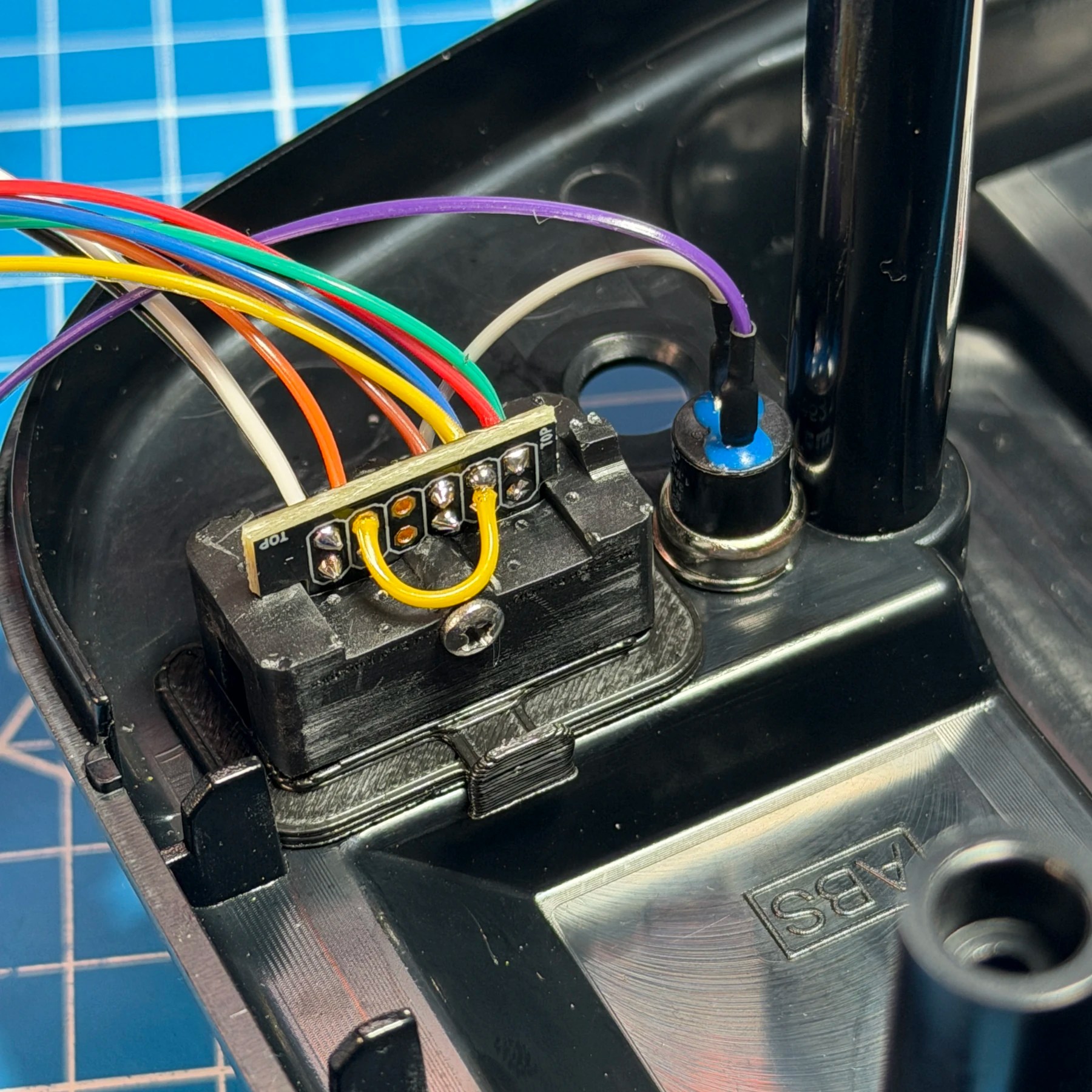
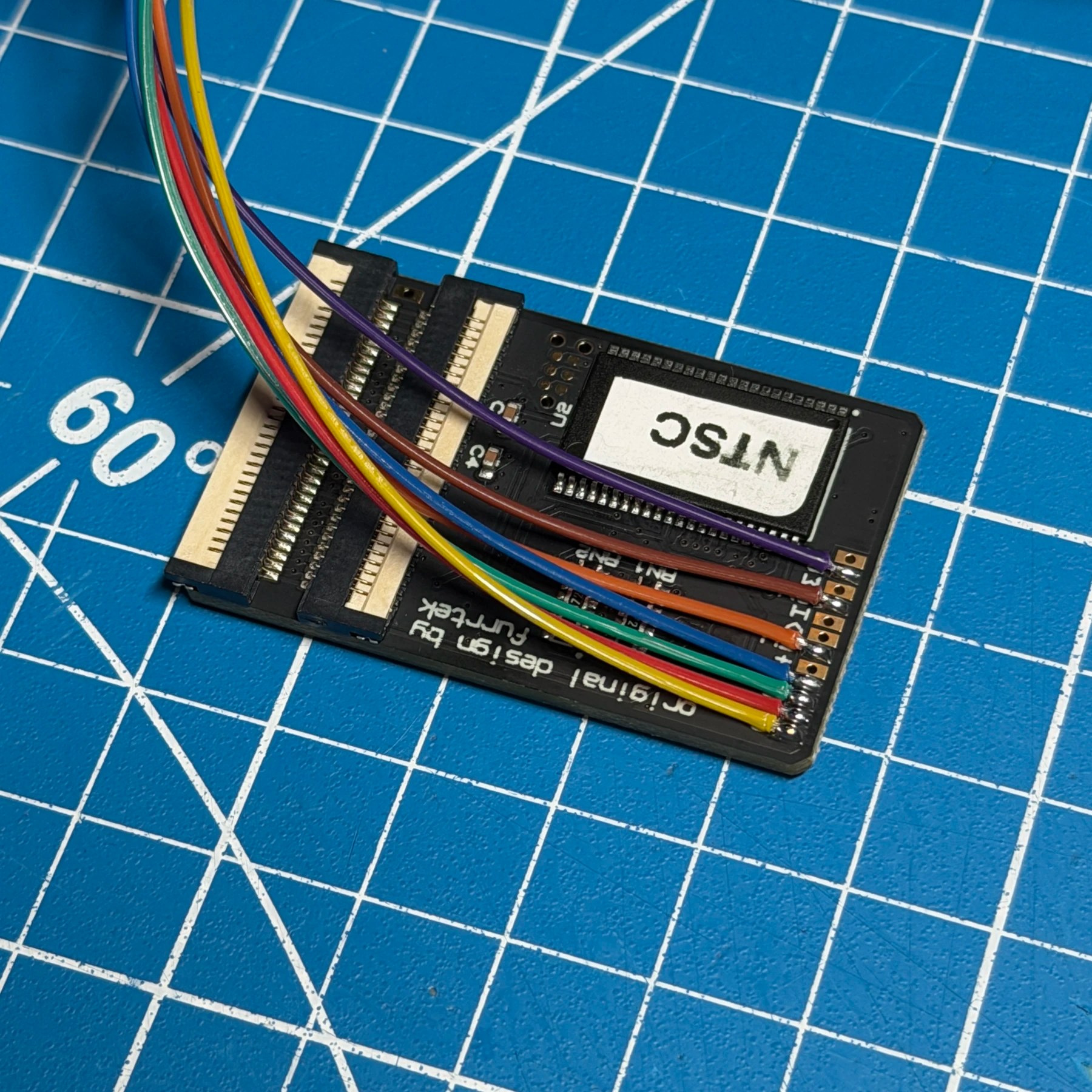
The wiring for the Virtual Tap is pretty easy, only about 7 wires to connect between the VTap board and the output port of your choosing. The pads are a little on the small side and packed pretty tight so one should use a relatively small tip and approach from the outer edge to avoid any accidental bridges. In my case I always wire up to the VTap board first with lengths of wire a bit longer than I will need.
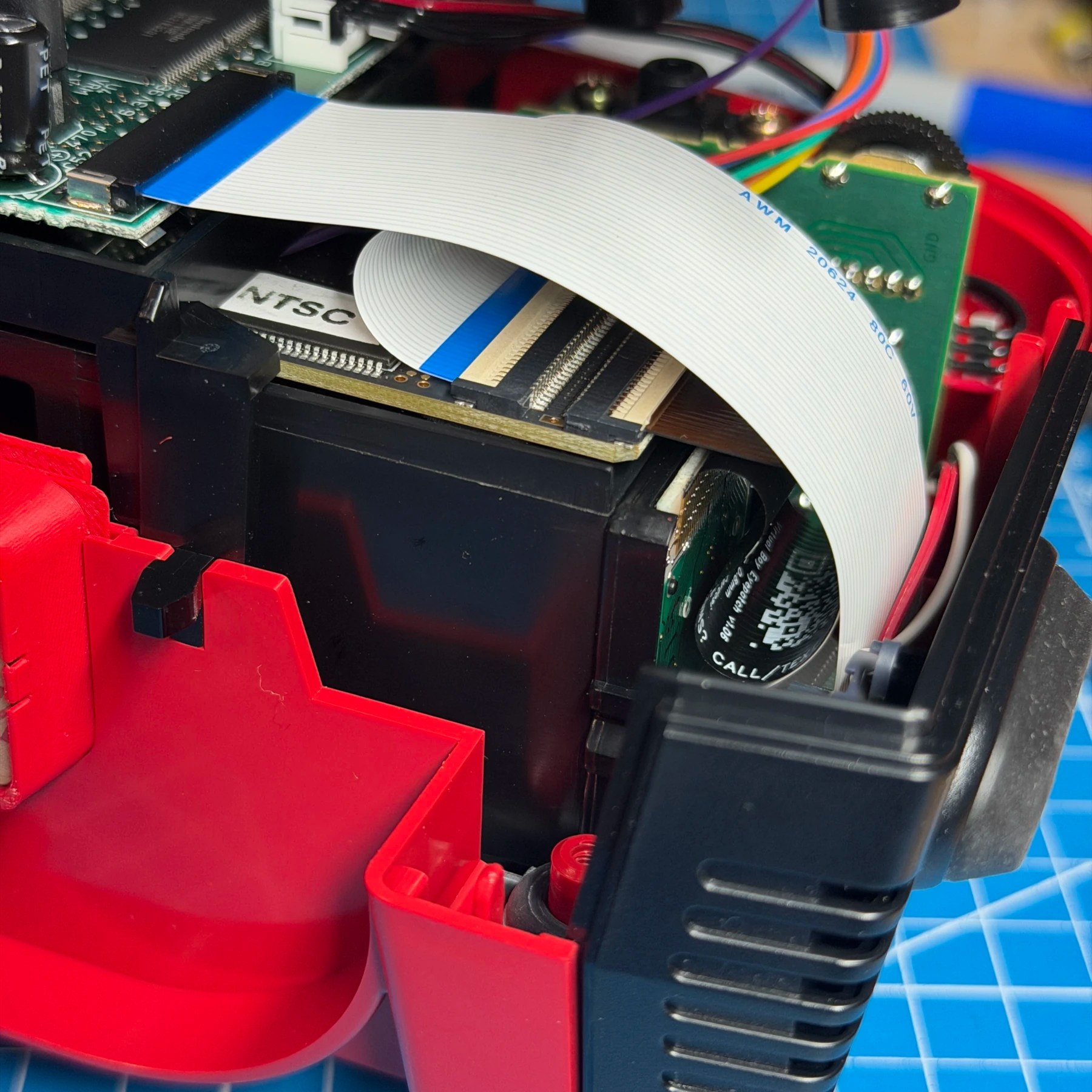
I will then attach the lens ribbon and seat the board in its final resting place above the eye and close the shell up as much as I can while still seeing inside to mark one of the wires to the SNES MultiOut. Since all wires should be close in length I then cut the entire bundle and strip/tin and solder to the MultiOut PCB itself. Two of the wires go to the Palette Switch and GND is shared via the MultiOut.
In this case since the customer wanted to use HDRetrovision I wired up 5V and you will notice in the 2nd picture there is a small bridge wire (yellow). This bridges Csync to the composite video pin of the MultiOut which is required as the HDR cable uses composite for sync. Without doing this you will get a display but it will not lock and function properly.
The one drawback to using SNES HDRetrovision cables instead of a Scart with headphone jack breakout is audio. This customer wanted audio to route through the HDR cable and not have to rely on the nearby headphone jack. The only way I could figure out how to do this was grab audio on the AMP board for both left and right after the volume wheel (near headphone jack pins). The only downside to this is the volume to the TV is controlled by the wheel which means the speakers would also be on at the same time. The solution here is to insert just a dummy jack/plug so the speakers shut off and audio is routed over the cable only and not via the headset. This seems to work fine and sounds good with the only con being the aforementioned jack having to be inserted when playing on the TV.
With that figured out it was a matter of carefully closing up the shell since there are now extra flexes and wires to account for, just go slow and don’t pinch anything!
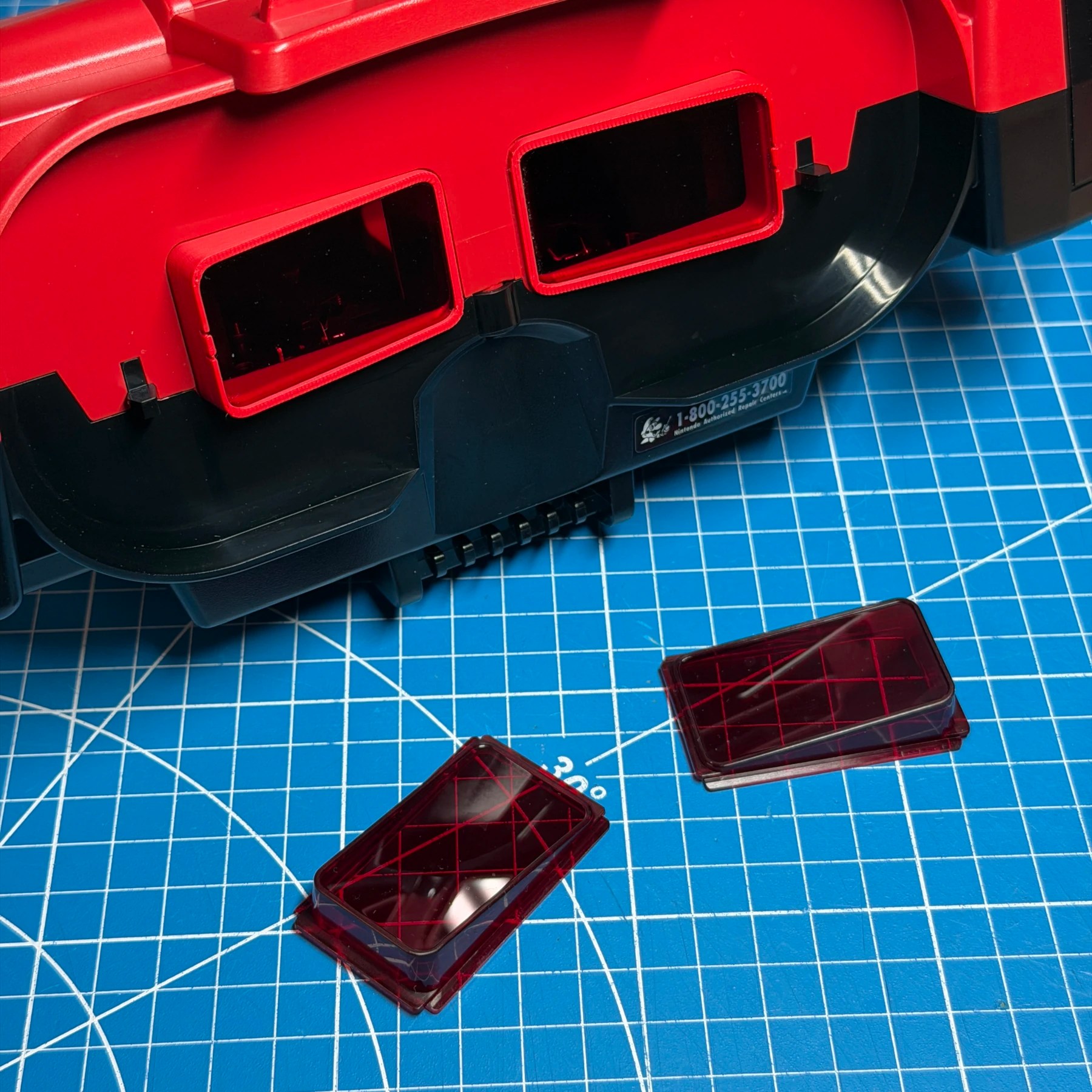
The customer had sent in aftermarket eye lenses so I installed those and left he shell closed but not screwed together until I knew all was working ok. I fired it up and confirmed both eyes were now displaying an image and I was getting a display on both my PVM and RetroTink using the SNES HDR cable. Audio also sounded good and I confirmed correct audio on the TV and that the speakers would toggle on and off with a dummy jack inserted.
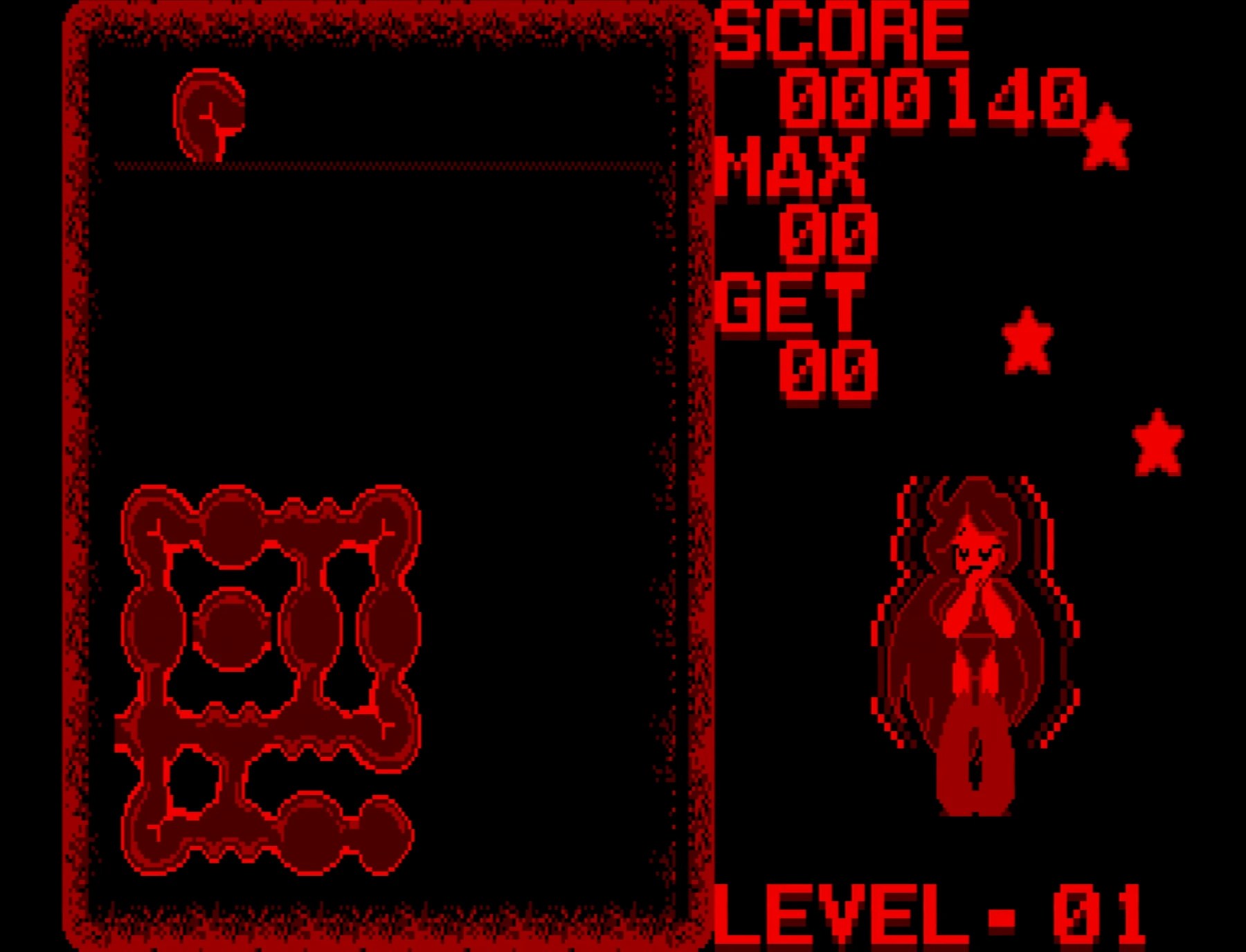
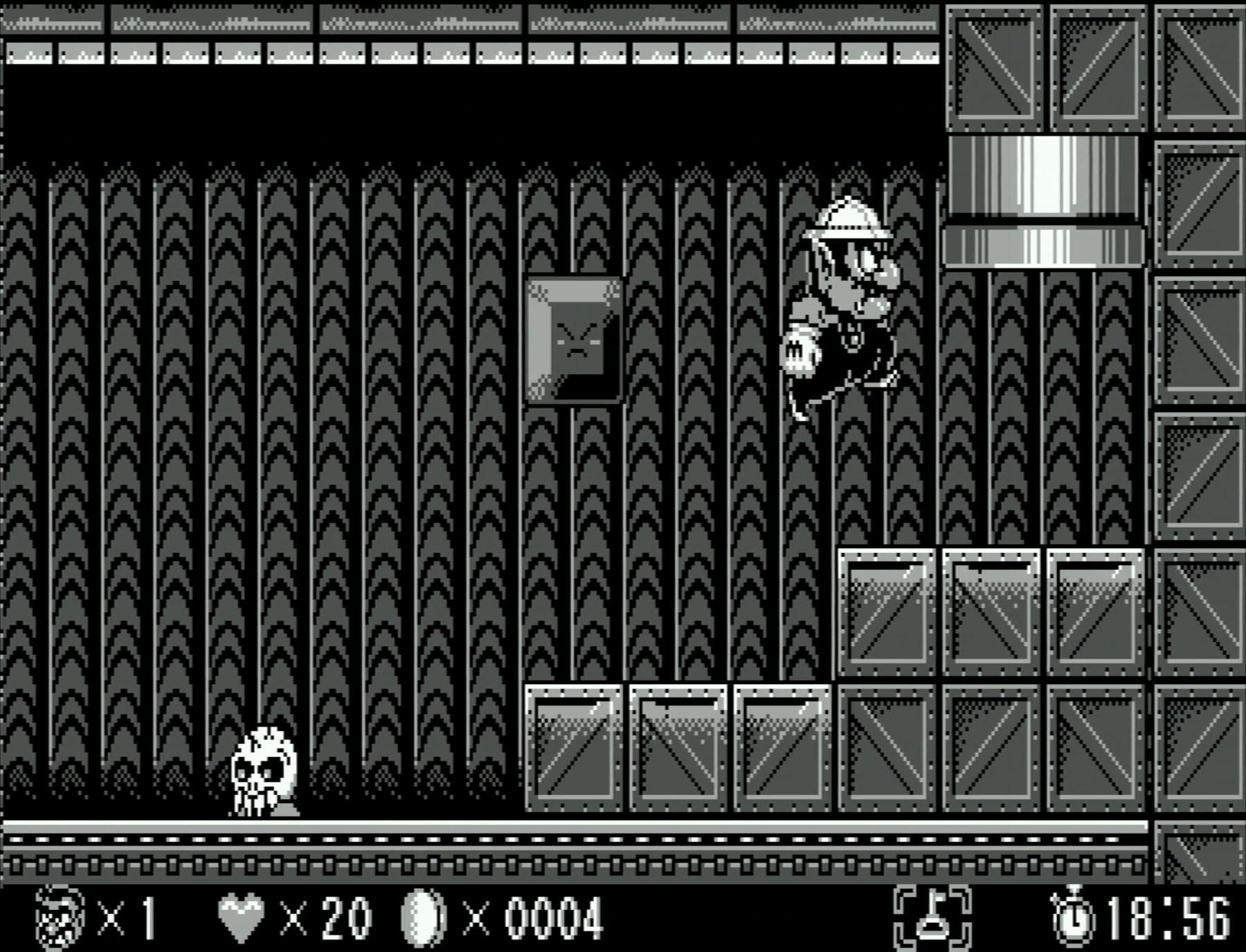
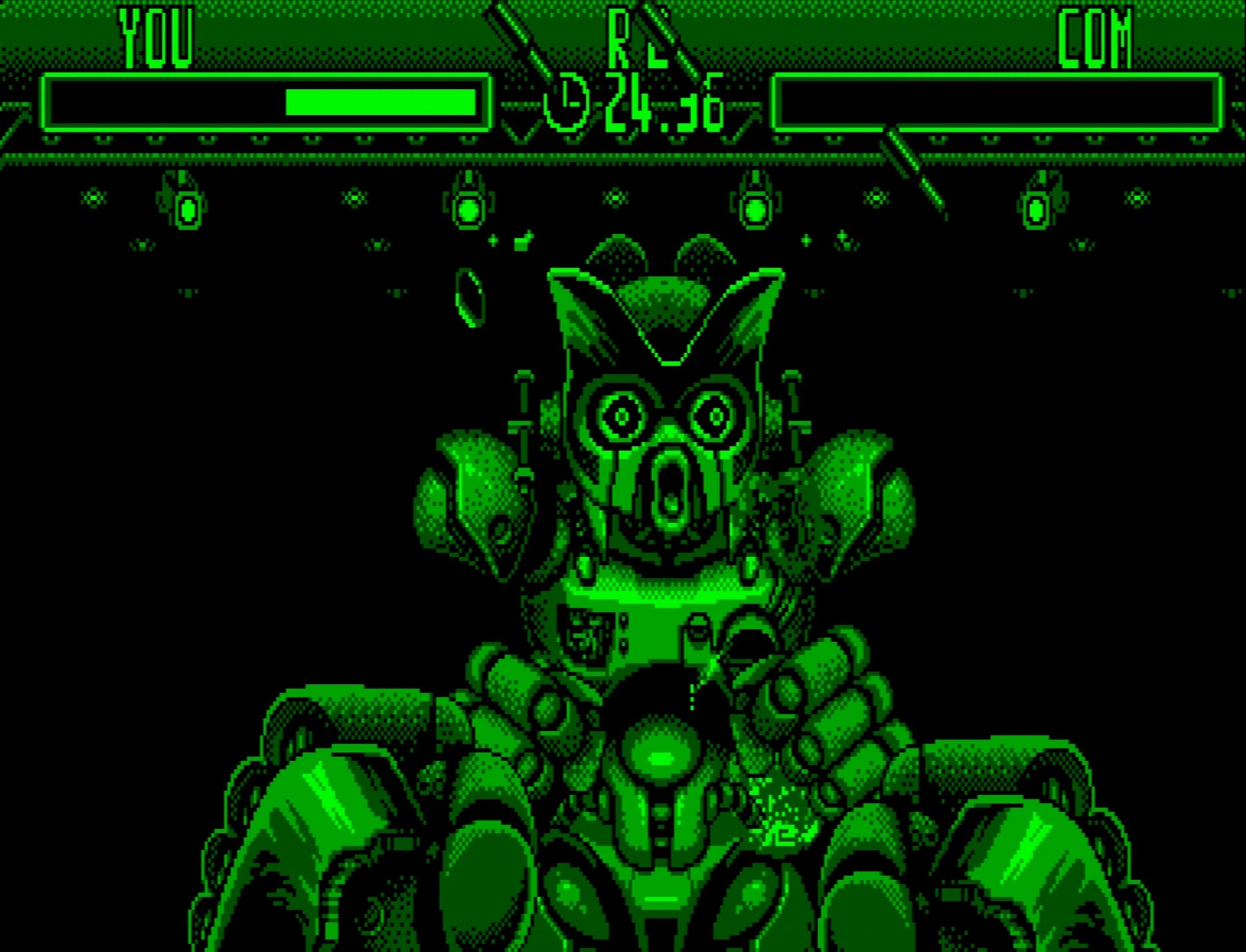
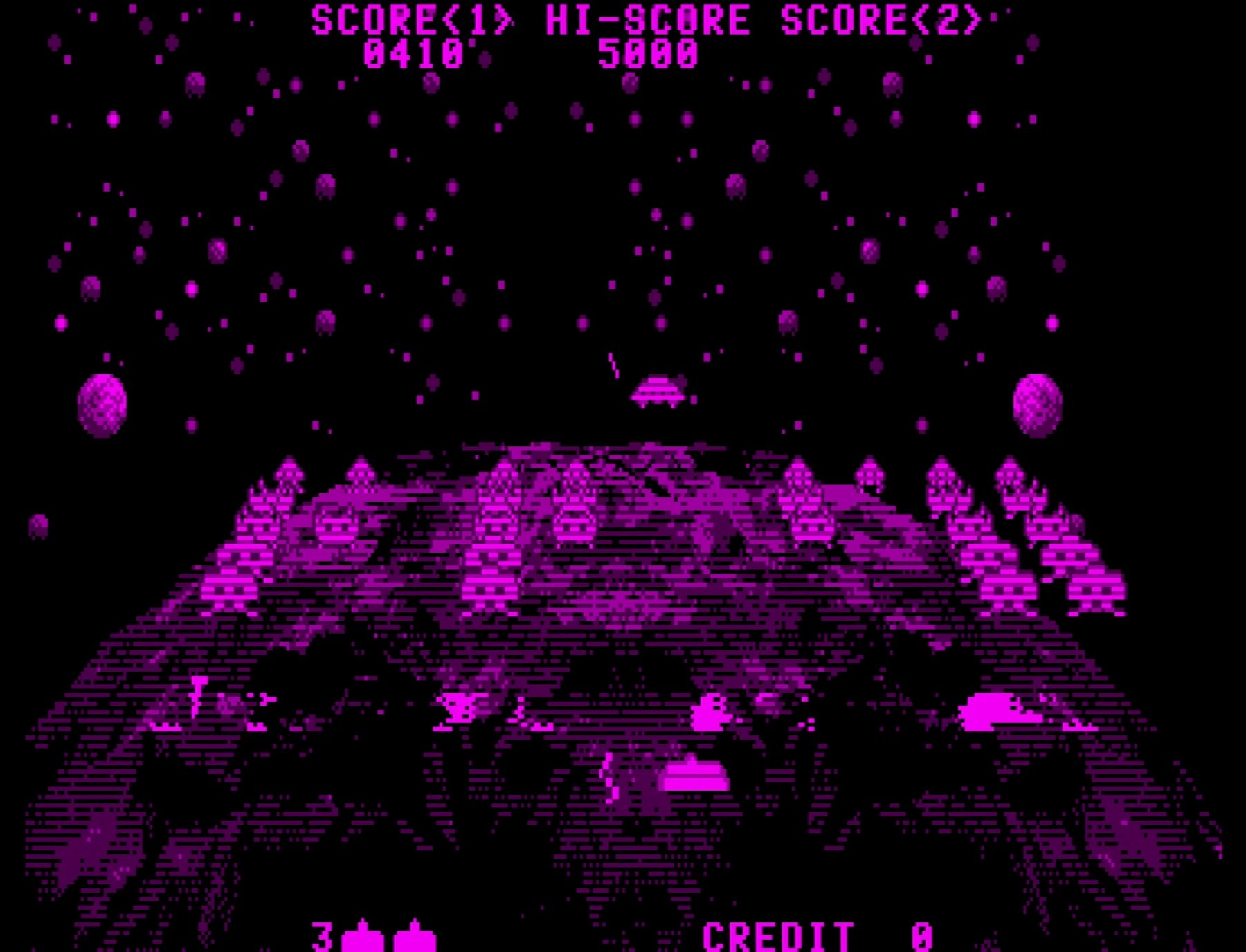
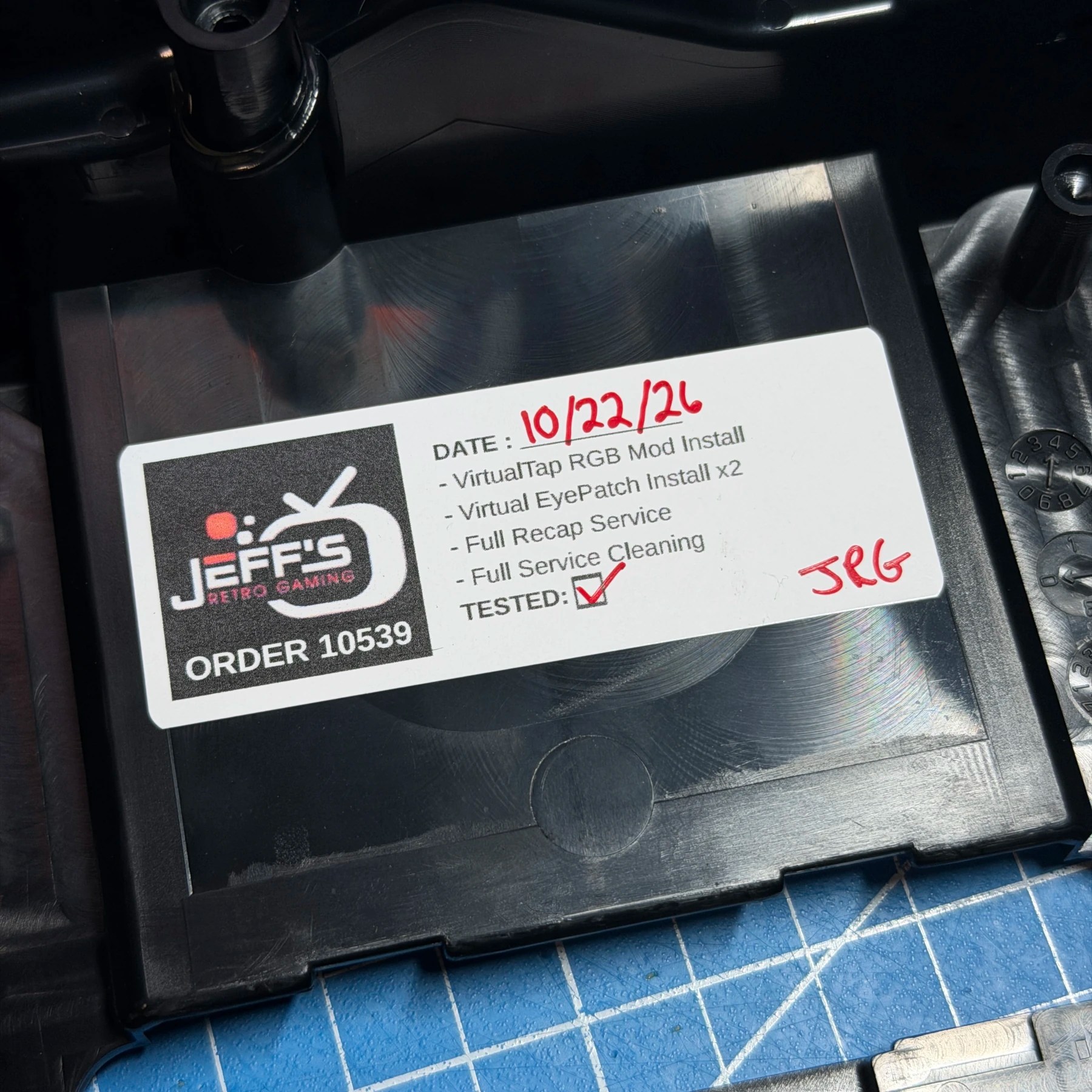
I then ran a bunch of games and messed with the Palette Switch to test out different colors and got some 4K captures which you can see below! With everything working well I opened it up one more time and put my JRG sticker on the inside of the bottom shell and closed it up for good.
I have one more console in this order for the customer (a 32X!) and then this Virtual Boy will be headed home with all the bells and whistles 👍