
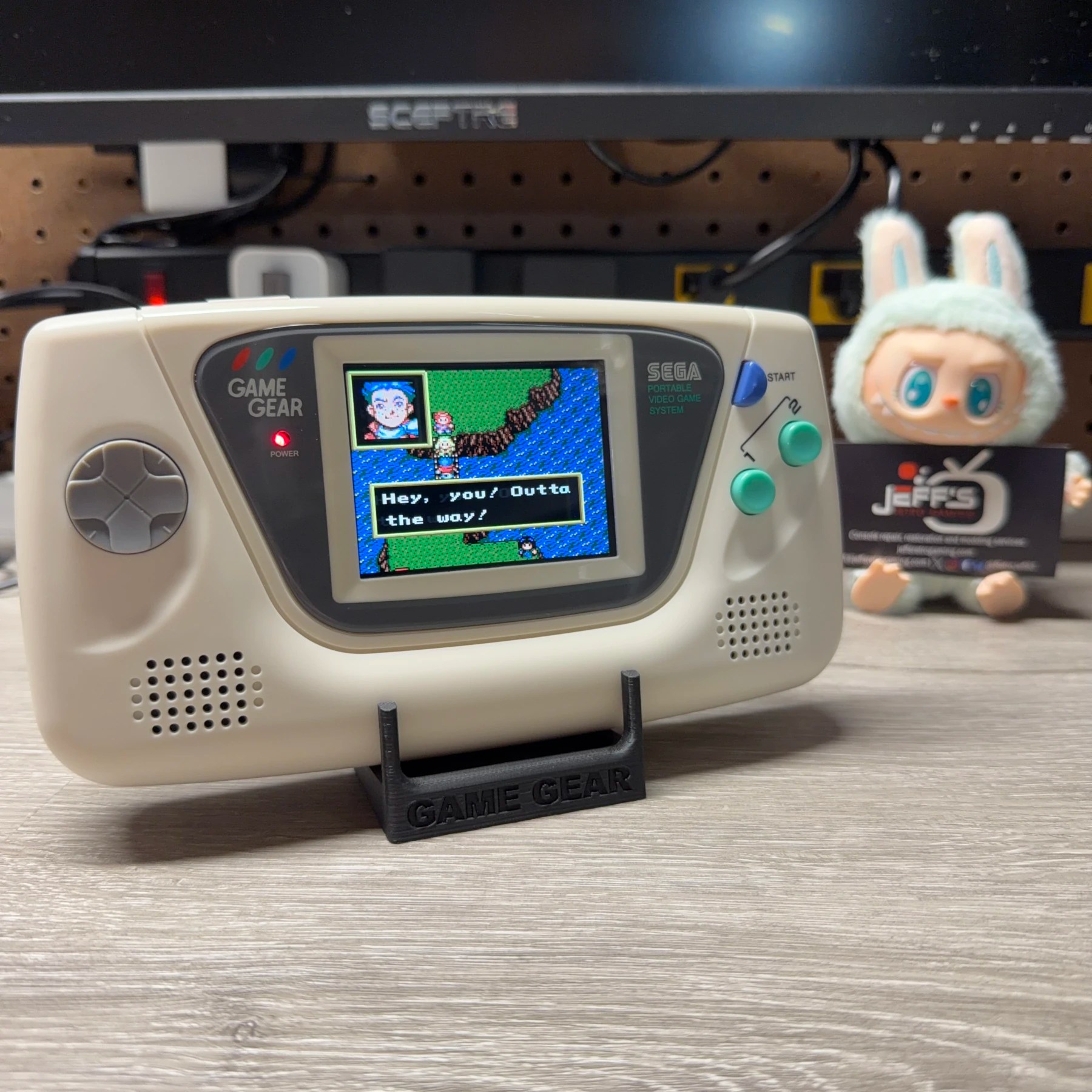
I have seen a decent amount of Game Gears here in the shop over the years and as most people into the handheld know, just about every single one needs some work in order to function properly. I’m talking specifically about the capacitors which almost universally have failed and leaked catastrophically inside the system. Other common problems (like on many handhelds) are people leaving batteries sitting inside for many years which can leak and cause all kinds of corrosion and damage to the plastic and internal components.
This one was the victim of both of the above – capacitor and battery leakage. Customer stated it was not showing any signs of life aka not powering on, and they identified extensive corrosion in the battery compartment. After discussing with them for a bit I told them I was more than happy to give the recap a shot but after looking at pictures of the shell (I had them pop it open for me as well) I didn’t feel it was worth trying to salvage the OEM plastic.
They did some research on color options and found this gorgeous cream white shell with accents on HandHeldLegend and then ended up going down a rabbit hole of discovering better sound boards, power options and screen upgrades. There was always a risk of something internal on the motherboard being beyond repair but they were willing to take the risk of having to find another donor if they had purchased all the upgrade parts and this system was beyond saving.
What started as a “please save this Game Gear if you can” turned into much more… a salvaged unit turned into a complete overhaul! Check it out 👇
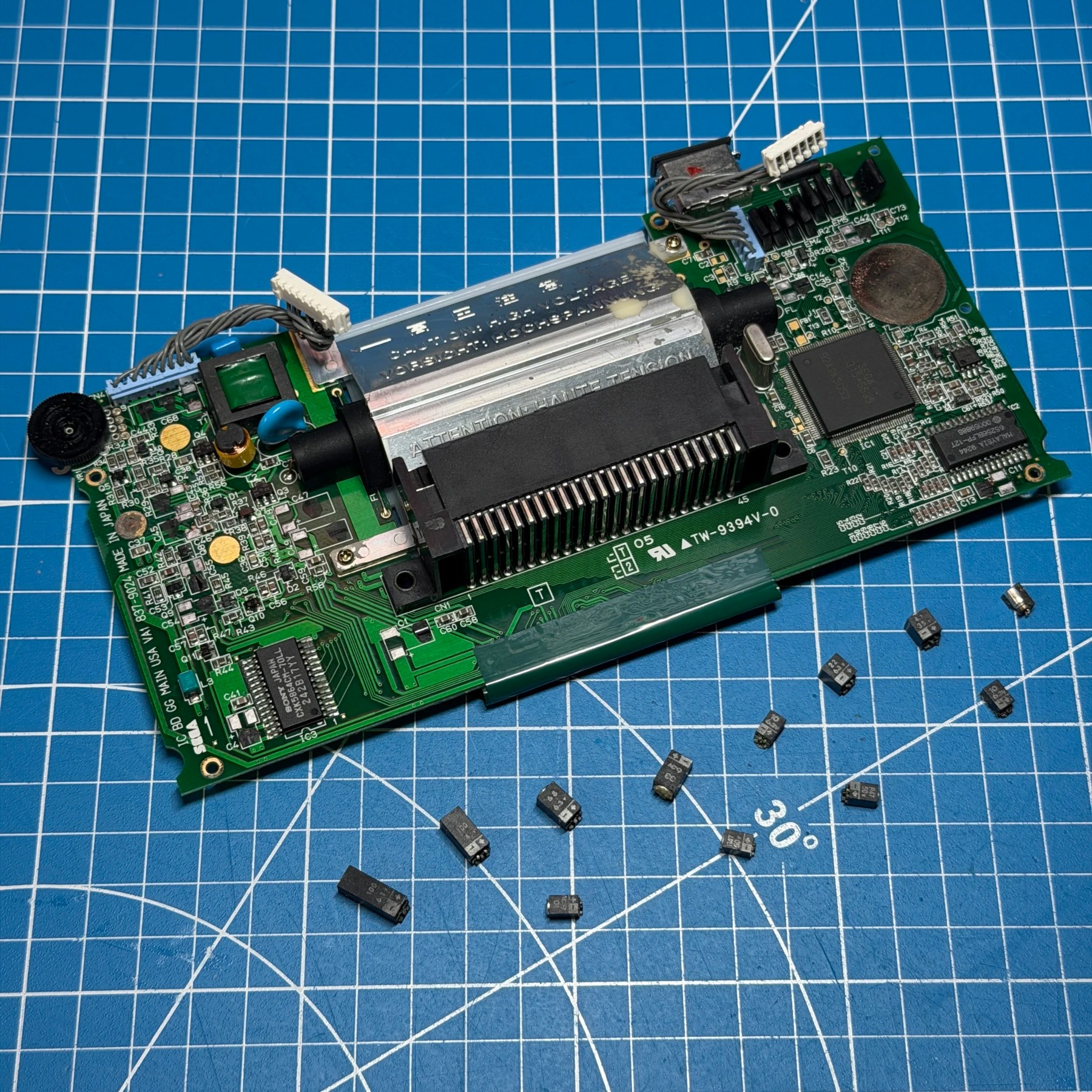
First step was to establish the base system was going to be OK. Since they had sent in a new power solution AND audio board I didn’t care about the function of those two boards for this project. I will recap them and assess for viability as a spare in the future but this also saves time as I was able to hookup the CleanJuice board to the mainboard and using a USB-C adapter power the unit on! This proved it was likely the caps on the power board and also with the CleanAmp Duo plugged in with one speaker I got working sound out of the unit and backlight activity I just couldn’t see anything on the screen. At this point I was confident a mainboard recap along with the other mods would be a success so it was time to recap the mainboard.
Removing the old caps is quite easy I usually snip the legs then snap the plastic cans off and remove the body, then take my iron and just swipe away the old legs with some flux and fresh leaded solder. It’s prepping/restoring the pads which is tough and in this case it took quite a bit of work with my Xacto knife, fiberglass pen and solder wick to fully clean and restore the pads to a good state for accepting new caps. Once all the stock caps were removed and pads ready, I deep cleaned the topside of the board and then soldered the new caps on using a Console5 kit. For mainboard caps I just bend the legs 90 degrees from the cap body, snip even with the surface and solder them in place once verifying correct polarity. I then cleaned up any extra flux and the recap was done.
To prep for the new screen install it was now time to remove the original backlight CFL tube, reflector and a few other components. I then drag soldered along the factory screen ribbon while gently lifting to remove the original screen flex/fingers from the PCB and then cleaned all the pads and reflowed them to be ready for the new screen flex.
With all the original screen components removed it was now a good time to thoroughly clean the frontside of the PCB with ISO and clean up and leftover corrosion I could find.
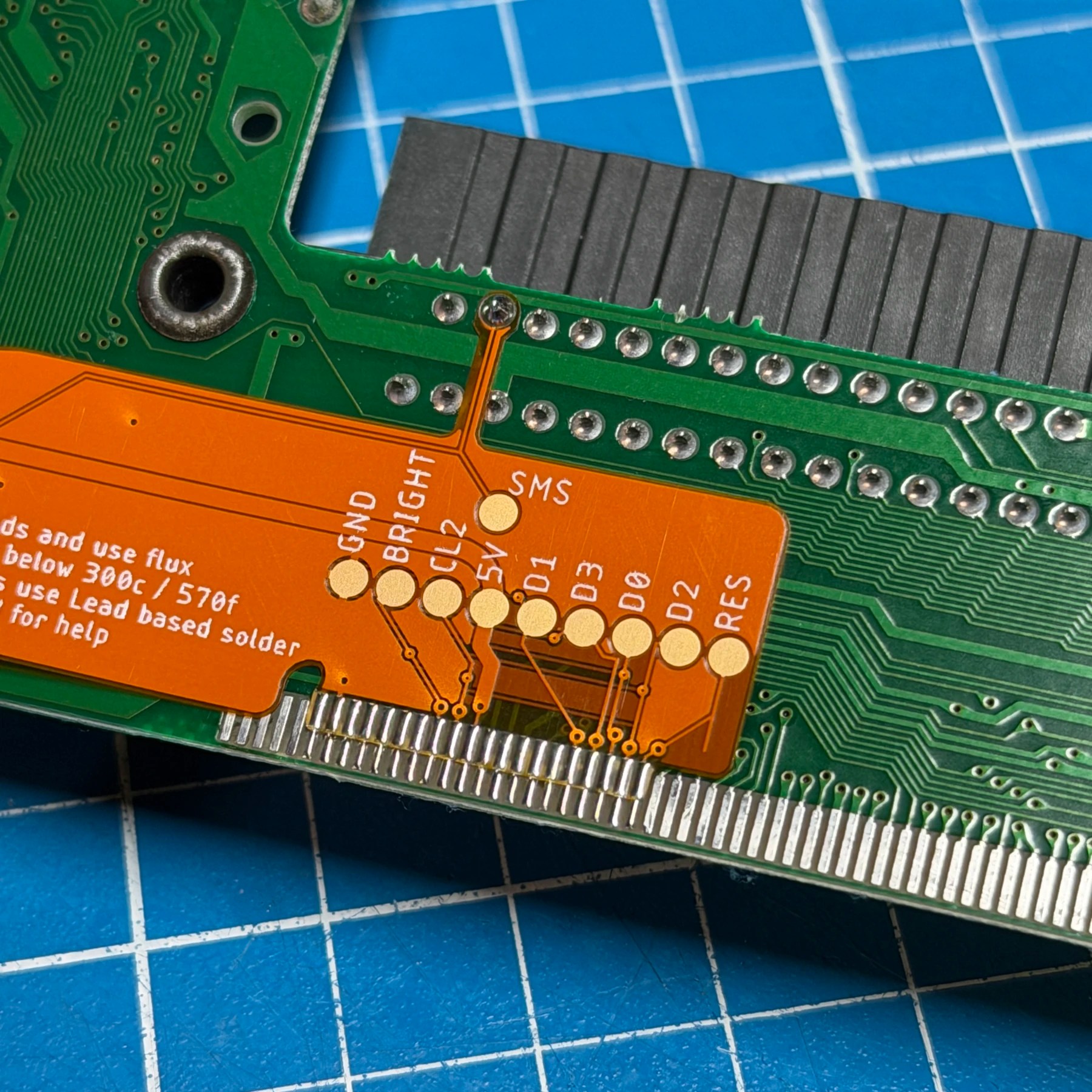
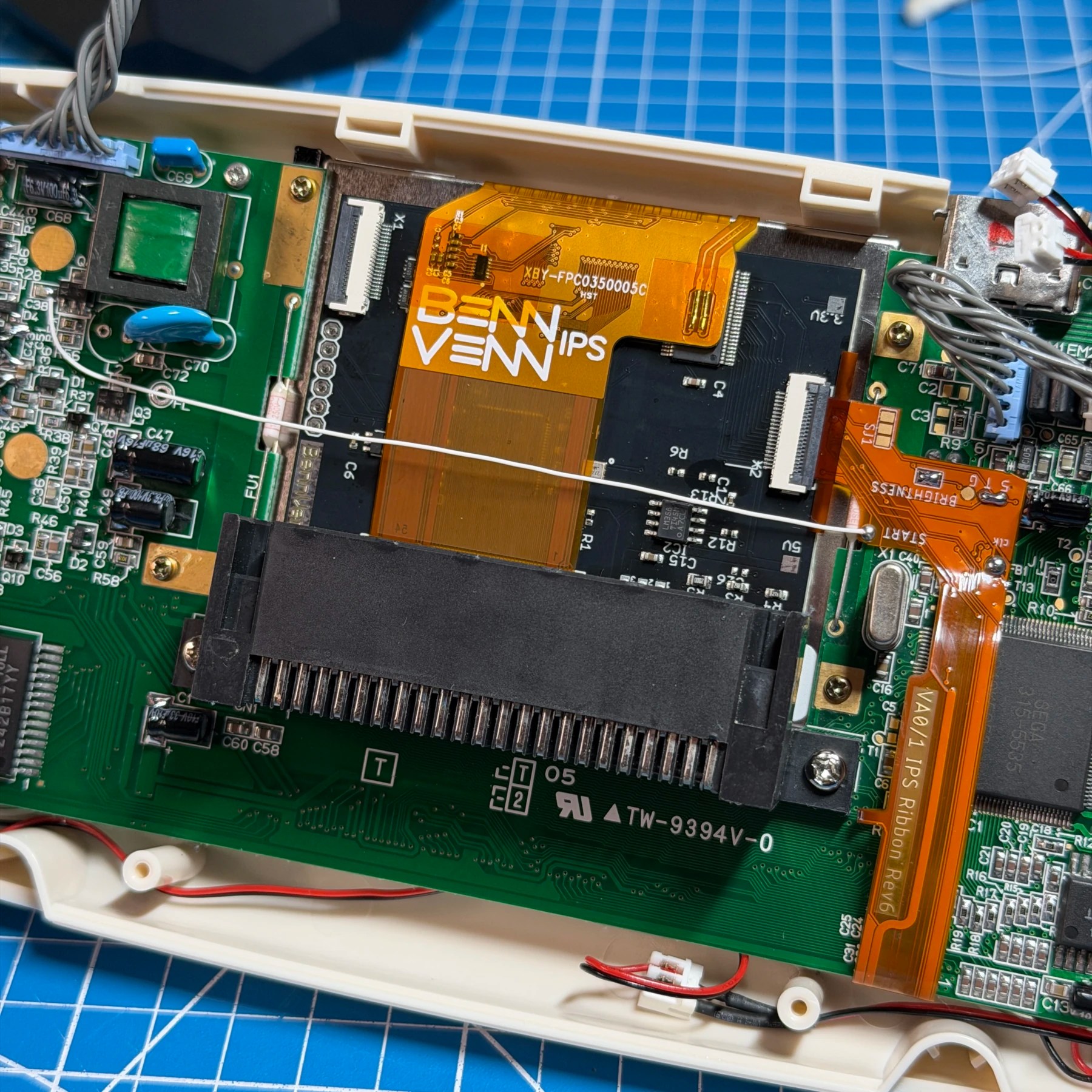
For installing the new screen its quite easy as you just solder on the flex to cart pin 2, a few points for the controls and then a row of about 20 pins for the screen connection. This flex then gets folded over to the backside and since it was a VA1, CLK and T10 points which then puts the screen connector side in position for hooking up to the LCD. I then mount the new screen to the 3D printed bracket they provide and secure the assembly to the mainboard, then insert the flex. At this point all that is left is to connect a wire for the Start button and bridge a few points on the flex for the OSD controls. In this case, the customer did NOT want the touch module installed (which is my recommendation, I find them flakey to use personally) and instead a button combo brings the OSD up and closes it once configured.
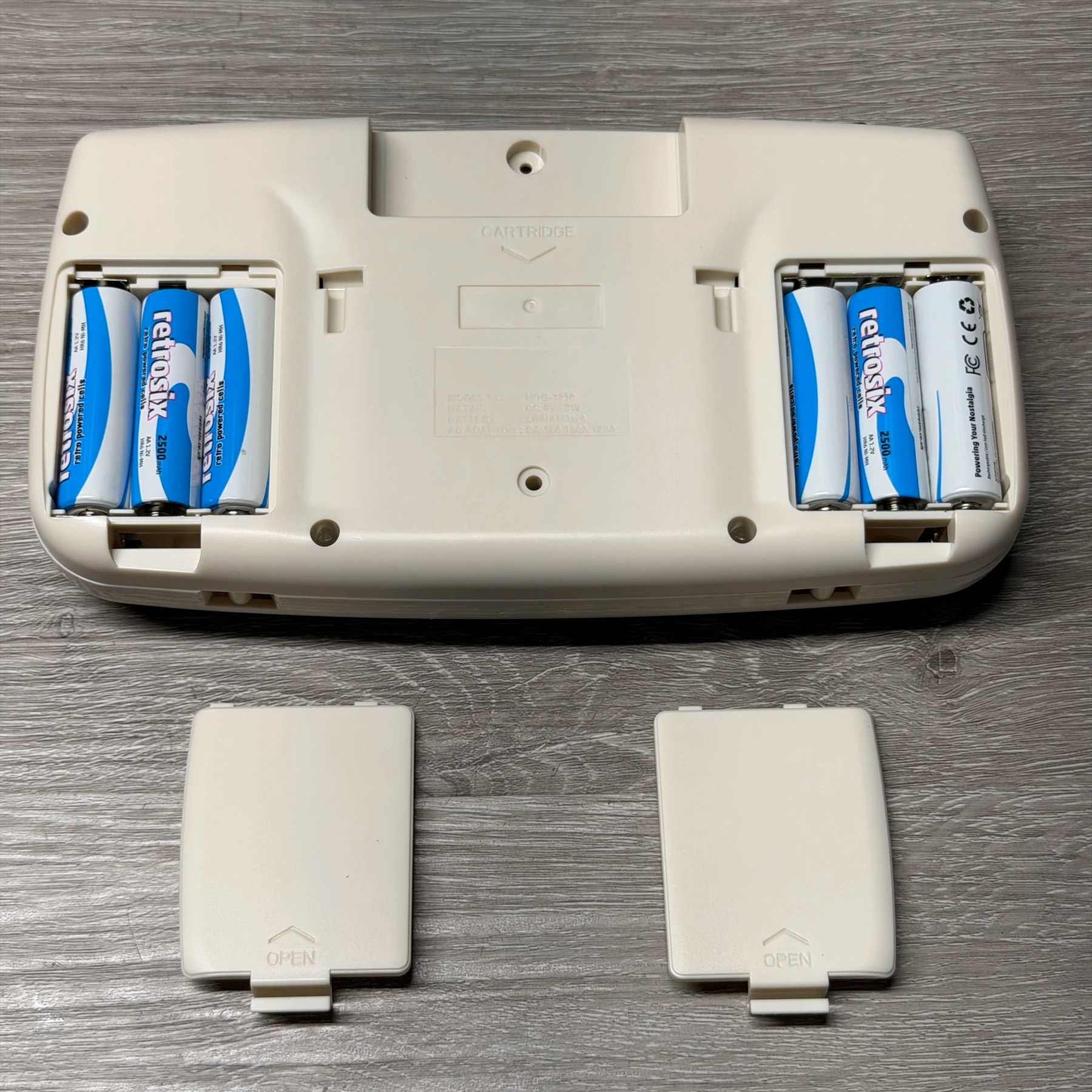
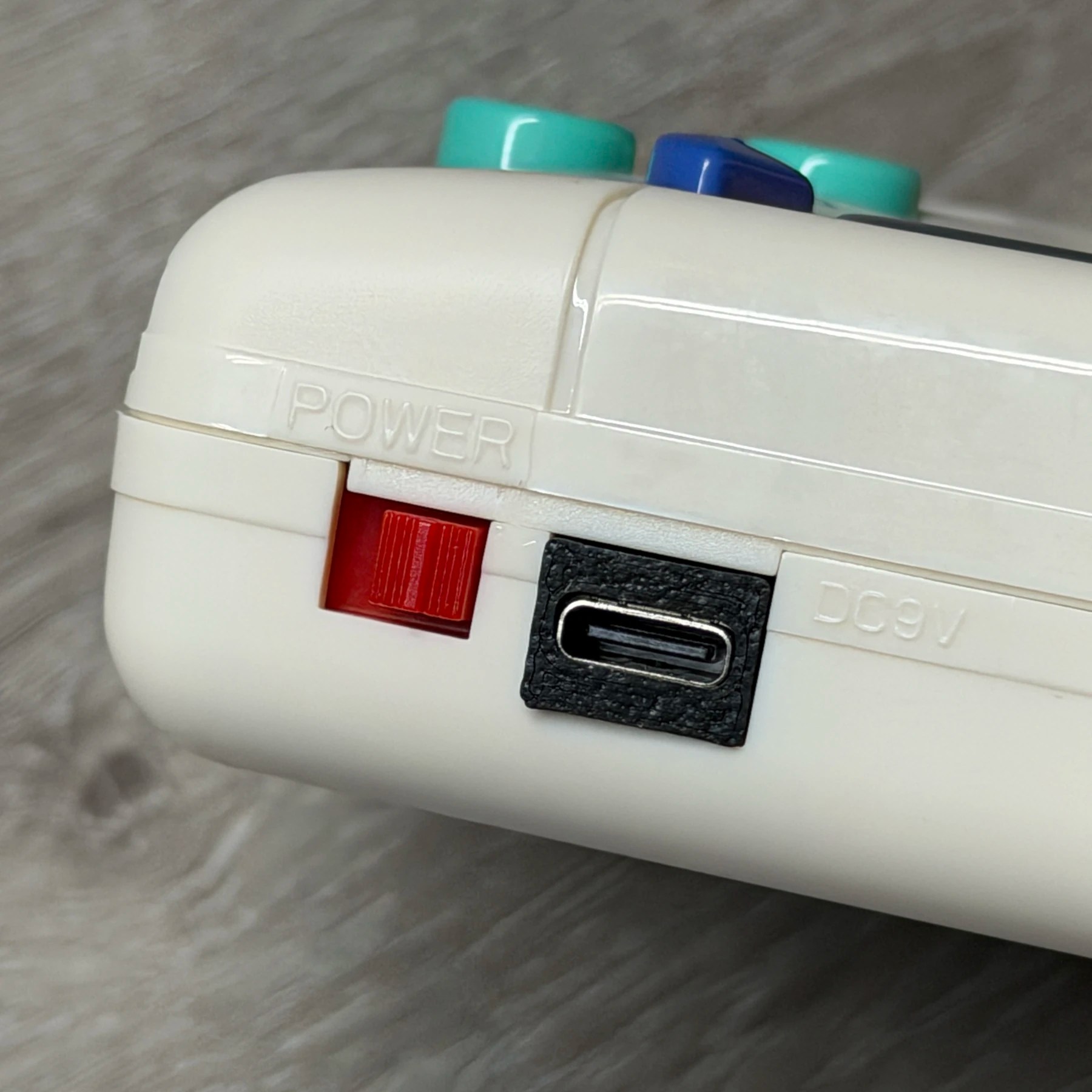
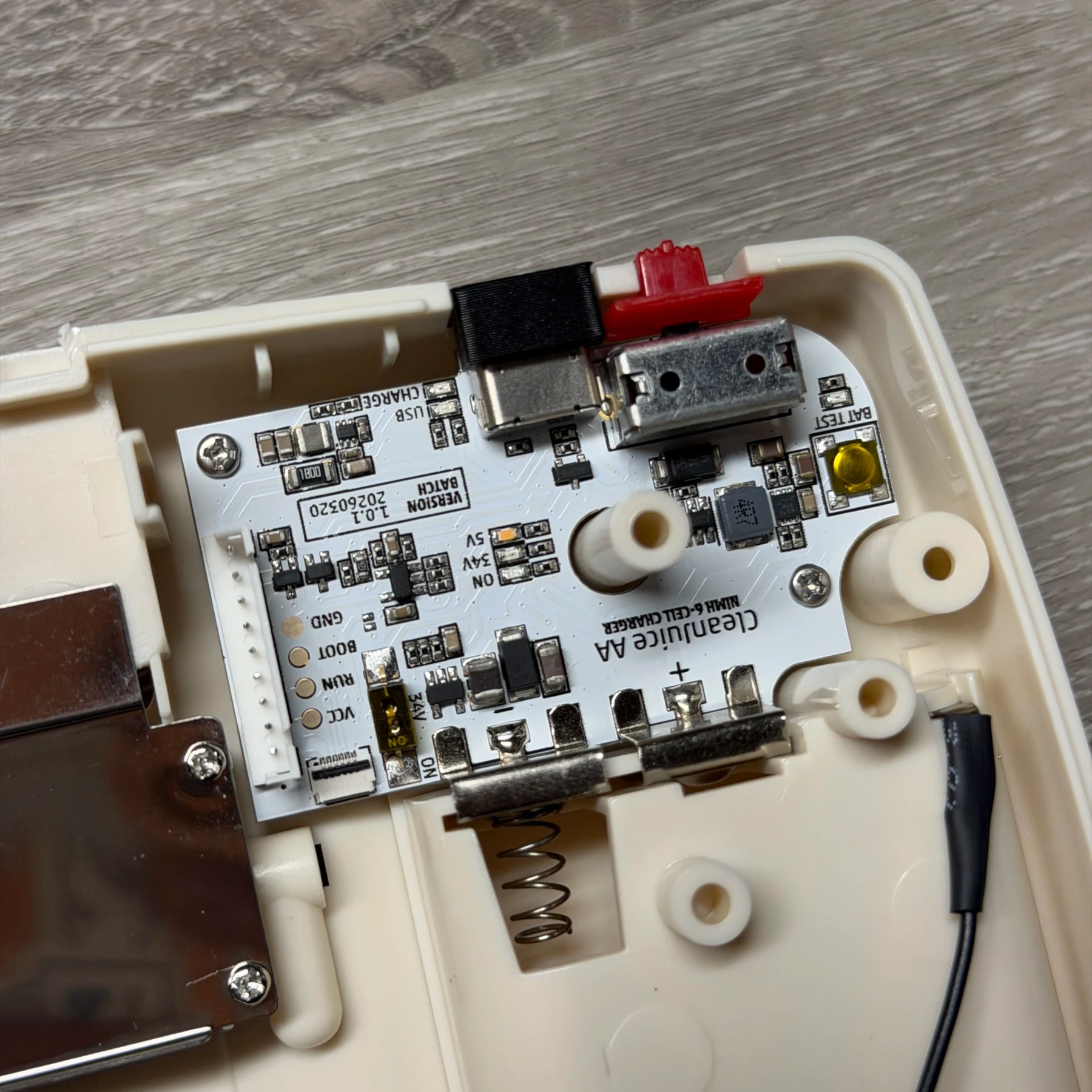
For the power setup the new board is just swappable in place of the original and since this aftermarket shell came with brand new battery terminals already, there really wasn’t much to do here. They did want to have backlight adjustment ability and for the BennVenn screen that means you need the 34V circuit enabled which is not by default on the power board. Luckily it’s as simple as flicking a switch and that’s it.
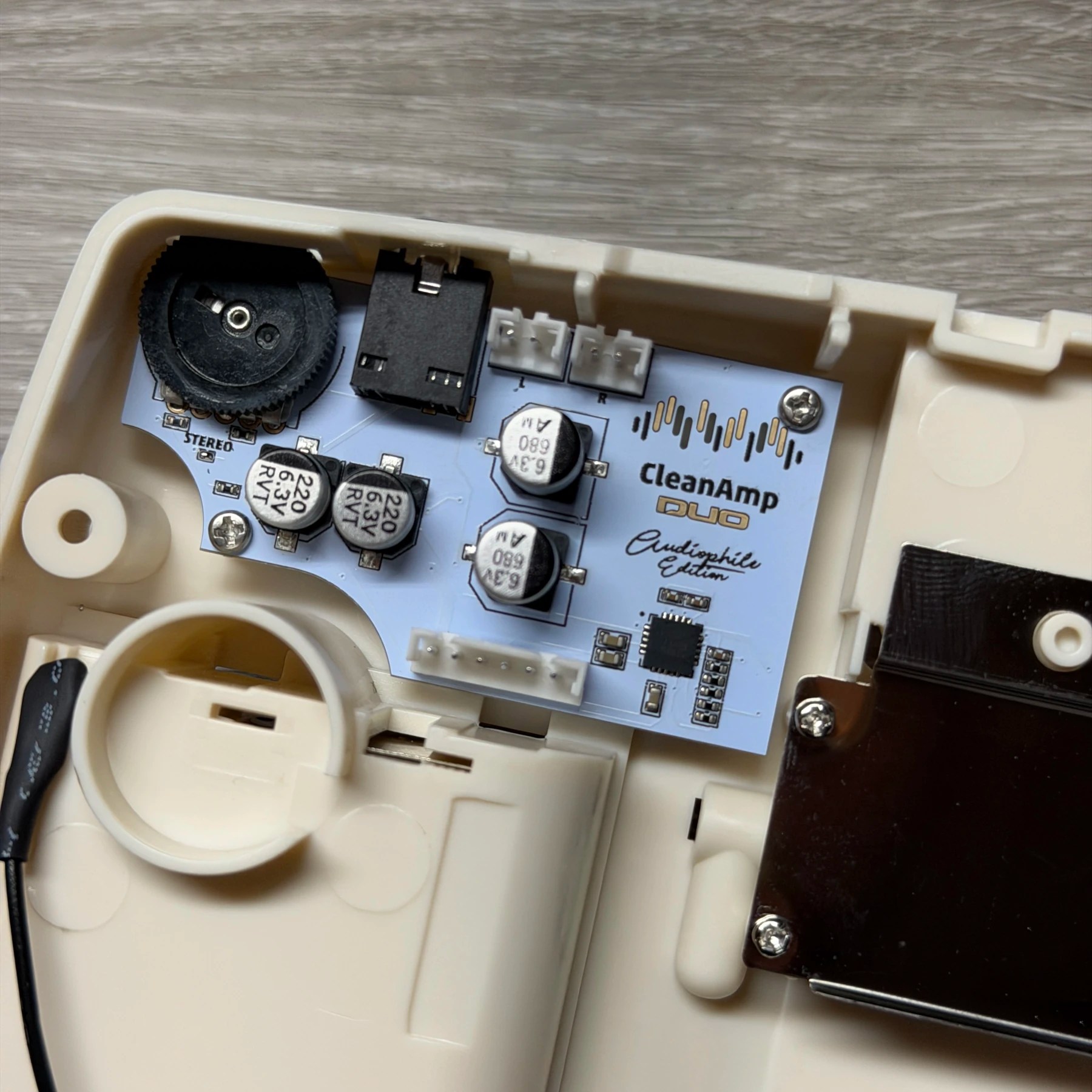
On the audio side, since the shell they picked had dual speaker openings I bridged the stereo pad on the CleanAmp Duo and that is also a drop-in replacement for the original board so it fits right in place and then it’s just a matter of routing the extra speaker wire and using the included speaker clamps to secure them to the new shell.
I then did a dry fit of everything and adjusted the screen alignment a tad (I had left it slightly loose on purpose) and once confirmed perfect alignment I screwed the 3D printed bracket down tight (don’t overtighten though as you can cause bright spots/LCD bleed) and finished the assembly including all the new buttons, membranes (original membranes are not supported on this new DPAD) and securing the connectors.
Since the screw posts are not pre-threaded you have to tighten it but carefully to not cause any splitting and it’s best to work the screws in, then back out and tighten up firmly once you know how deep they have to go.
Upon the first power up of the unit the BennVenn OSD shows on the screen and you can navigate with the DPAD and Start button. Its important if you are not using the touch module to change the Time setting from ‘T’ to any value in seconds, I chose 5 seconds. That is how long you have to hold Up & Start buttons together to bring it back up. There is also a handy adjustment for the horizontal alignment so I tweaked that until the image was perfectly centered.
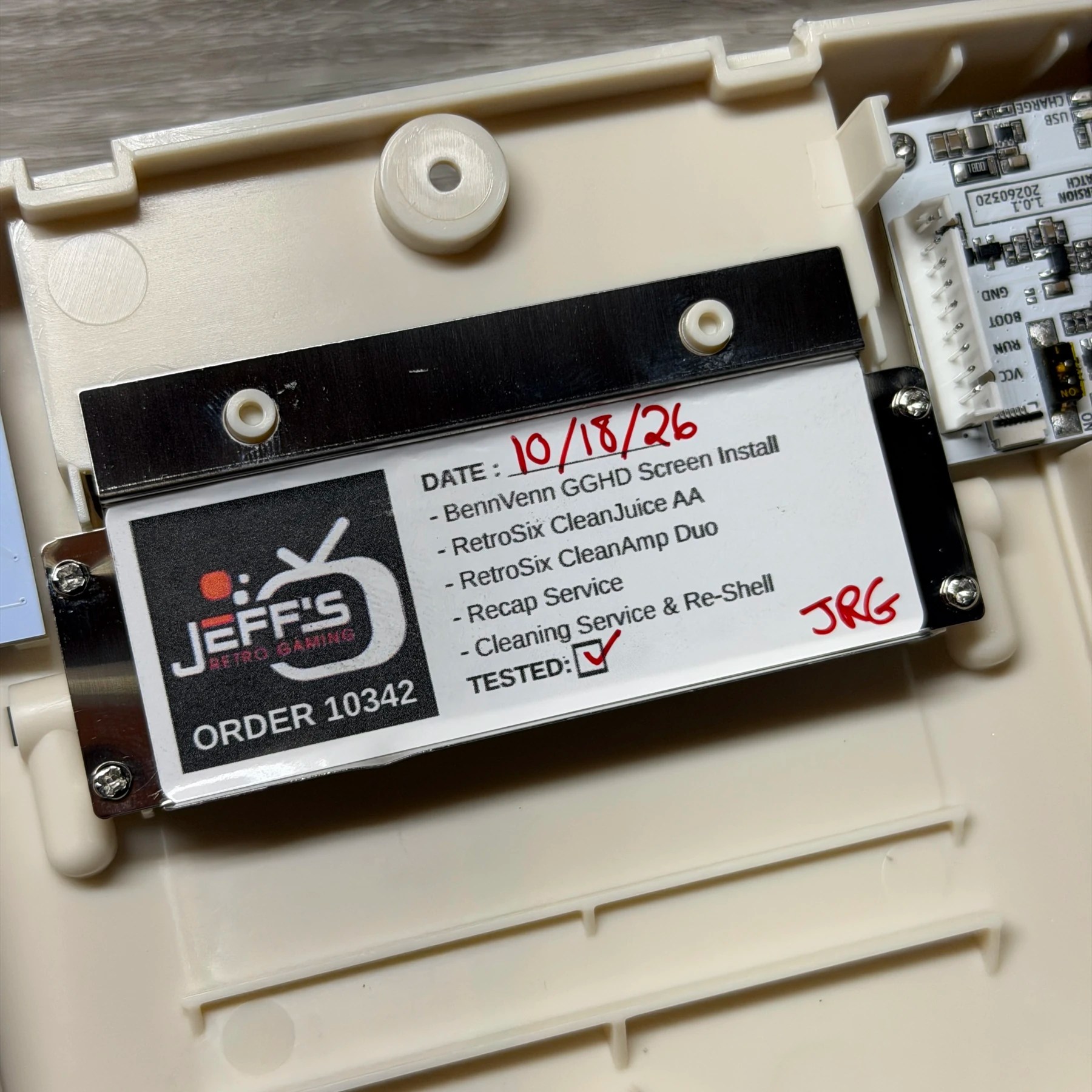
With everything appearing to work OK I then pulled the console back apart in order to place the JRG sticker on the cart slot metal flap, signed off on the work and reassembled fully. The last step is the brand-new lens but I like to leave the screen protector on until the last moment, then while holding the new lens (peeled) over the shell, quickly pull the protector off and immediately drop the new glass lens on. This quick process helps prevent any major hairs, dust or other contaminants from getting down onto the screen and being a nuisance. Not as easy as getting one of the new laminated screens but your options for shells are far more limited on those!
I let it sit on the bench and charge for several hours and then unplugged it and ran it for several more with a game to ensure the sound was working ok, unit was holding a charge and screen and controls were fully operational. Everything looked and behaved perfect so I removed the batteries and got it packed up to ship home 👍