
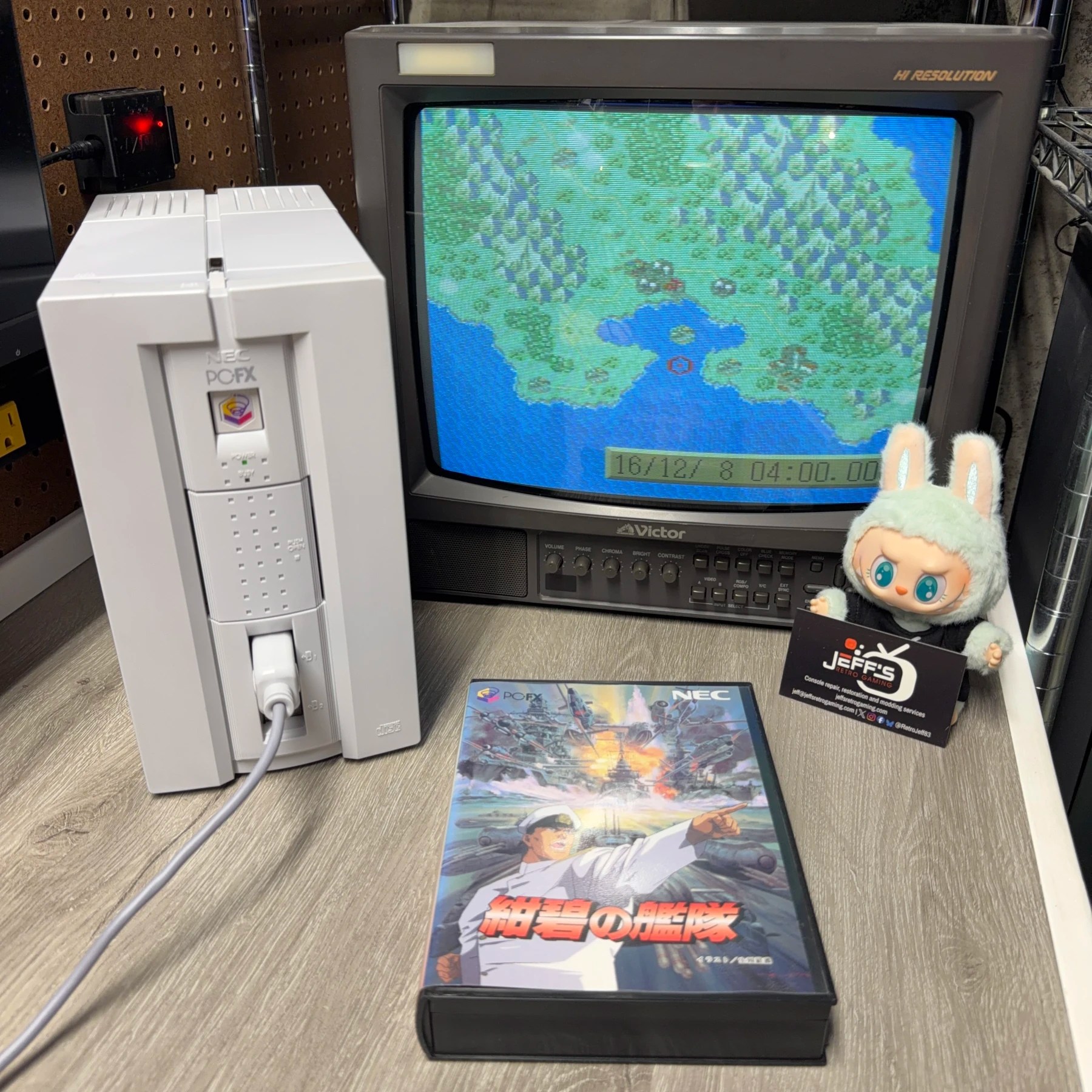
Been a bit since a PC-FX came in but once I saw this one enter the queue I remembered almost the entire teardown process from my previous experiences and that is handy because boy oh boy… these are quite the ordeal!
Customer wanted it given a Full Recap Service, Full-Service Cleaning and to have the save data super capacitor replaced. As soon as it was unboxed I observed uneven yellowing across the shell pieces so I knew it would be getting a RetroBright treatment as well, almost every one of the units I’ve been sent has required it along with the cleaning.
Read on to see how many parts and pieces are involved in this cool and somewhat rare system!
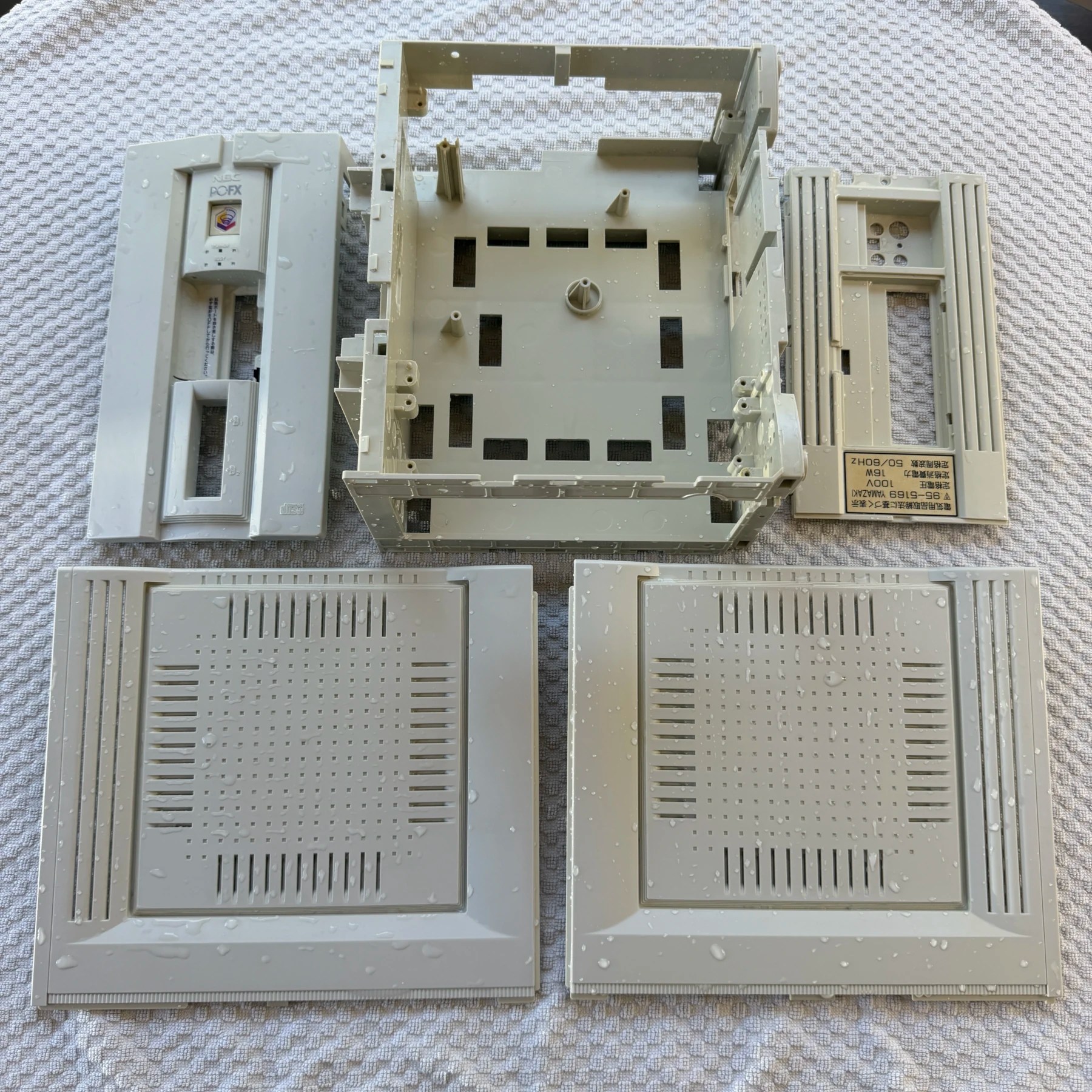
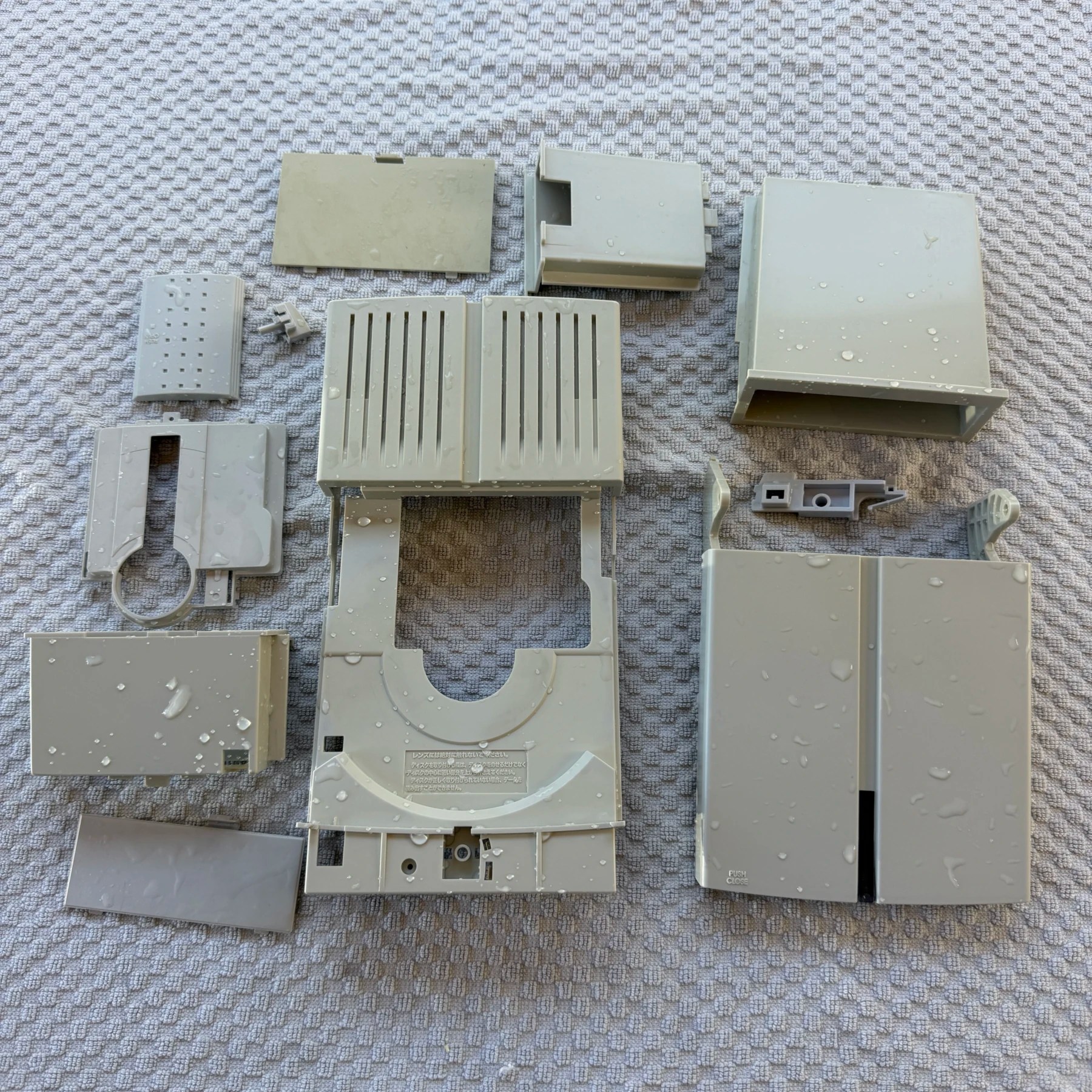
While there is a ton of various plastic parts that make up the shell there are really only 6 screws that hold the outer case together so getting to the central chassis frame is actually pretty easy and quick. Once the side panels and top piece were removed I then worked my way through the interior and pulled out the 3 PCBs in order – PSU, then optical drive mainboard then finally AV/Logic board at the bottom and of course all the related metal shielding.
With so much plastic, I can’t wash them all in my normal bin at once so I haul out the huge RetroBright tub and soak all the pieces, then scrub with soap, rinse and set to dry (in 2 batches) overnight so I can run them through the RetroBright the next day. This thing would take too many sessions fully separated so in this case I actually reassemble the outer shell except for the CDROM tray and panel covers and am able to fit them all in one batch. It ran the following night for 16 hours and came out great, between the washing and restoration this thing was looking nice and white considering its age!
Next up is the recap process…
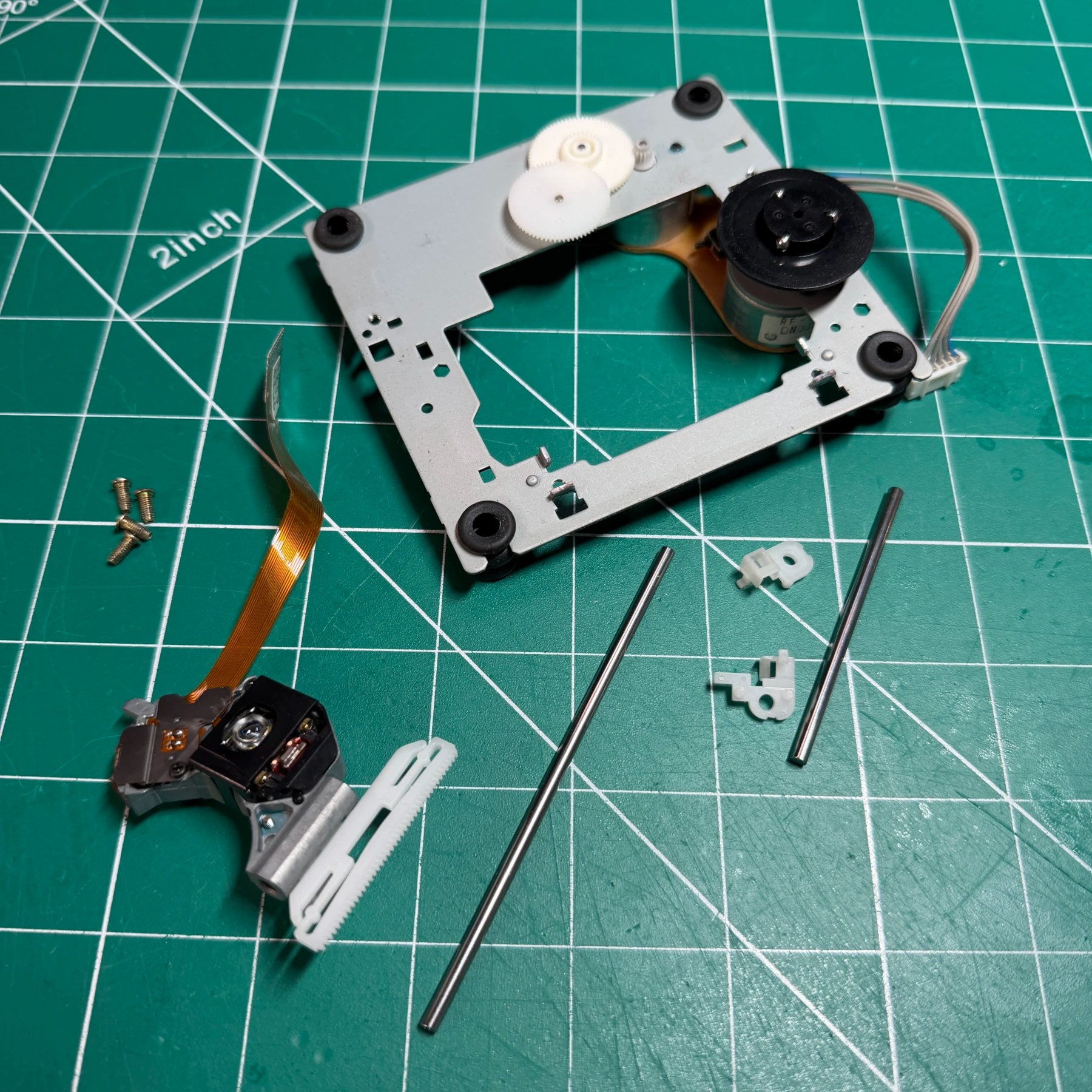
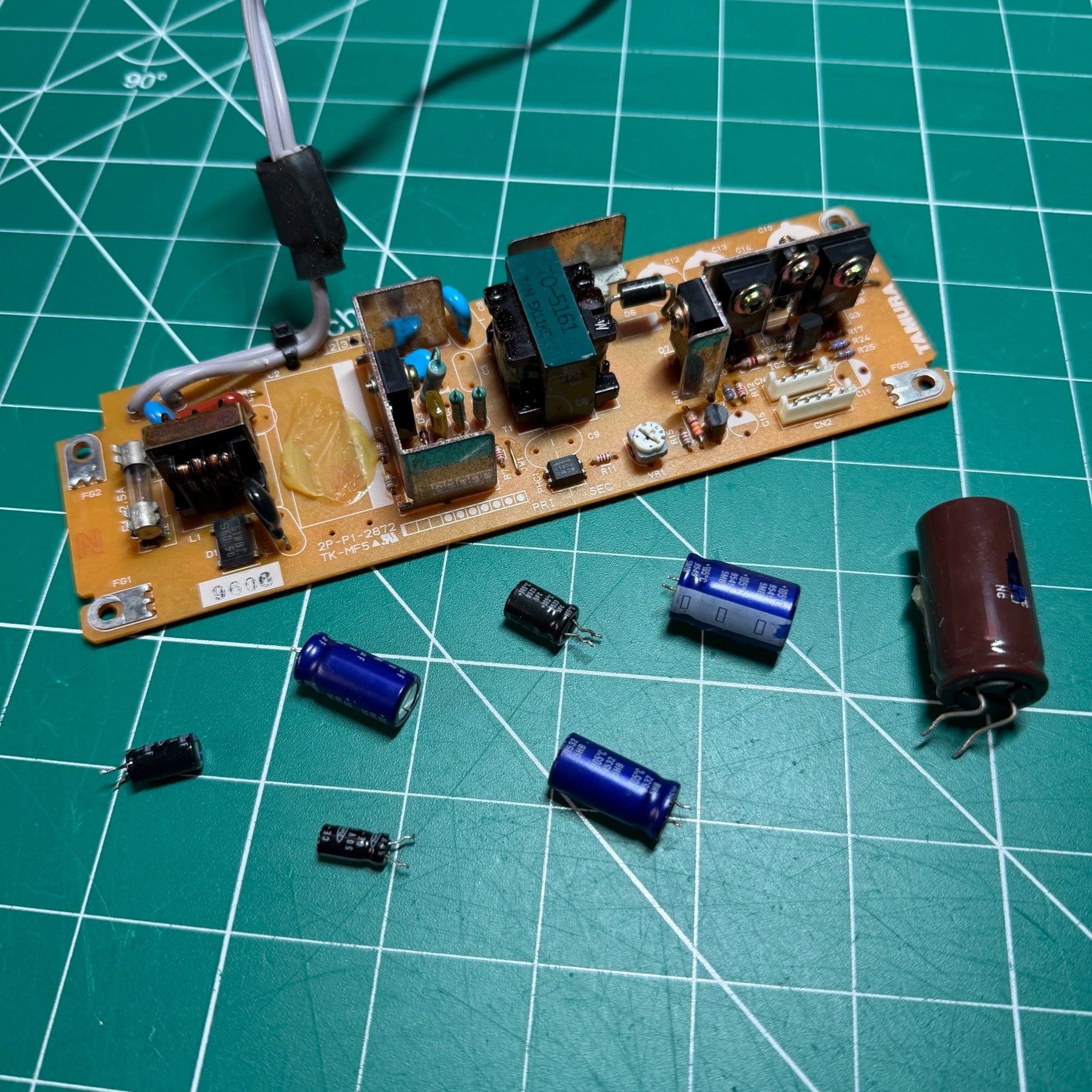
Before getting into the nightmare that are the two mainboards I can make pretty quick work of the PSU and the optical drive. Starting with the PSU, just as I have noted on other units sent in this one had 3 leaking caps on the Tamura PSU! Good thing they sent this in when they did, as the leaked fluid hadn’t caused any damage to the board so once the caps were removed (and my shop filled with that 🐠 smell) and board deep cleaned with ISO, all new caps went on from Console5 and that PSU was set to the side.
For the optical drive, the customer had mentioned some skipping or playback issues so the plan was to test after recap and if needed adjust pots but they also wanted the drive physically cleaned which is important because it helps ensure mechanically the drive will be sound for many more years (if the laser hopefully also holds up!). I start by taking off the rails, wiping those and the gears down and then adding a light coat of fresh grease on all contact/movement points and working it in. with the drive reassembled I then set that to the side with the PSU and it’s time to tackle the biggest part of the job 😬
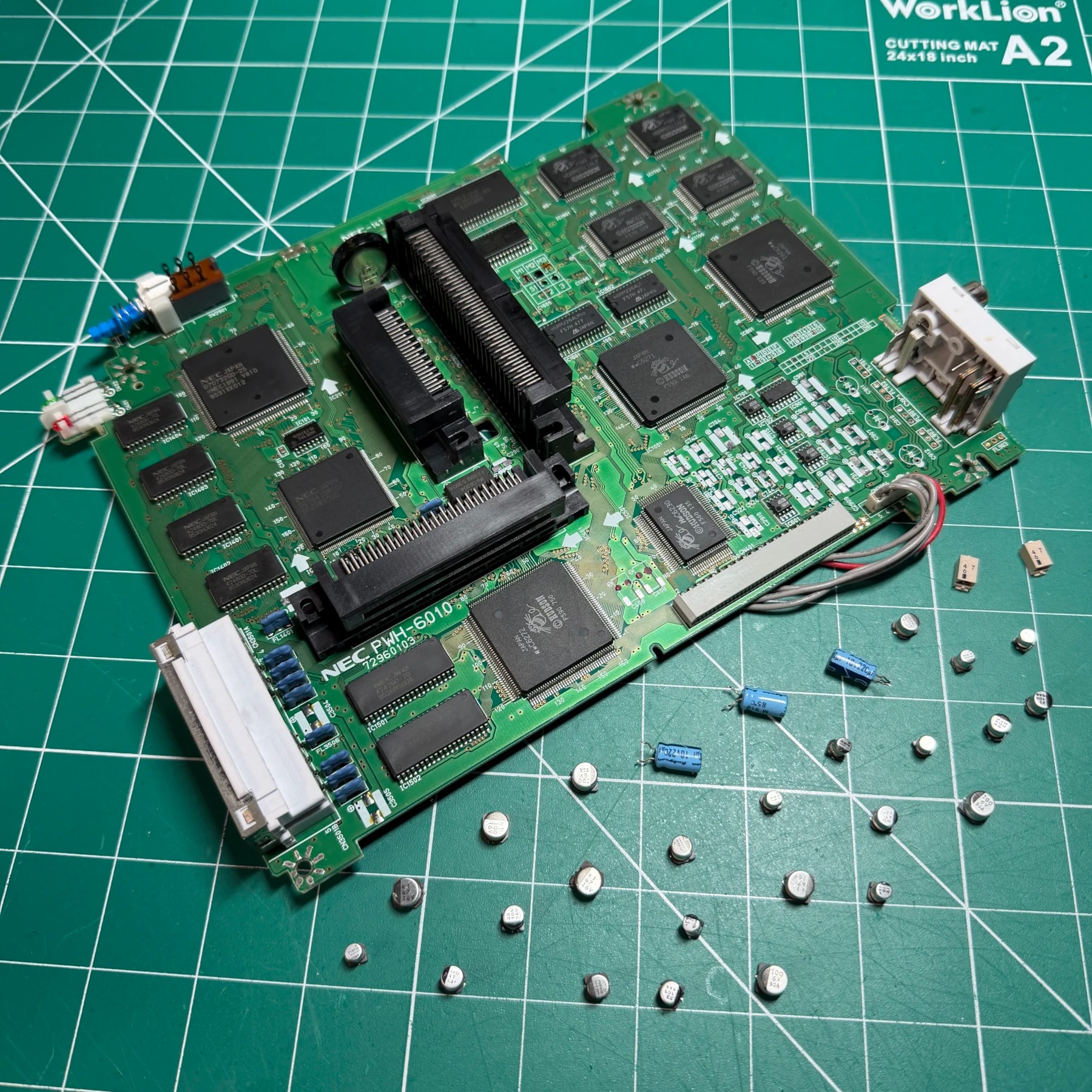
There are 2 main boards inside the system, one that connects directly to the PSU and optical drive which I always tackle first, then the AV/Logic board. The first board has a REALLY annoying metal shield soldered along all 4 edges that requires a decent amount of work to remove, so I tackle that first. There is then a smaller metal shield that also has to be removed to access the bottom of some caps so I take that out, then clean all those aforementioned pads.
This board is populated with all through-hole caps so I make quick work of them with my Hakko gun, then clean the board and insert, solder and snip the leads off all new caps from the Console5 kit. I had marked the metal shield orientation as well and I make quick work of soldering both back on and cleaning up any unspent flux, board 1 of 2 done!
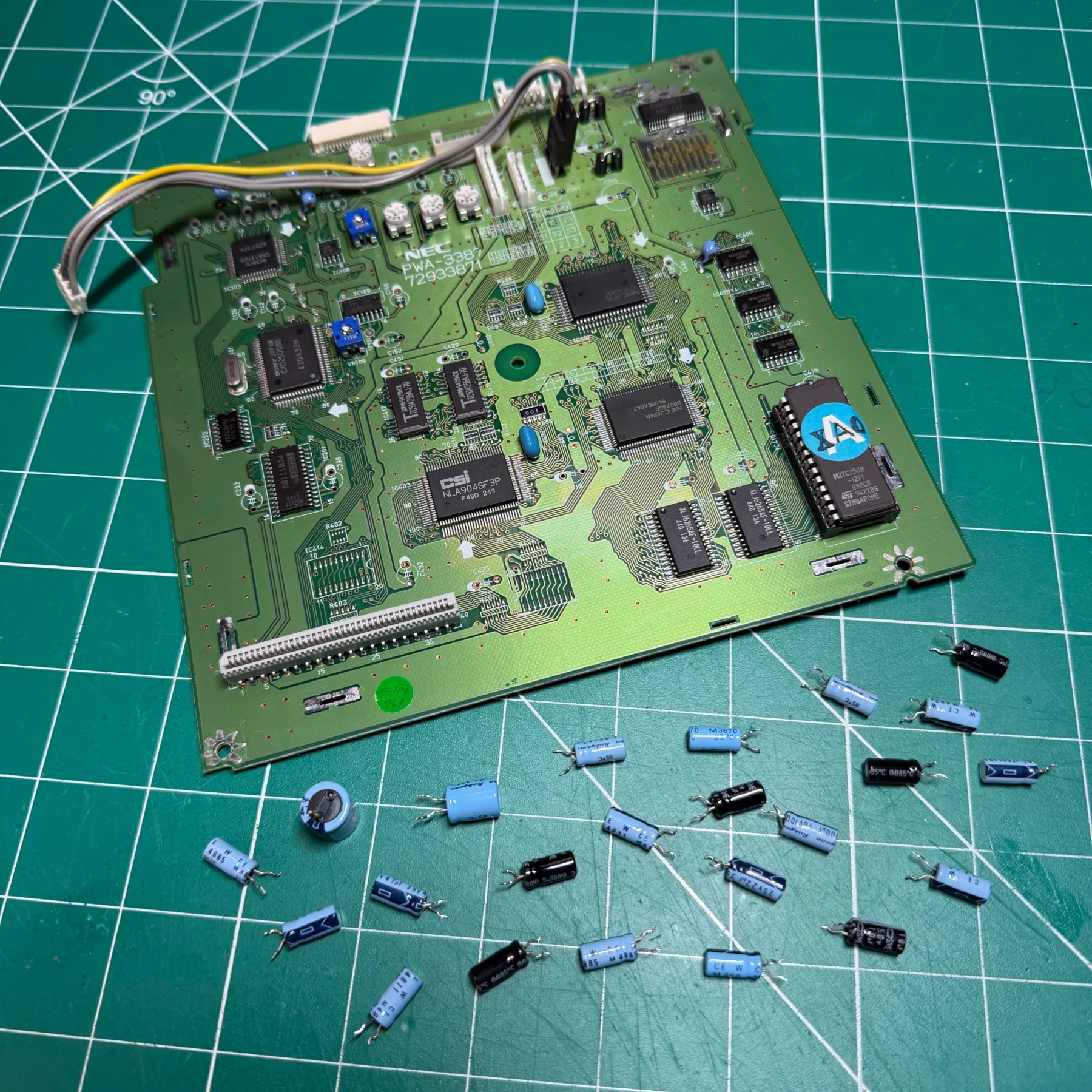
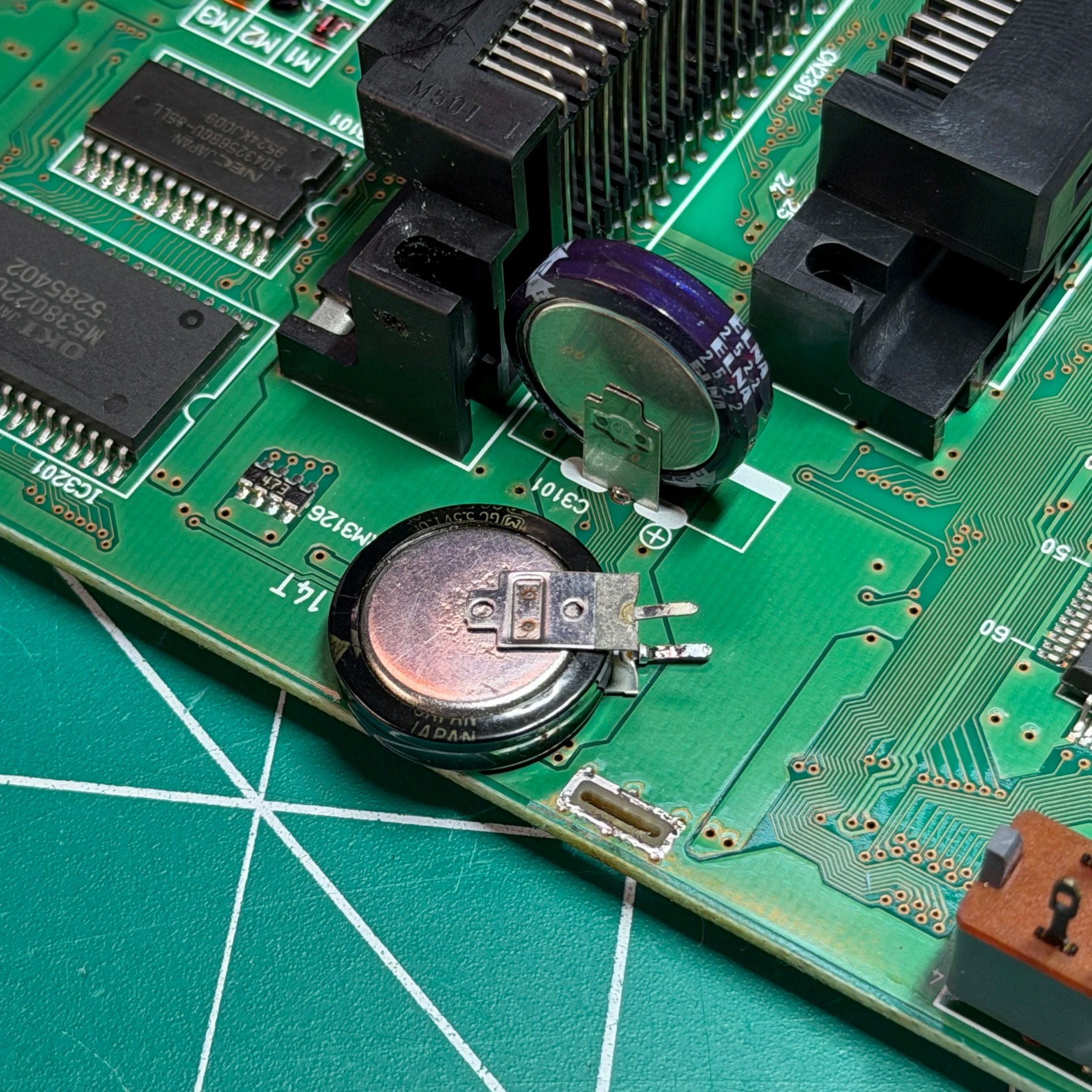
Board 2 has almost all SMD caps except a few near AV ports and the supercap. I remove those handful with the gun then set that aside and fire up the tweezers because in that back right corner we have SMD city! So many and it’s tough to read the silkscreen as they are all close together so a starting photo for cap values is super helpful here! I get all those SMD caps removed and then clean and prep the pads and solder the new SMD replacements on from the kit. There are 3 caps over near the mainboard connectors that can be tricky to get to with tweezers so you have to go carefully and try not touching/melting the nearby plastic.
The supercap is available from Console5 as well so I solder the replacement on, then clean up all my flux on the top and bottom side and this board is ready to go back into the system along with the rest!
After the shell had been retrobrighted I gave it another rinse and let it dry and it was ready for reassembly by the time I got the recap and rest of the interior work done. Putting this thing back together is also a lot of work and you really have to be careful you get all the metal shielding installed correctly, grounding straps connected and any flexes and wires as the boards are going back in. The AV/Logic board in particular is tricky because you have to very slightly bend out the shell and squeeze the board in at an angle to fit it, while also ensuring the flex isn’t getting snagged on the case.
Once that board is in and secured the rest is much easier, as the optical drive board and PSU drop right in and it’s just a matter of securing those wires and screwing them and the top metal shield in place.
For the optical drive, putting that back in (and not forgetting the 4 leg springs!) is tricky as you have to feed the flex and tray sensor wires down through to the board and secure them without much room to move your fingers around. With those and the PSU connected I had enough of this back together to test before closing up the shell.
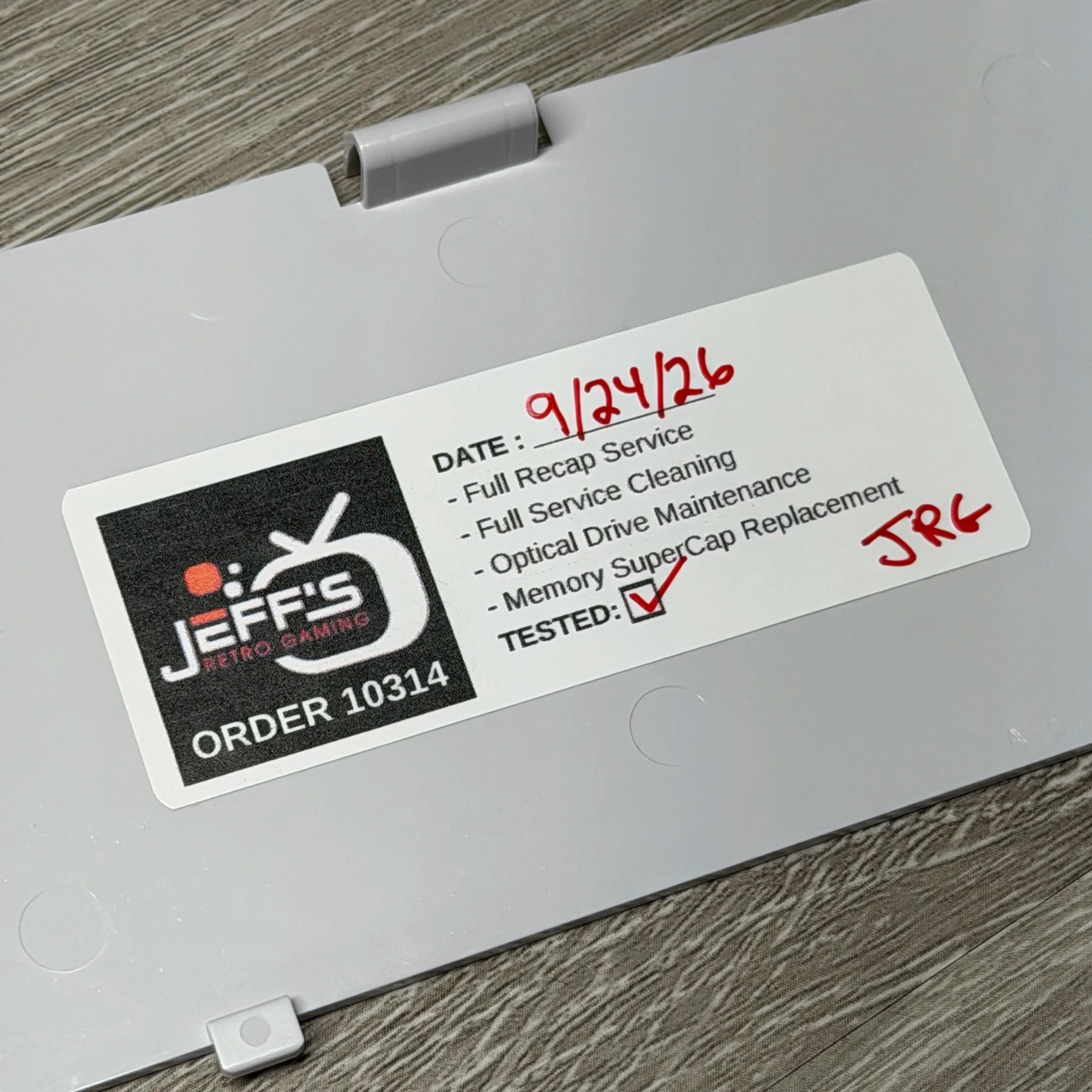
The PC-FX fired right up, looked and sounded perfect (using S-Video) and I was able to pop in and have it play all 4 factory pressed games I tested perfectly. I even used my burned disc copy of the Team Innocent translation as a good test as burned media always struggles more but the intro FMV, music and game all played perfectly. I updated the customer and informed them of the disc playback and that I would not be adjusting the POTS as you can make things worse if not done carefully and it seemed to be behaving great after recap so it was all good news! Got the rest of the shell and my sticker in place and let it run one last time on the bench for a handful of hours as a burn in test with some strange war strategy game I could not for the life of me figure out (thanks to not understanding any Japanese)
Either way, happy to see another of these leave my shop looking and running great, it’s a bummer of a console when you think of it as the successor to the PCEngine but taken on its own, it’s pretty cool (and definitely cool looking!)